الوصف
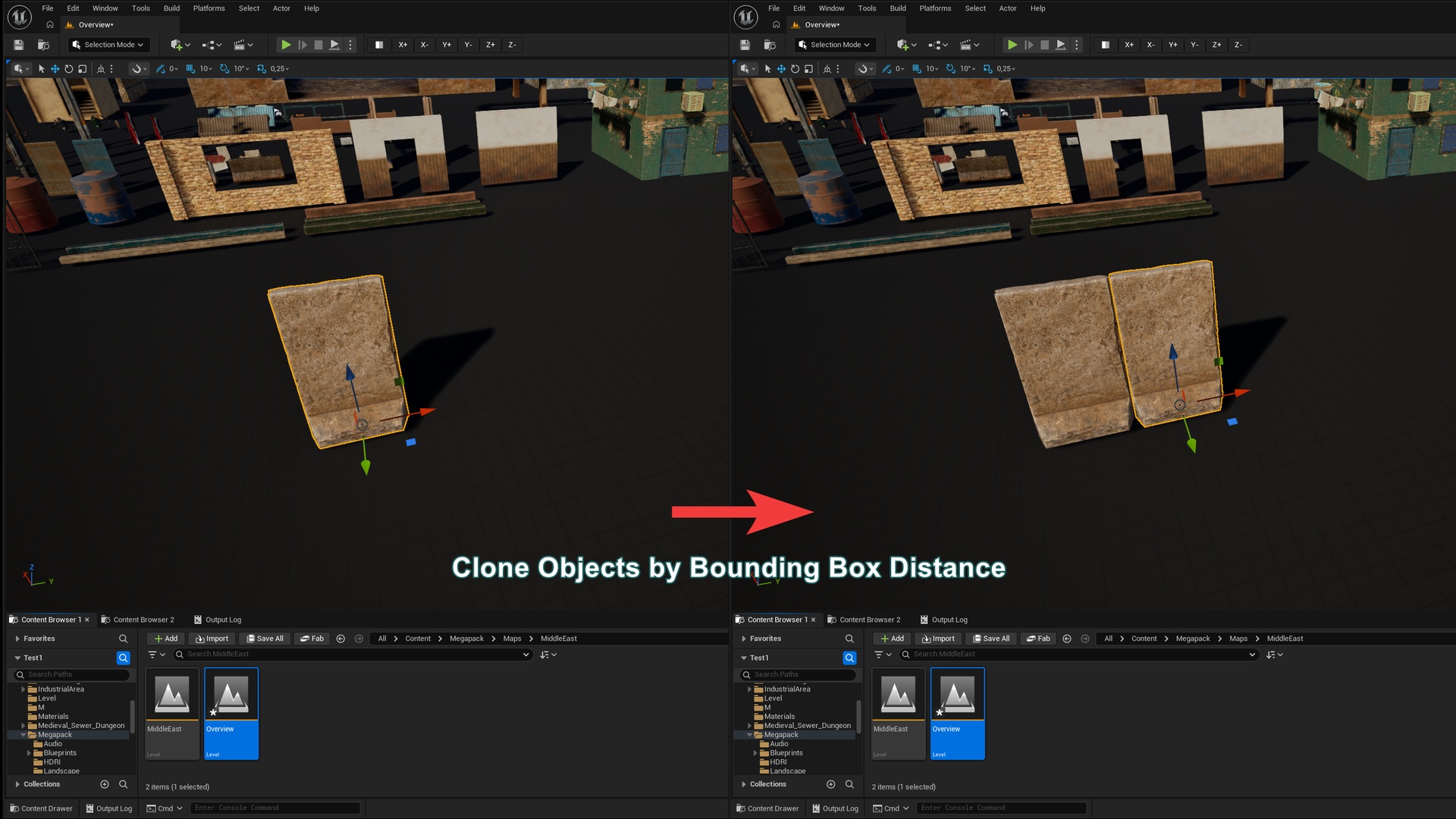
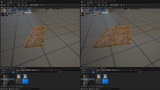
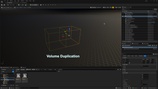
The plugin is designed for level designers and allows you to duplicate actors by their bounding box size and place them flush against each other. This makes it easier to place walls, floors, and other objects when their dimensions are not multiples of 1 or 5 centimeters (for example, if an object's length is 25.6).
Demo Video: youtube.com (32 sec)
Documentation: Google Doc
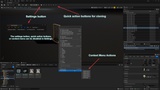
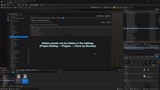
The plugin adds a settings button, a quick actions toolbar, and context menu actions (panels can be hidden in the settings).
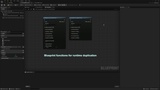
Works in both Editor and Runtime. Blueprint functions for runtime duplication: DuplicateActorByBounds, DuplicateActorArrayByBounds, and GetOffsetDuplicateActor.
Note: The plugin only accounts for the bounding box and ignores the actual geometry.
By default, the entire actor's bounding box is used.
Additional Settings:
The "First Component Only" option considers only the bounding box of the first component instead of the entire actor.
The "Only SM & Skeletal" option considers only the bounding boxes of Static Mesh and Skeletal Mesh components, ignoring all others.
Additional Offset.