


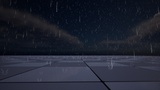
설명
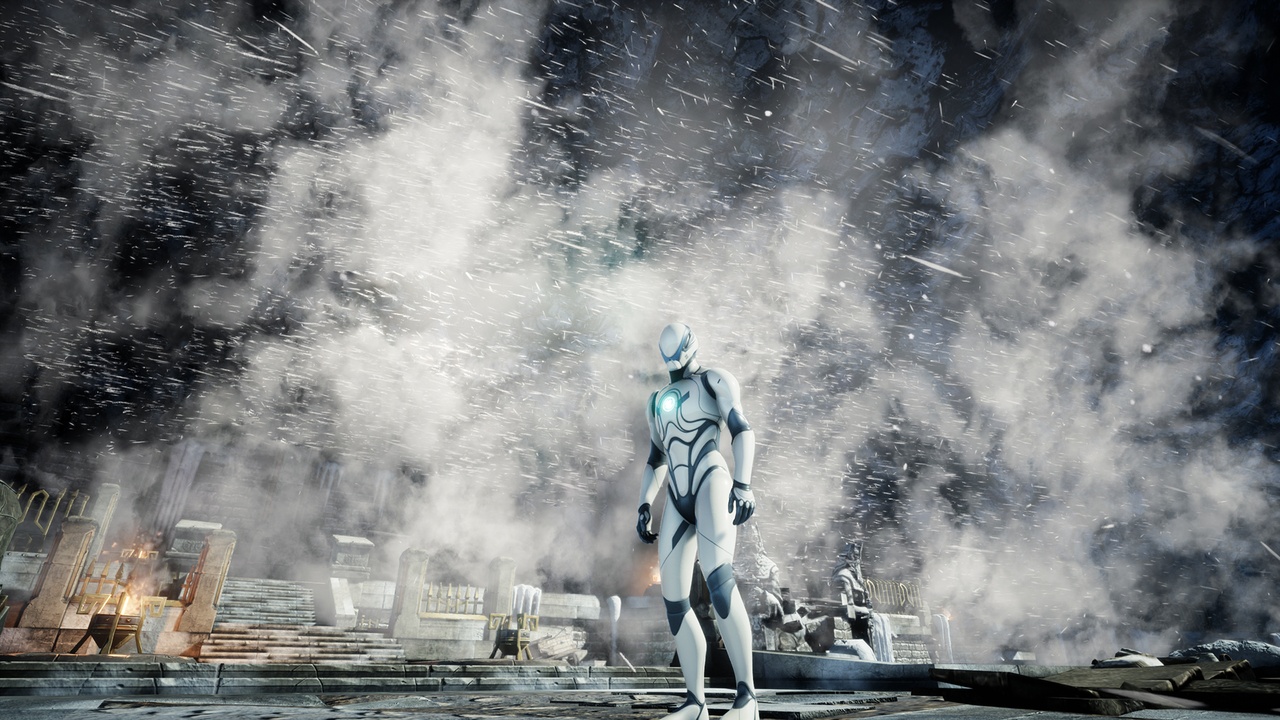
Weather Effects is a collection of 10 Niagara-based weather systems for Unreal Engine 5 — snow, blizzard, rain, hail, stylized variants, and thunder & lightning — all Blueprint-driven, runtime-adjustable, and drag-and-drop ready.
Drop any system into your level, set your parameters, and your environment is reacting to weather before you finish the cup of coffee. Every effect is fully parameterized at runtime: density, speed, turbulence, and direction are all exposed in the Blueprint.
Preview Video | Discord Community
What's included (10 effects):
Snow Storm / Blizzard — spline-driven snow particles with configurable blow path, density, and intensity. Route snow through corridors, between buildings, or across open terrain.
Snowfall — open-world-ready with follow-player mode. Dynamic wind direction and turbulence randomization for realistic variation over time.
Hail — Niagara particle hail system with adjustable density and scale.
Snow + Rain — mixed precipitation for transitional weather states.
Stylized Snowflake Snow — hand-crafted snowflake particles for stylized or low-poly game aesthetics.
Cartoon Snow — exaggerated snow for animated or cel-shaded games.
Rain — standard rain with density and speed control.
Heavy Rain — high-density rain for storms and dramatic weather transitions.
Stylized Rain — stylized variant for non-realistic art styles.
Thunder & Lightning — self-contained Blueprint with configurable strike frequency and randomized positions relative to player facing direction.
Key features:
All effects are runtime-adjustable — change weather dynamically during gameplay
Follow-player mode on snow/rain systems — efficient for large open worlds
Spline-based blizzard pathing for level-specific wind direction
Pure Blueprint + Niagara — no C++ required
Drag-and-drop into any map, no level setup required
Parameters exposed for density, speed, turbulence, and randomization
Perfect for:
Open world games needing dynamic, player-following weather
Survival and horror games with blizzard or storm atmosphere
RPG and adventure games with seasonal or region-based weather
Stylized and cartoon games needing non-realistic weather variants
Any UE5 project that needs weather without building it from scratch
Getting started:
Add the asset to your project via the Fab Library
Drag the desired weather Blueprint actor into your level
Set density, speed, and turbulence in the Details panel
Enable Follow Player if using in an open world
Hit Play — weather is active immediately at runtime
Technical:
10 Niagara particle systems with Blueprint wrappers
Runtime parameter exposure via Blueprint public variables
No C++ required
Supported platforms: Windows, Mac, Linux