Description
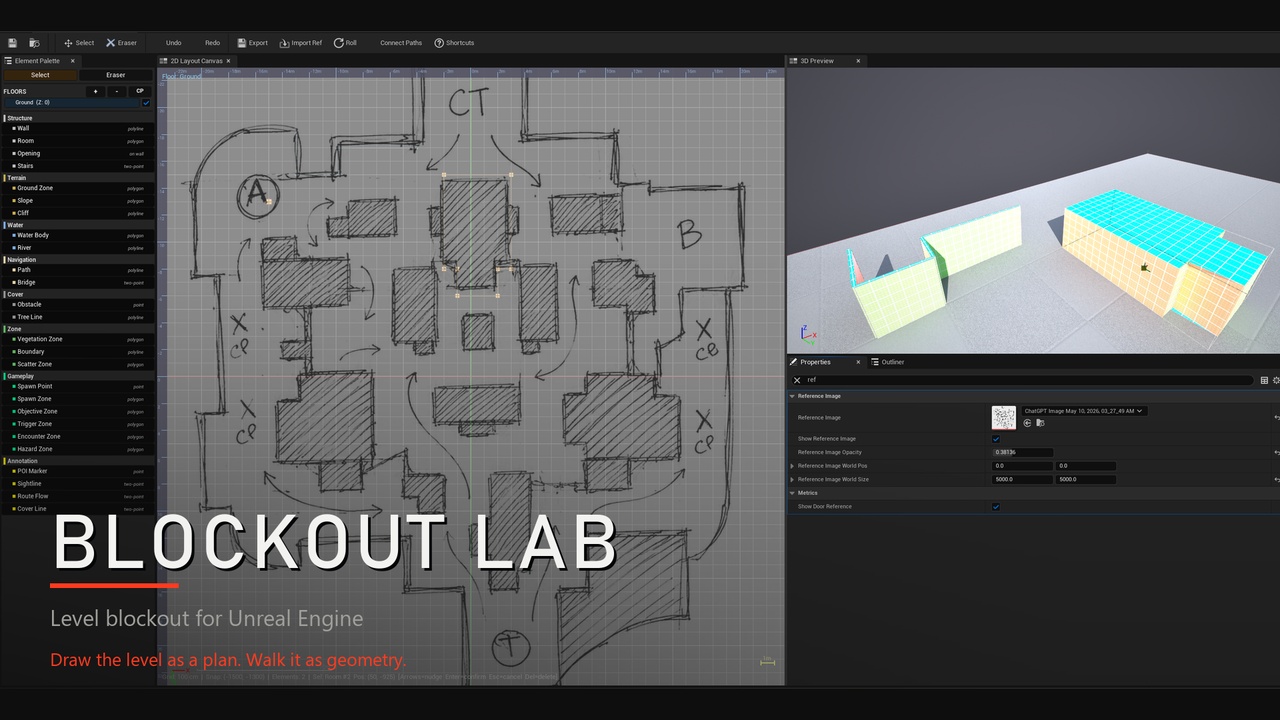
Sketch rooms, terrain, water, cover and gameplay zones on a 2D canvas with a live 3D preview, then export them to your level. UE 5.4–5.8.
Documentation Page
Draw the level as a plan. Walk it as geometry.
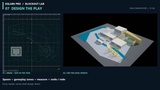
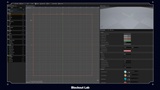
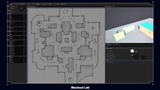
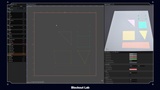
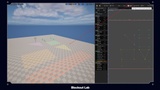
Blockout Lab is a whitebox editor for level designers who think in plan view. Sketch the level on a top-down canvas, watch it build in a live 3D preview beside it, then export it into your level as ordinary static mesh actors. You never leave the editor, and you never push cubes around in perspective.
The layout is saved as an asset, so you can reopen it, change it and export again as the design moves.
▸ A canvas built for level design
Draw with 26 element types in 8 colour-coded categories, so a plan reads at a glance:
Structure — walls, rooms, openings and stairs
Terrain — ground zones, slopes and cliffs, with six ground types (grass, dirt, sand, rock, stone, shallow water)
Water — water bodies and rivers
Navigation — paths and bridges
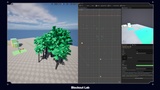
Cover — obstacles, tree lines and vegetation zones
Zones — boundaries, points of interest, sightlines and scatter zones
Gameplay — spawn points, spawn zones, objectives, triggers, encounters and hazards
Annotation — route flow and cover lines
Spawns, objectives, sightlines and cover lines are real element types, not naming conventions, so the blockout carries the design intent as well as the shape.
▸ Trace a real floor plan
Drop a reference image onto the canvas, scale it to a known size, and trace over it. Auto-trace can find the walls in the image for you, with threshold and simplify settings. It's the quickest way from "here's the map we like" to "here's a level we can walk".
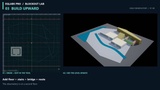
▸ Build upward
Stack floors and connect them with stairs. The 3D preview shows the whole building.
▸ Procedural helpers
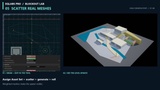
• Scatter: fill a scatter zone with props or vegetation in five patterns (scatter, mandala, cluster, mosaic, rows), with uniform, edge or centre density falloff
• Asset sets: point scatter at your own meshes with weights, so the blockout uses your kit
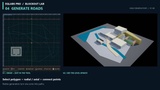
• Auto-connect paths: link spawns, rooms and zones with paths automatically
• Scatter presets: save your scatter settings and reuse them in other projects
• Genre presets: Custom, FPS/TPS, Platformer, Vehicle and Horror/Stealth set player, cover, hallway and door sizes to start from
▸ Export to the level
One click turns the plan into placed static mesh actors in the level you have open, tagged by layout and element type so you can find and replace them later. Change the layout and export again to update them. You can also export a floor as a PNG plan for design docs.
▸ Where it fits, honestly
Blockout Lab blocks out; it doesn't finish. The output is greybox geometry with placeholder materials, meant to be replaced during the art pass.
▸ Blockout Lab or EQLabs Pro?
Blockout Lab is also part of EQLabs Pro. Buy the standalone if level blockout is what you need; choose Pro if you also want the other EQLabs tools.
═══ FEATURE BULLETS (10) ═══
• Top-down 2D layout canvas with a live 3D preview beside it
• 26 element types in 8 colour-coded categories, including gameplay and annotation
• Trace a reference floor plan, with auto-trace for walls
• Multiple floors connected by stairs
• Terrain with six ground types, slopes, cliffs, water bodies and rivers
• Scatter in five patterns with weighted asset sets from your own meshes
• Auto-connect paths between spawns, rooms and zones
• Five genre presets for player, cover and hallway sizes
• One-click export to placed static mesh actors, re-exportable, plus PNG plan export
• UE 5.4 to 5.8, Windows editor, full source, no plugin dependencies
New in 1.2: playable blockouts
Walkable export. Doors leave a real opening, stairs are climbable and zones have no collision. Pick the
collision per export: Accurate, Fast boxes or None.
Playtest. Drop into the exported layout with a playtest character and walk the space you just drew.
Multi-floor layouts. Add floors above or below (basements included), give each floor its own height, and
existing floors keep their height when you add new ones.
Navmesh preview. See where AI can walk before you commit to the layout.
Design Lint. Flags off-grid geometry, doors and corridors too narrow to move through, and ambiguous cover,
before anyone playtests it.
3D measure and notes. Measure distances in the 3D view and pin review notes to the layout.
Undo everywhere. Every edit is one undo step, including property changes, nudges and presets.
Pipelines
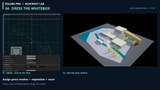
PCG. Read a Blockout layout and asset set inside a PCG graph, so procedural dressing follows the plan, and
refresh automatically when the layout changes.
Houdini. Export the layout as Houdini geometry (a plain File SOP loads it, polygons, groups and attributes
included) and import Houdini point clouds back as instanced meshes. It works through files: no Houdini plugin is
needed on the Unreal side.
Plan export. Render any floor to a colour-coded top-down PNG for reviews and documentation.
Also included
Blockout Generator: parametric rooms, corridors, L-corridors, staircases, ramps, platforms, doorways,
windows and cover, placed at the origin or your selection.Procedural scatter: five patterns (Scatter, Mandala, Cluster, Mosaic, Rows) with density falloff, previewed
before you commit.Terrain and water: six ground types, slopes, cliffs, water bodies and rivers, so the blockout reads as a
place rather than a floor plan.Genre presets: Custom, FPS/TPS, Platformer, Vehicle and Horror/Stealth set sensible starting scales.
Auto-connect paths between selected points, and a JSON preset library for scatter setups.
Blockout Audit: list every blockout actor in the level with its type, size and location; select or remove
them in one click.Source-control aware export with a progress bar you can cancel.
▸ Technical details
• Engine versions: UE 5.4, 5.5, 5.6, 5.7 and 5.8
• Type: editor-only plugin. Nothing from it ships in your packaged game.
• Platform: Windows editor only
• Plugin dependencies: none
• Documentation and support: eqlabs.studio