




Beschreibung
Up your project’s realism with a truly lifelike radio system.
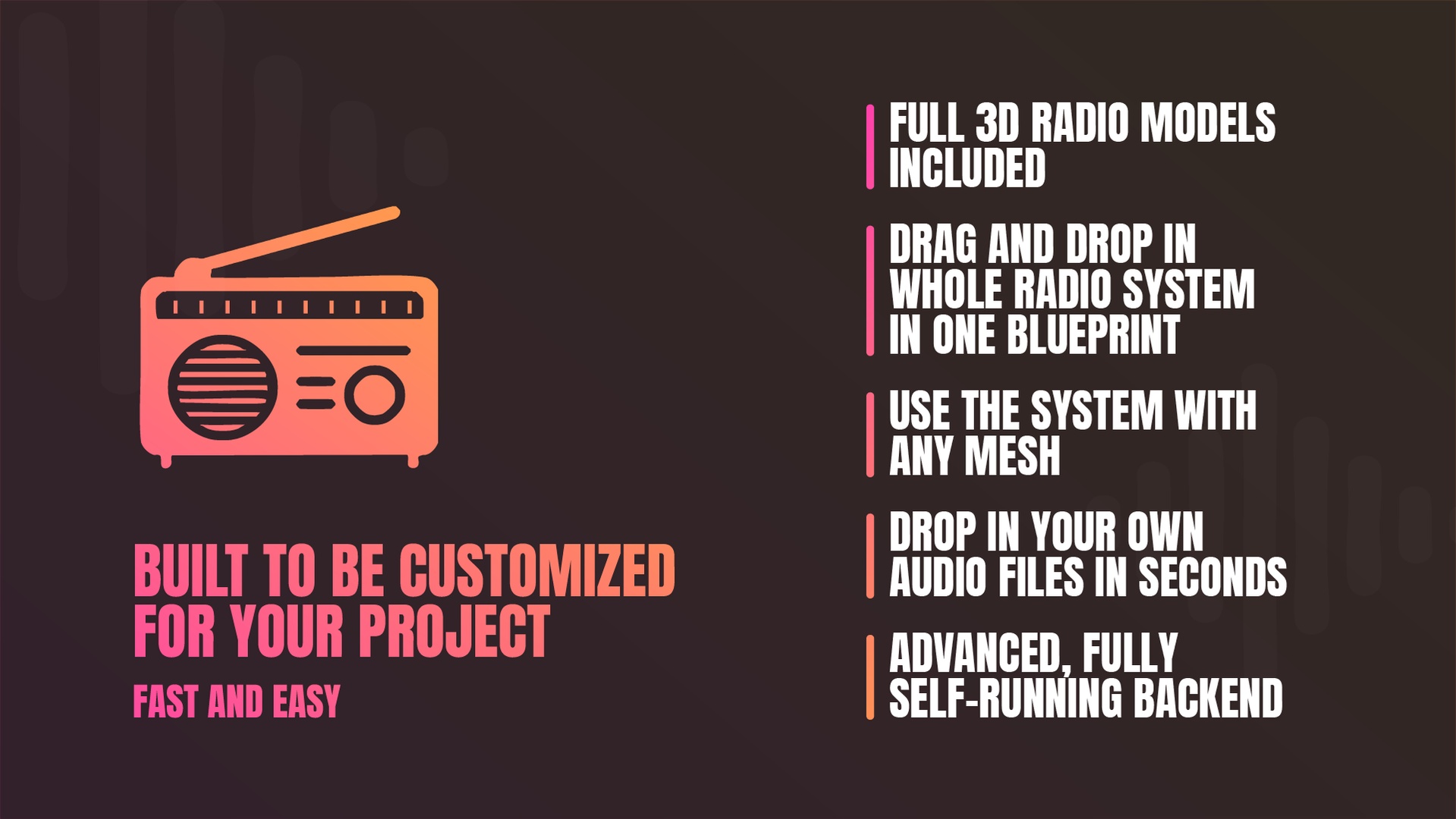
Simply drag and drop a single Blueprint into your project to add a complete radio experience—live shows, music, talk shows, weather updates, and emergency/warning interruptions. Fully interactive at runtime, with player-controlled channel switching and volume, Power on and off system.
Choose from audio quality presets and effects ranging from vintage crackle to crystal-clear modern broadcasts. Import and play any audio file.
Showcase | Tutorial | Play demo | Discord | Documentation
How the system works
The radio system is driven by a single Data Asset that contains all audio content. This asset is exposed in the Details panel and can be swapped out easily if needed.
Inside the Data Asset, you store everything you want the radio to play. Adding, removing, or modifying content is as simple as editing this asset.
When the radio is turned on, it loads every entry from the Data Asset and begins playing the content for the currently selected radio channel—either sequentially or in random order, depending on the user settings.
After a complete broadcast show has finished (i.e., all of its audio parts have played), the system automatically finds the next show on the same channel and plays it. If no unplayed shows remain, the playlist is cleared and, if enabled in the Details panel, the system restarts from the beginning.
If weather reports or advertisements are enabled, the system inserts them at random intervals between show segments. The maximum interval can be configured in the Details panel.
When the player switches channels at runtime, the system saves the current playback position, clears the current queue, and loads the new channel’s content. The previous channel continues playing in the backend of the system, so switching back feels like a realistic radio experience when flipping between stations.
All audio is routed through a MetaSound, where it is dynamically processed using the user’s radio effect settings.
The entire system runs from one master Blueprint and one master MetaSound asset, providing a centralized, easy-to-manage architecture.
Easy Setup
Data‐Driven Content
All your audio assets live in a single, easy-to-swap Data Asset. Drag in your music tracks, show segments, ads, and weather clips—no blueprint tinkering needed.Set Radio settings
Drag and drop one of the desired decade radio blueprints into your scene and then customize the radio to fit your project. The radio settings come with a lot of pre-settings for each decade for a fast and easy setup.That's it!
On Begin Play the radio system will read the data asset information. And when powered on, the radio queues up content for the selected channel. Once one show ends, the system automatically finds the next fitting segment. When it runs out, it resets and starts fresh if reset is enable
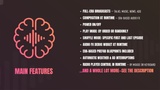
Key Features
Full-Era Broadcasts
Pre-configured shows and music libraries spanning the 1900s through the 2020s—select a decade and you’re set.Procedural Composition at runtime
Content is assembled on the fly: drop your clips into the Data Asset and let the system handle the rest, either randomly or in order.Specific First and Last Episode in a Broadcast show (Used In Random Mode)
Attach a first or/and closing segment to any show for a polished episode start or finale.Power On/Off
When you switch the radio off, it continues to play silently for 30 sec by default but can be changed in the details panel before the radio stops playing.Play Mode: By Order or Randomly
Play broadcast shows episodes by order or in shuffle mode.Era-Specific Audio FX
Instantly apply AM “static,” FM warmth, scratchy vintage vinyl cracks, or crystal-clear modern audio with a single setting in the Details panel.Audio FX debug widget
Test and discover your own custom AM or FM radio sound effect by sliders at runtime to personalize your radio experience.Automatic content detection
The system will automatically detect what you have and not have put in the data asset. Meaning that fields that are empty will not be calculated into the system.Self-driven system
The system is built to keep moving on when it's done with a whole broadcast show. It will find all unplayed shows that are available and then play the next.Prefab Blueprints Included
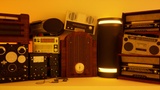
Drag-and-drop ready radio setup blueprints into the scene—complete with era-accurate mesh, sound effects, and audio quality presets, choose eras between 1900s - 2020sBroadcast interruptions
Random interruptions like weather alerts, breaking news, advertisements. Easy toggle on/off and adjustments in the details panelRuntime Controls
Change channels and adjust volume at runtime—via widget or keybind—for fully interactive player experiences.Duplicate-safe playback
The system tracks what’s currently playing and what has already played, so it won’t repeat the same song.Optimized system
All functionality is driven from one master Blueprint paired with a single MetaSound master for ultra-lightweight performance.Clean, well-structured code
The logic is 100% Blueprint, with an organized setup for fast, clear understanding and plenty of code comments
Package include:
1 Radio master Blueprint. (12 child blueprints).
7 radio controller interface widgets ( different styles based on era).
12 Data assets with audio content, like radio broadcast shows, weather reports, news, radio ads for each era from the 1900s - 2020s. (60s, 70s, 80s etc.)
100+ audio tracks (broadcast shows and music)
Complete radio system meshes for each era
AI generated content disclaimer:
All audio content in this project is created with state-of-the-art AI tools. To guarantee that no existing artist’s work has been used or copied, every track is rigorously screened against music-identification services.
If you’d rather use your own audio files, simply delete the /Audio folder and drop in your own files—The radio system is built to easily add or remove audio files.