
Descripción
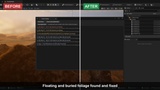
Black patches, ghosting, blotchy interiors, light leaks, LOD pop, blurry textures, foliage vanishing, missing landscape brush... Pick the problem you see in the toolbar menu and Scene-Doctor applies the fix, with Undo. Plus a level scan that finds and repairs floating and buried foliage.
Every Unreal Engine 5 user hits the same problems, and the fix is usually a console variable or a setting buried somewhere. Scene-Doctor puts 23 of these fixes in one menu, named after what you see on screen.
Fix what you see
Black patches on Nanite / Megascans rocks and on wind-animated foliage (hardware ray tracing).
Ghosting: dark trails behind moving objects.
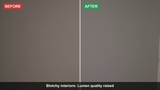
Blotchy interiors and light leaking through walls.
Shimmering highlights in the distance (water, metal).
Black or wrong-coloured grass where it meets the landscape (RVT).
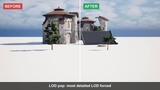
LOD pop, meshes and foliage disappearing in the distance, objects cut off close to the camera.
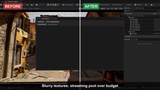
Blurry textures: texture streaming pool over budget.
Ray tracing: grass missing in reflections and shadows, instances vanishing from reflections, dark blotches on two-sided leaves.
Path tracer: clouds and smoke cut off.
Landscape brush has disappeared: one click reloads the level, with the camera and Landscape mode restored.
And more: small lights switching off, smeared reflections, dark contact shadow halos, GPU running hot in the editor.
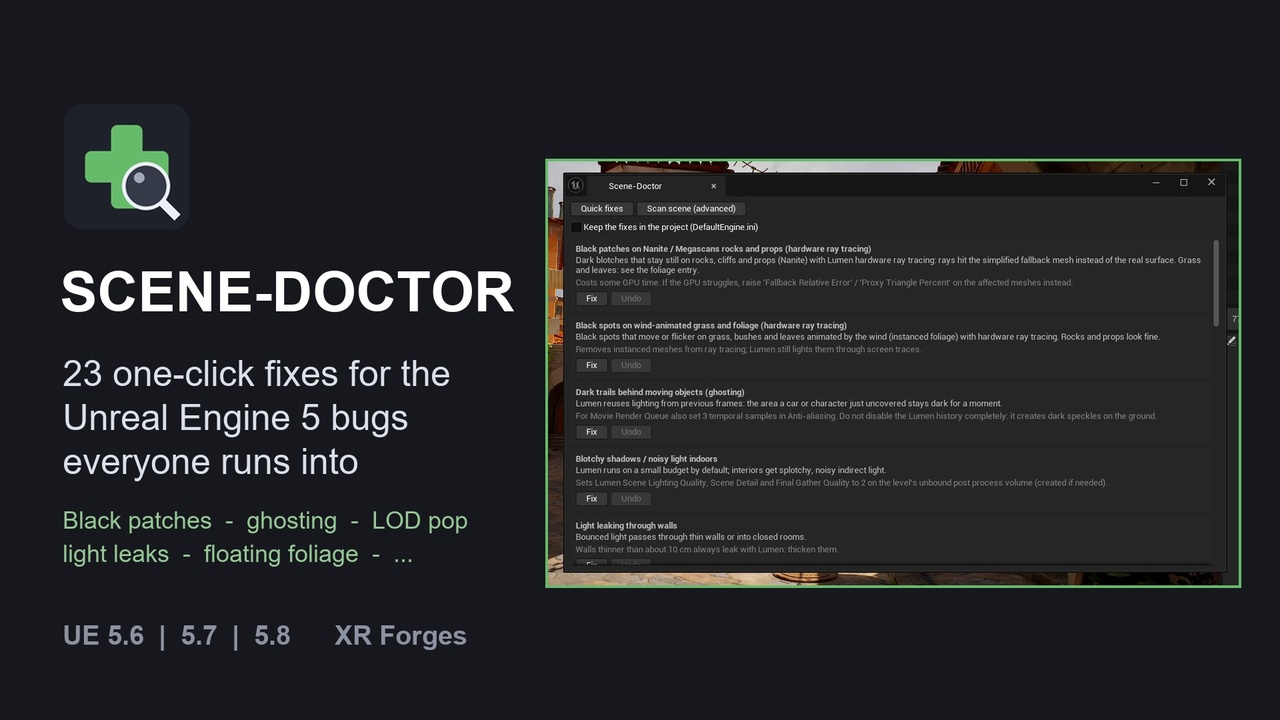
Every fix explained. The panel lists each fix with the symptom, what it changes, and what else to check by hand. Each one has Fix and Undo buttons.
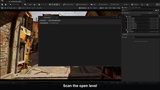
Scan your level. Scene-Doctor finds:
foliage floating above the ground;
foliage buried under it, invisible but still rendered;
wind-animated foliage that causes black spots in hardware ray tracing.
Each issue has its own Fix button, or fix them all at once. Foliage fixes go through Unreal's foliage system, so they are saved with the level and Ctrl+Z undoes them.
Safe on your project.
Settings fixes are toggles: click again to undo.
An option also writes the settings to DefaultEngine.ini, so they survive a restart and apply to Movie Render Queue and packaged builds.
Editor only: nothing is added to your packaged game.
Scriptable. Everything is also available from Python and Blueprint (SceneDoctorLibrary).
Technical informationFeatures:
23 one-click fixes for common UE5 rendering and editor problems, each with Undo;
a panel explaining every fix;
a level scan for floating, buried and ray tracing problem foliage, with per-issue or global fixes;
optional saving of the settings to DefaultEngine.ini;
Python / Blueprint library.
Code modules: SceneDoctor (Editor)
Number of Blueprints: 0
Number of C++ classes: 5 (editor module, panel, checks, fixes, Blueprint library)
Network replicated: No
Supported development platforms: Windows
Supported target build platforms: Win64 (editor-only plugin: nothing is packaged in your game)
Supported engine versions: 5.6, 5.7, 5.8
Documentation: https://xrforges.square-bobcat.workers.dev/docs/scene-doctor/
Example project: not needed: it works in any level.
Important notes:
Some fixes trade performance for quality (for example Lumen quality 2 indoors, LOD0 forced on all meshes). Each one says so in the panel and can be undone.
The ray tracing fixes only matter with hardware ray tracing enabled.