Descrizione
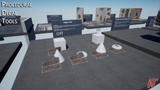
Basic Blueprint Functionality
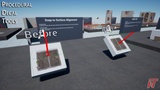
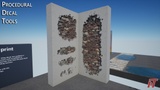
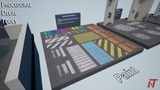
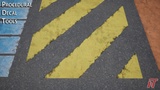
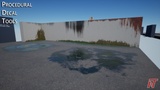
Paint Decal Blueprint Example
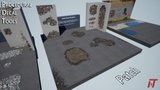
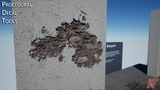
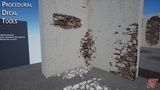
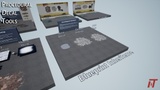
Patch Decal Blueprint Example
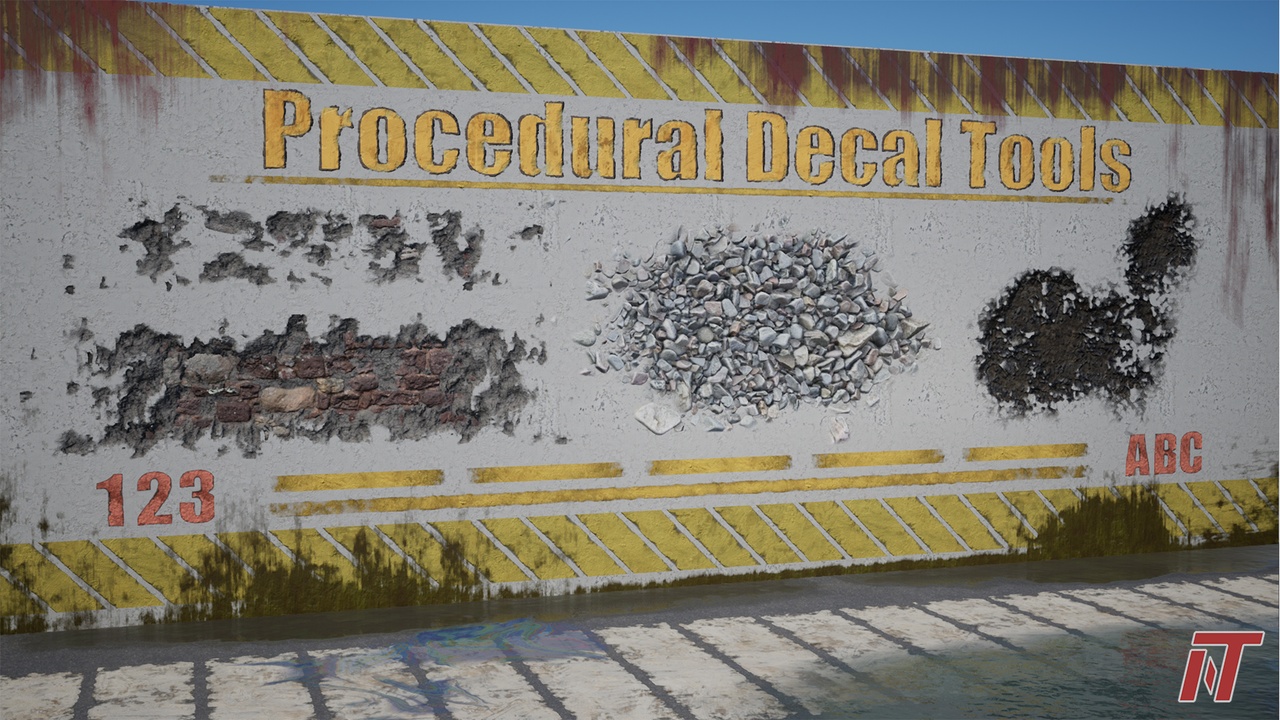
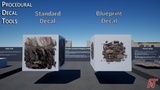
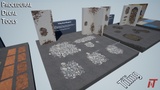
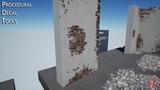
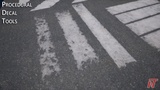
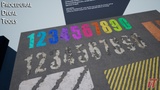
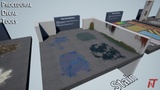
These blueprint tools take in sets of tiling & non-tiling textures and generate highly diverse, reusable decal content based on those inputs. Parametric controls are customizable based on the user's needs and can be utilized across a broad spectrum of content targets.
- Uses blueprints and dynamic material instances to combine tiling textures with custom masks to generate infinite variation across each placement instance. The feeling of custom content generation in a fraction of the time.
- Fast, intuitive user controls
- Contains demo content, but can be used with custom authored textures & masks as well as source content from popular services like Megascans.
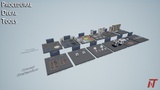
- In-engine documentation: Examples and demos of all blueprints and features inside package
Features:
- Decal Types: Basic Decal, Tiling Decal, Stain Decal, Paint Decal & Patch Decal
- Large set of highly tunable parameters to customize each decal type to exact specifications
- Angle fade masking to remove decal stretching
- Auto alignment of decals to nearest surface at the click of a button
- Supports parallax occlusion mapping based on decal actor alignment
- Generates proceduralized normal edges on some decal types
- Aspect ratio locking on decal actor scale
- Inheritable blueprints for saving custom settings for quick re-use.
- RGBA packed textures & materials are set up to support AO(R), Displacement (G), Roughness (B), Metalness (O). Materials have been commented to allow for easy adjustments to this framework.
If you are interested in this product please also check out Procedural Text Tool & Animated Text Blueprint. Don't forget to leave a rating and/or review. Every little bit helps. Thank you!