

描述
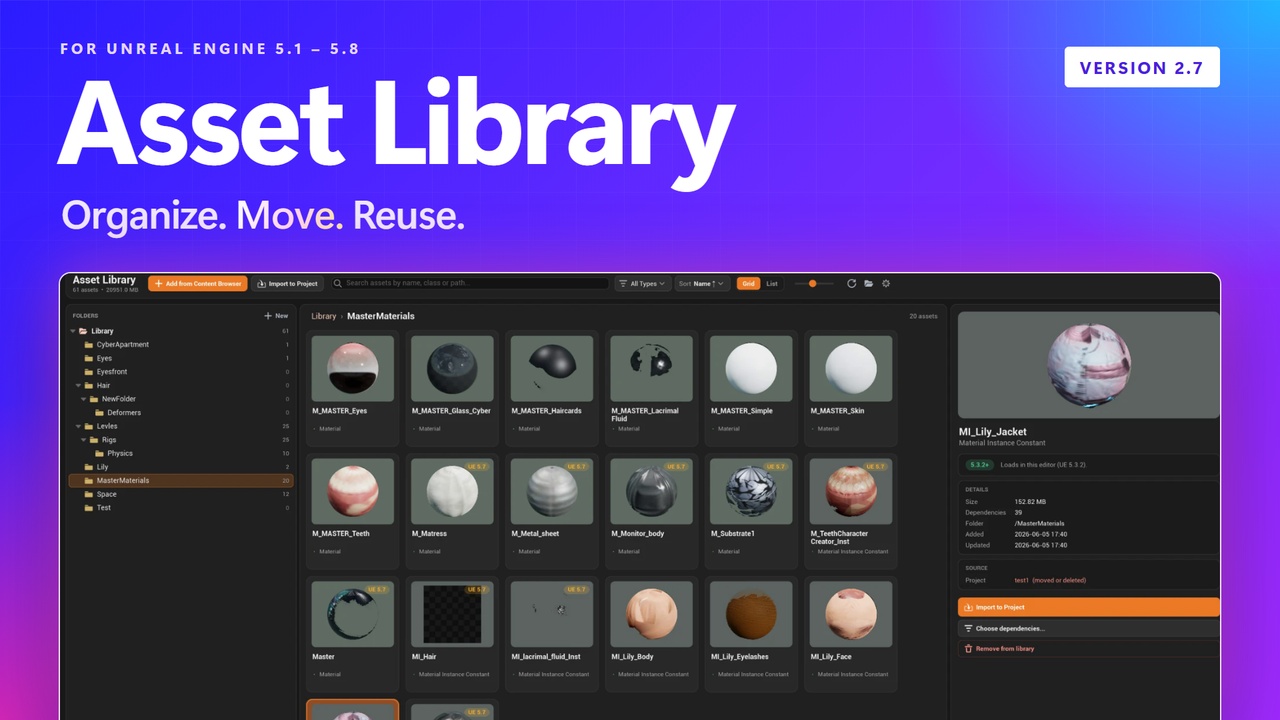
Asset Library is an editor panel that keeps your reusable assets in one place on your machine and moves them between projects in a single click — the whole dependency tree comes along automatically, with none of the manual folder-hunting the standard Migrate flow demands.
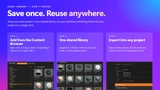
Drag an asset from the Content Browser into the Library panel and it's copied to a shared, user-level folder together with every file it references. Open any other project, click Library in the Content Browser toolbar, pick the asset, and it's imported back — full dependency tree intact — in one click.
Quick links:
What it does:
Save with all dependencies: Drag from the Content Browser and the asset plus everything it references is copied into your shared library folder.
One-click import into any project: Pull an asset and its dependencies into the project you're working in, instantly.
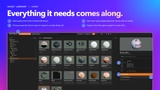
Dependency picker: Choose exactly which dependencies come along before importing, grouped by class (Material, Texture2D, Skeleton, and so on).
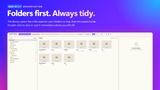
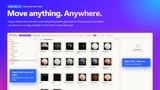
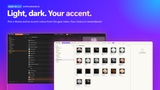
Folders first, move anything: The library opens showing your folders first, then the assets inside. Drag a folder onto another folder to move it with everything in it, or drop assets onto a folder card. Create, rename, move and delete from the tree, cards or right-click menu.
Engine-version awareness: Every asset is stamped with the engine version that saved it. A badge warns you before importing an asset from a newer engine into an older project.
Whole-folder drag-and-drop: Drop entire folders from the Content Browser and their structure is mirrored in the library.
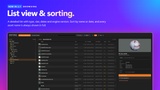
List view and sorting: Switch between grid and an Explorer-style list, sort by name, date and more. Asset names are always shown in full.
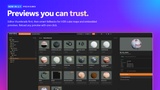
Reliable thumbnails: Uses the Content Browser renderer, then its own renderers (HDR cube maps, skyboxes) and the thumbnail stored in the asset. A clean placeholder when none exists, and Reload thumbnail on demand.
Themes: Light and dark themes, accent colors and thumbnail background options in the gear menu, under Appearance.
What's new in 2.7
Folders first: the library opens on your folders, then the assets inside.
Move folders and assets by drag and drop, or with right-click > Move to.
Grid and list views, sorting by name and date, full asset names.
Better thumbnails for HDR cube maps and assets without a preview.
Light and dark themes with accent colours.
Fixed a crash when adding assets that use Deformer Graph.
Shared across every project:
The library lives in your user folder by default, so it's available in every project on the same machine out of the box. Point it at a network share or cloud-synced folder under Project Settings → Asset Library to share it across a team or your other machines.
Requirements:
Unreal Engine 5.1 – 5.8
Windows (Win64)
Editor-only: zero runtime cost, never included in packaged builds.