Opis
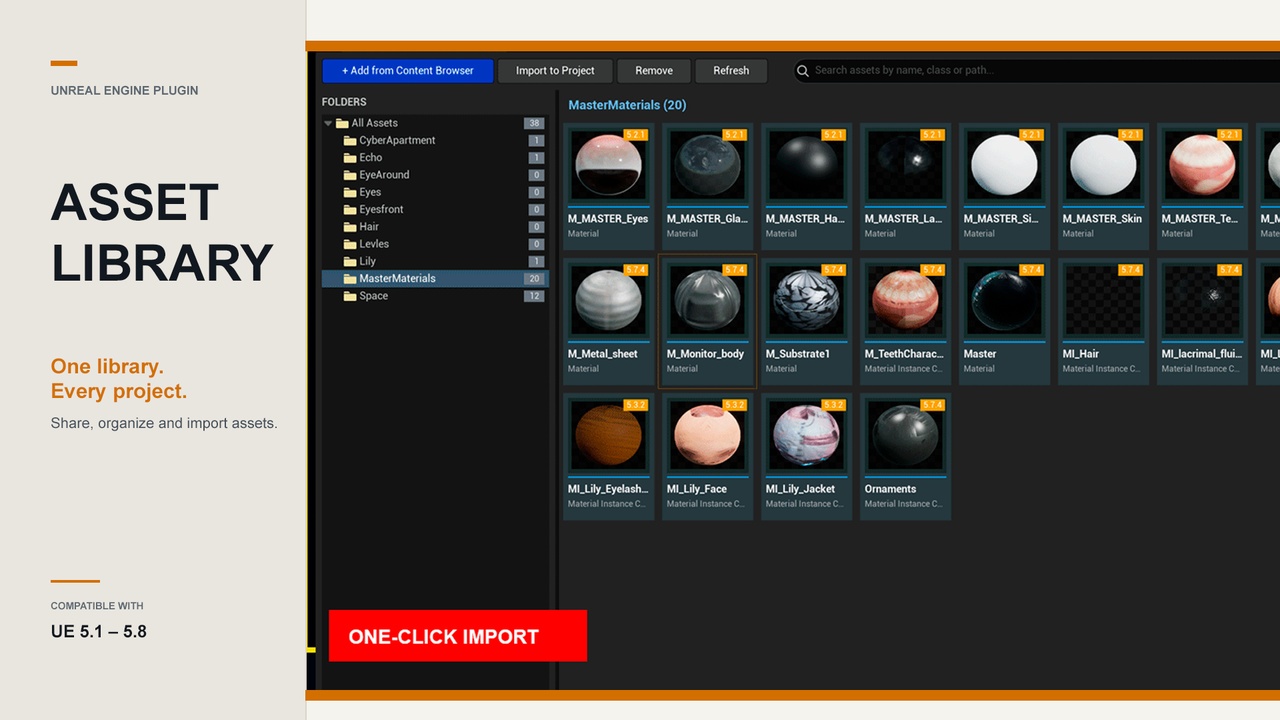
Asset Library is an editor panel that keeps your reusable assets in one place on your machine and moves them between projects in a single click — the whole dependency tree comes along automatically, with none of the manual folder-hunting the standard Migrate flow demands.
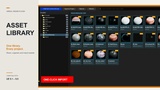
Drag an asset from the Content Browser into the Library panel and it's copied to a shared, user-level folder together with every file it references. Open any other project, click Library in the Content Browser toolbar, pick the asset, and it's imported back — full dependency tree intact — in one click.
Quick links:
What it does:
Save with all dependencies: Drag from the Content Browser and the asset plus everything it references is copied into your shared library folder.
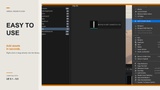
One-click import into any project: Pull an asset and its dependencies into the project you're working in, instantly.
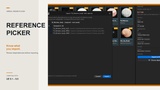
Dependency picker: Choose exactly which dependencies come along before importing, grouped by class (Material, Texture2D, Skeleton, and so on).
Folder organization: A full folder tree with create, rename, move, and delete keeps the library sorted.
Engine-version awareness: Every asset is stamped with the engine version that saved it. A badge warns you before importing an asset from a newer engine into an older project.
Whole-folder drag-and-drop: Drop entire folders from the Content Browser and their structure is mirrored in the library.
Shared across every project:
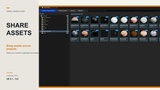
The library lives in your user folder by default, so it's available in every project on the same machine out of the box. Point it at a network share or cloud-synced folder under Project Settings → Asset Library to share it across a team or your other machines.
Requirements:
Unreal Engine 5.1 – 5.8
Windows (Win64)
Editor-only: zero runtime cost, never included in packaged builds.