
Descrizione
⭐ About the plugin
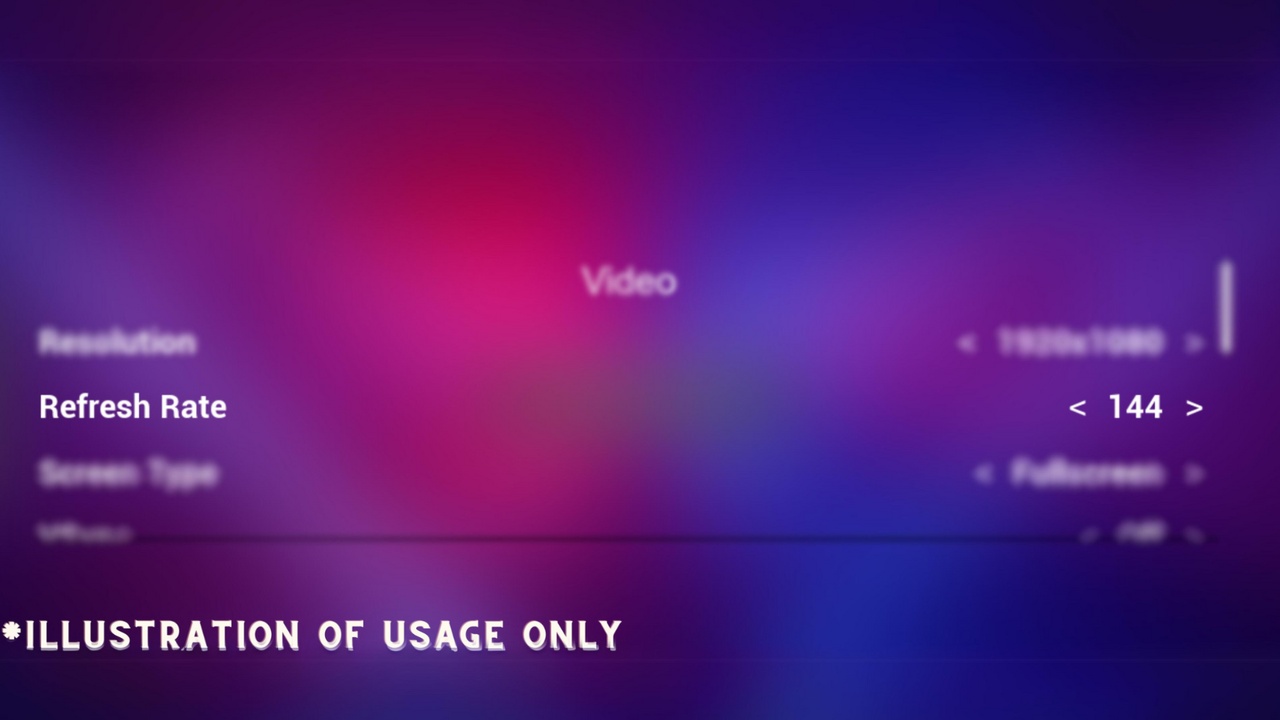
Refresh Rate Control (RRC) simplifies the management of display refresh rates, while being a Blueprint Library. Written entirely in c++, this plugin streamlines the process of accessing, retrieving, and modifying refresh rates, providing users with precise control over their display performance.
❤️ Key features
Get Display Refresh Rate: returns the current refresh rate of the monitor, the game is being displayed on.
Get Supported Display Refresh Rates: returns a dynamically sized array of the supported refresh rates, sorted based on preferences
Set Display Refresh Rate: changes the refresh rate of the monitor, the game is being displayed on, the change takes place after calling the node immediately. NOTE:
📝 Technical notes
The plugin uses floats rather than ints, due to fractional refresh rates (like 143.85hz) being still around in some displays.
While using the Set Display Refresh Rate node, the screen might flicker but don't worry, this is completely normal!
This node returns a boolean, to help you handle whether the change was successful or not.
Unsupported values by your monitor (like 1000hz) or invalid values (like 0hz) will not work and are handled perfectly, your game won't crash.
🌍 Supported Unreal Engine versions
Officially tested & supported: 5.4, 5.5, 5.6 and 5.7
Earlier 5.x versions (5.0–5.3) are not and will not be supported due to known compiler/toolchain issues in those engine releases when used with current Visual Studio versions.
UE4 and below are not, a never will be supported!
We deliberately target a smaller set of engine versions to avoid requiring developers to pin old MSVC toolchains or modify engine source. The goal is a stable, maintainable plugin rather than fragile backports.
🧠 Built for
Perfect for integrating into settings menus, this plugin provides a simple solution to tweak refresh rates, ensuring optimal visuals in your games, without the need of closing the game and checking the refresh rate manually.
📚 Documentation
A showcase video is in the works to help you get started! If you can't wait, please join our Discord and open a support ticket under the FAB Support category.
An updated version of the demo is under development and will be available soon, until then!
Try out the NEW demo build before purchasing: Download
*Explore how the demo is built by checking out the Example Project (UE5.7 required)!
Need Assistance?
Questions, feedback, or custom tweaks? Join the community on Discord and reach out, we're happy to help!