Descripción
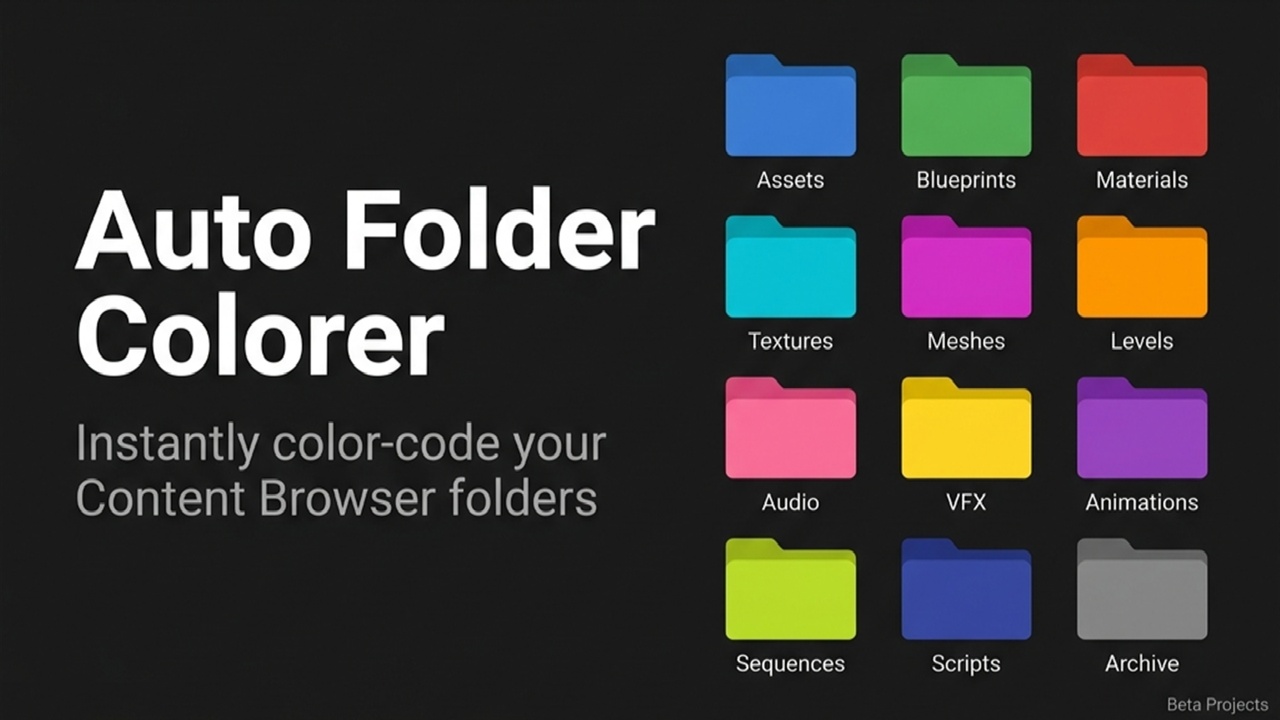
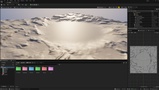
Instantly organize your Unreal Engine Content Browser. Beta Folder Colors automatically color-codes your project folders based on standard naming conventions, dramatically improving visual navigation and speeding up your daily workflow.
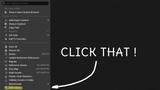
How to UseSimply right-click any folder in your Content Browser and select Auto Colorer from the Folder Options menu. The plugin will instantly handle the rest!
Key FeaturesRecursive Scanning: Processes your entire project directory structure with a single click.
Smart Pattern Matching: Fully case-insensitive and prefix-aware to seamlessly handle variations like "textures", "Textures", or "T_Textures".
Instant Visual Clarity: Applies industry-standard, visually distinct colors to your asset folders so you can find what you need at a glance.
Blue: Blueprints
Green: Materials, Material Instances, Material Functions
Red: Textures
Cyan: Static Meshes, Skeletal Meshes
Magenta: UI, Widgets, HUD
Orange: Audio, Sound, SFX, Music
Pink: AI, Behavior Trees, Blackboards
Yellow: Animations, Rigs, Skeletons
Purple: Levels, Maps, Worlds
Lime: VFX, Niagara, Particles
Dark Blue: Core Framework (GameMode, GameState, PlayerController, GameInstance)
Grey: Data (DataTables, Structs, Enums, DataAssets)
Brown: Physics Assets, Physical Materials
Supported Engine Versions: 5.3, 5.4, 5.5, 5.6, 5.7, 5.8+ (Universal 5.x Compatibility)
Supported Platforms: Windows, Mac, Linux
Network Replicated: No (Editor-Only Plugin)