Description
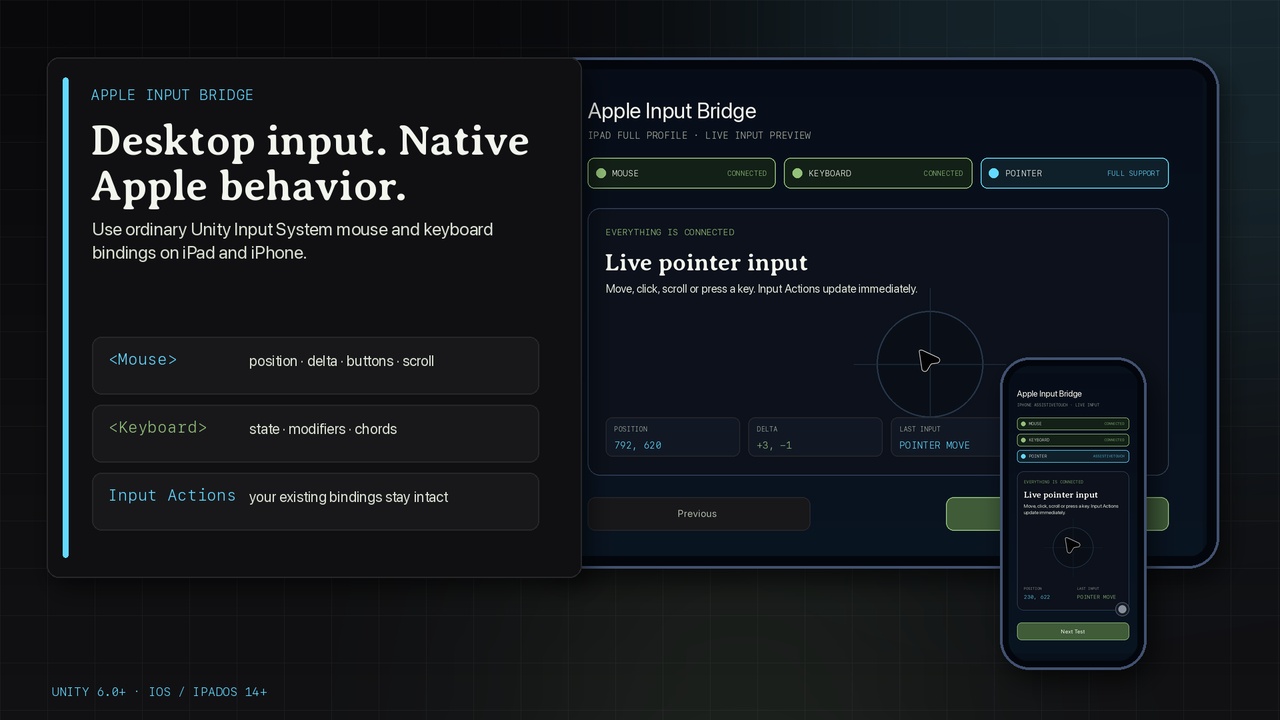
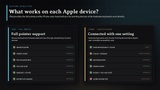
Bring desktop-style input to Unity projects on Apple mobile devices without replacing your Input Actions.
Apple Input Bridge creates standard Input System Mouse and Keyboard devices from public Apple APIs. Existing generic <Mouse> and <Keyboard> bindings keep working, and the bridge starts automatically without requiring a scene component.
Pointer input
• Absolute screen position and raw relative motion
• Left, right, middle, back, and forward buttons when reported by the connected hardware
• Vertical and horizontal scrolling
• Full iPadOS pointer-lock request and observed lock state
• iPhone pointer compatibility through user-enabled AssistiveTouch
• Source-aware scroll diagnostics, sensitivity, relative-Y, and screen-clamping settings
Hardware keyboard input
• Letters, digits, punctuation, navigation, modifiers, F1-F12, and numeric keypad mappings
• Held keys, chords, and fast press/release transition preservation
• Bounded event queue with final-state resynchronization after overflow
• Physical key state only; typed text, software keyboards, and IME composition remain with Unity and the operating system
Production workflow
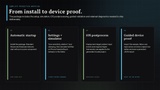
• Zero-code automatic startup with an explicit public lifecycle API
• Project Settings integration and non-sensitive runtime status
• Editor simulator with full-iPad and iPhone AssistiveTouch profiles
• Automatic iOS postprocessing for indirect input events, Game Controller linkage, and the iOS 14 deployment target
• Importable guided validation scene with device-aware tests, live deltas, source telemetry, touch-safe failure continuation, and persistent JSON reports
• Offline setup, compatibility, privacy, troubleshooting, and API documentation
• No network access, telemetry, private Apple frameworks, or runtime AI features
Platform behavior
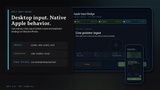
On iPad, mouse, trackpad, hardware keyboard, and pointer-lock integration are available through the full profile. Pointer lock is controlled by iPadOS and may be declined by the system.
On iPhone, hardware keyboards work without an accessibility dependency. Mouse and trackpad input requires the user to enable AssistiveTouch in Settings > Accessibility > Touch > AssistiveTouch. Apps cannot enable this user-controlled setting, and iPhone does not expose true system pointer lock.
Optional mouse buttons and horizontal scrolling depend on the connected hardware. Unsupported Unity players remain compile-safe and inert.