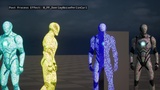
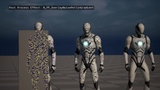
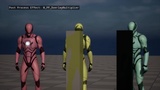
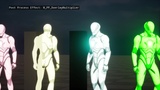

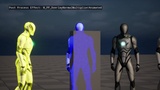
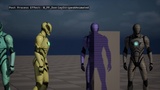
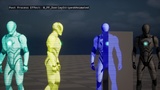
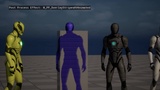
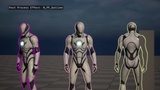
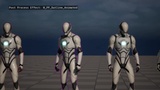
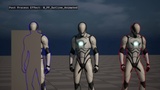
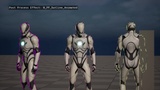
Description
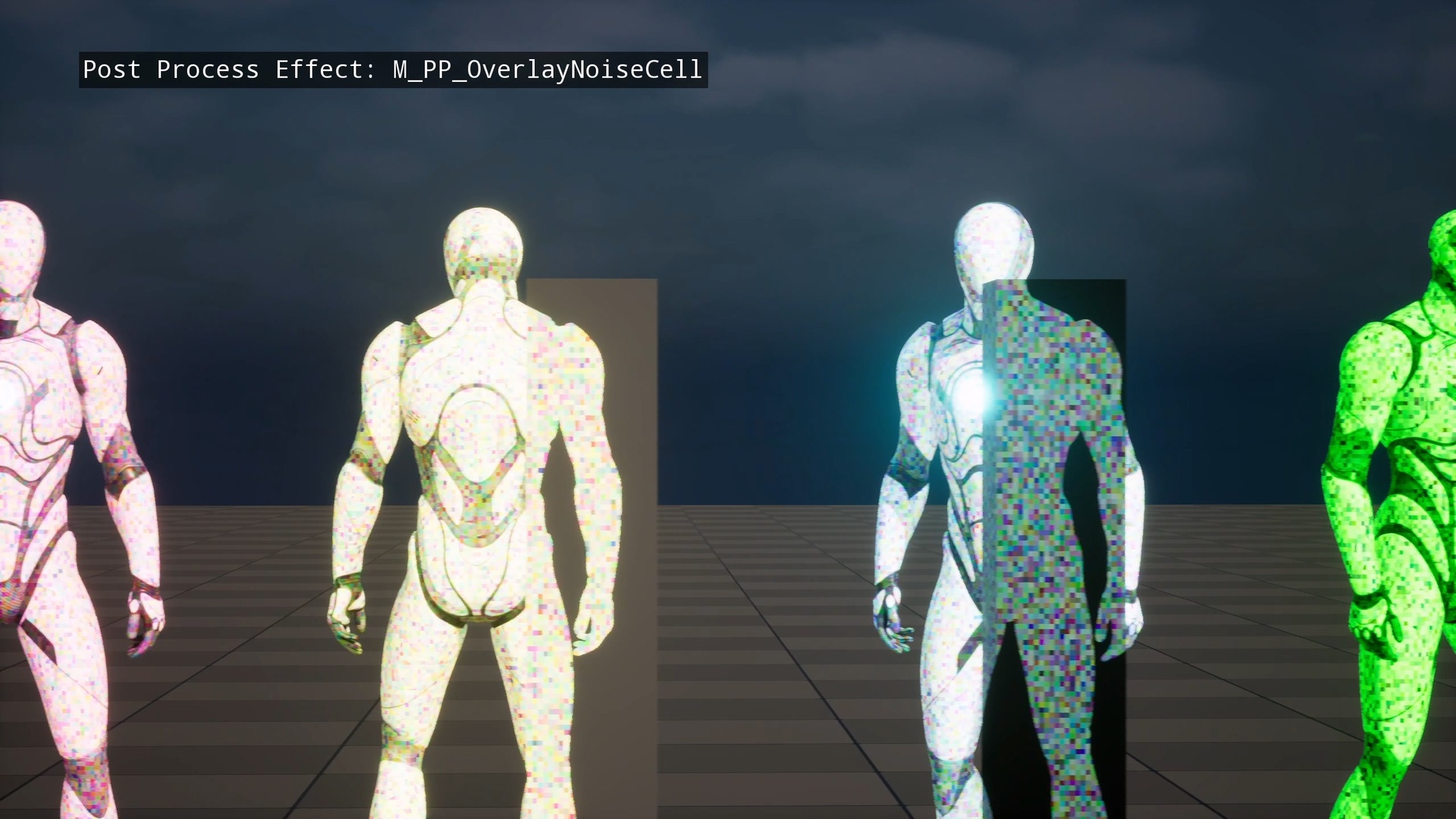
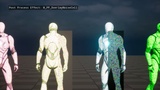
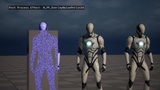
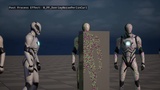
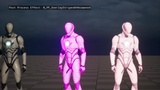
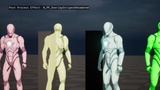
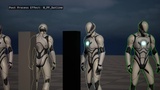
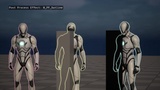
Outline & Highlight FX is a collection of 12 post process materials for Unreal Engine 5 that let you add enemy outlines, stealth vision overlays, focus mode highlights, and animated scan effects to any object in your game — using UE5’s Custom Depth pipeline, no C++ required.
Drop the material into your Post Process Volume, assign Custom Depth to your target actors, and the effect is live. Every material is fully parameterized: outline thickness, color, animation speed, and intensity are all exposed as scalar/vector parameters.
Preview Video | Playable Demo | Documentation | Discord Community
What’s included:
Outline effects — standard and animated outline (Custom Depth edge detection)
Overlay effects — multiplier, cell noise, Perlin 3D, curl noise, gradient noise, normal multiplier (static and animated), horizontal/vertical/HV animated stripes
12 materials total — each with up to 256 color variations via parameter, giving 3,072+ distinct effect states out of the box
Perfect for:
Enemy tagging mechanics — see targets through walls (Splinter Cell / AC Origins style)
Eagle vision / detective vision modes
Stealth overlay and threat detection UI
Focus mode ability effects
Scan pulse and ping effects
Any gameplay system that needs to visually distinguish objects at runtime
Getting started:
Add the asset to your project via the Fab Library
Enable Custom Depth on target actors (Details panel → Render → Custom Depth Stencil Pass)
Add a Post Process Volume to your level (or use an existing camera PPV)
Assign the desired M_PP_* material to the Post Process Volume’s material slot
Adjust Intensity, Color, and Thickness parameters to match your game’s visual style
Technical:
12 unique post process materials, all Blueprint-accessible via parameter collections
Up to 256 color variations per material via Vector Parameter
No C++ required — pure material-based implementation
Compatible with UE5’s Lumen and traditional rendering paths
Supported platforms: Windows, Mac, Linux