

Описание
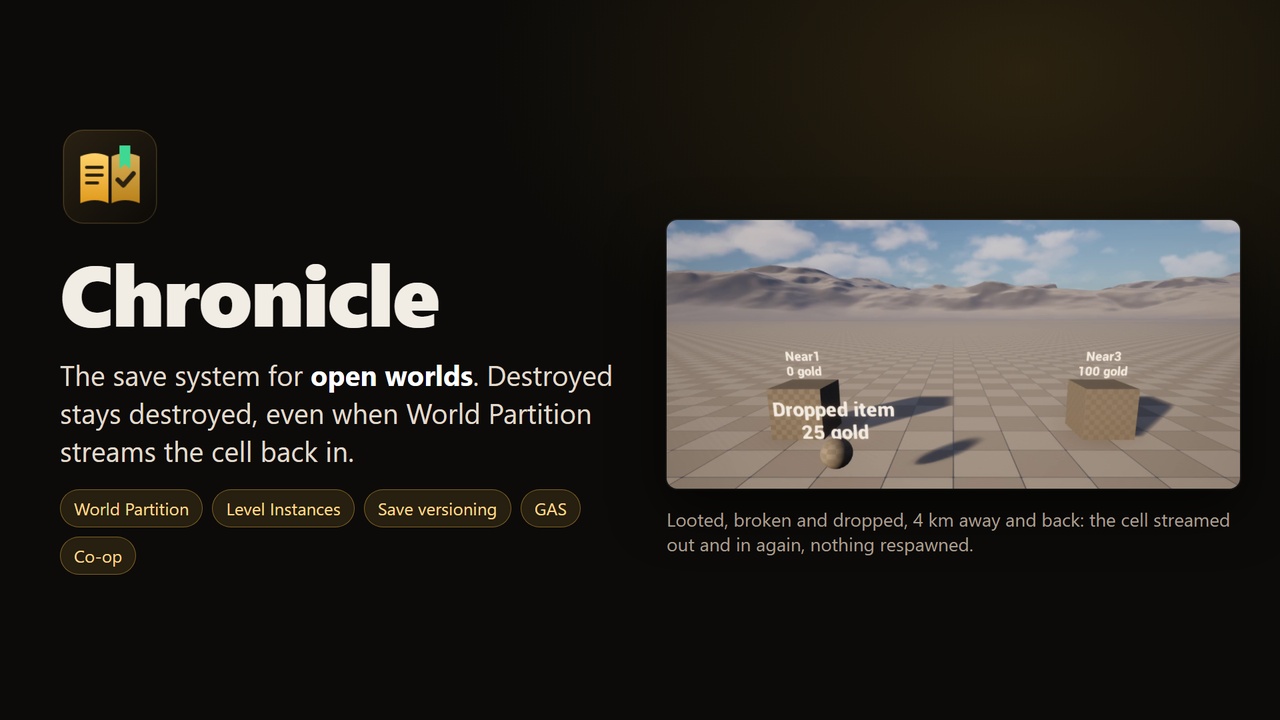
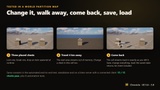
Try it first: free playable Windows demo, no Unreal Engine needed. Change chests and items on a World Partition map, travel 4 km away so the area streams out, save, change everything again and load: every change comes back exactly as saved: https://drive.google.com/file/d/1uY8EatVRG8NYr-10fLv0xTbMm-iBWq2b/view
Chronicle is a save system built for the problems open worlds actually have: World Partition streaming, Level Instances, actors destroyed during play, game updates that change your data, Gameplay Ability System state and co-op hosts.
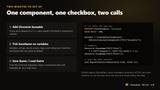
Add one component to an actor, tick SaveGame on the variables you want to keep, and call Save Game / Load Game. Blueprint or C++.
What it solves
A looted chest is full again when World Partition loads its cell back: saveables keep their state while their cell is unloaded, and destroyed actors are destroyed again when it streams in.
The same actor inside several Level Instances clashes: placed actors get a Save ID baked in the map, combined with the Level Instance they belong to. One menu entry fixes existing levels.
Dropped items and buildings vanish on load: actors spawned at runtime are spawned again with their class, transform and data.
A patch adds a variable and old saves break: properties are stored by name, so adding, removing or reordering variables and struct fields keeps old saves loading. A per-actor data version calls your migration code when data changes meaning.
Saving hitches: the world is captured in one frame, then compressed and written in the background.
GAS attributes and cooldowns reset: the GAS extension saves attribute base values and active duration effects (level, stacks, time left).
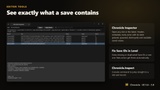
"What is even in this save?": the Chronicle Inspector editor tab opens any slot and lists every record, its state and saved values.
Tested
The included demo project runs a 15-check end-to-end scenario in a World Partition map (placed, destroyed and runtime-spawned actors, a chest changed in a cell that is streamed out when the game saves, save, load) standalone and on a listen server with a connected client, plus 6 automation tests in the plugin. The store video is that scenario, recorded.
What you get
Chronicle Subsystem: Save Game, Load Game, Get Slots (name, date, map, play time, your metadata), Delete Slot, Does Slot Exist, Reset State, play time, On Save Finished / On Load Finished.
Chronicle Saveable component: transform, destruction, SaveGame properties of the actor and its components, respawn of runtime actors, custom IDs, data version, On Before Save / On After Load.
Chronicle Saveable interface: On Chronicle Saving, On Chronicle Loaded, Migrate Chronicle Data(From, To).
Global objects: save the GameState, a quest manager or any object under a fixed ID.
Loading reopens the saved map for a clean world (on servers, clients travel with the host), or applies in place in the same map if you prefer.
GAS module, extension API for your own systems, project settings, Chronicle Inspector, Fix Save IDs in Level, Chronicle.Inspect console command.
Demo project with the scripted tour and the end-to-end test.
Requirements and limits
Unreal Engine 5.6, 5.7 and 5.8. Win64 tested; no platform-specific code (slots use Unreal's SaveGame system).
Only the authority saves and loads (single player, listen server host, dedicated server).
Granted GAS abilities are not saved (grant them from your code as usual). Infinite GAS effects are optional.
Actor references inside saved properties are stored by path: references to assets work; references to other runtime actors should be stored as your own IDs.
Documentation and support
The included README covers setup in Blueprint and C++, loading, slots, migrations, GAS, extensions, editor tools, settings and multiplayer. Support: [email protected].