
Descripción
# 🛒 Handy UEFN Marketplace - V-Bucks Shop System (Verse Template)
Version: v1.0 | Compatible With: UEFN (Unreal Editor for Fortnite)
Thank you for purchasing the Handy UEFN In-Island Transactions System! This plugin provides map creators with a completely zero-code, out-of-the-box V-Bucks transaction solution. You don't need to understand complex Verse language; simply click a few times in the UEFN panel to build a stable, secure in-island shop for your experience.
## 🌟 Core Features
*Pre-built Transaction Logic**: No need to write complex entitlement code from scratch. Just use the template and configure the parameters.
*Multiplayer Sync**: Built-in player lifecycle tracking and anti-duplicate subscription mechanisms.
*Supports Consumables & Permanent Items**: Perfectly adapts to weapons, potions, loot boxes, toys, etc.
*Built-in Bundle Offer**: Package multiple items together to sell at a discounted price.
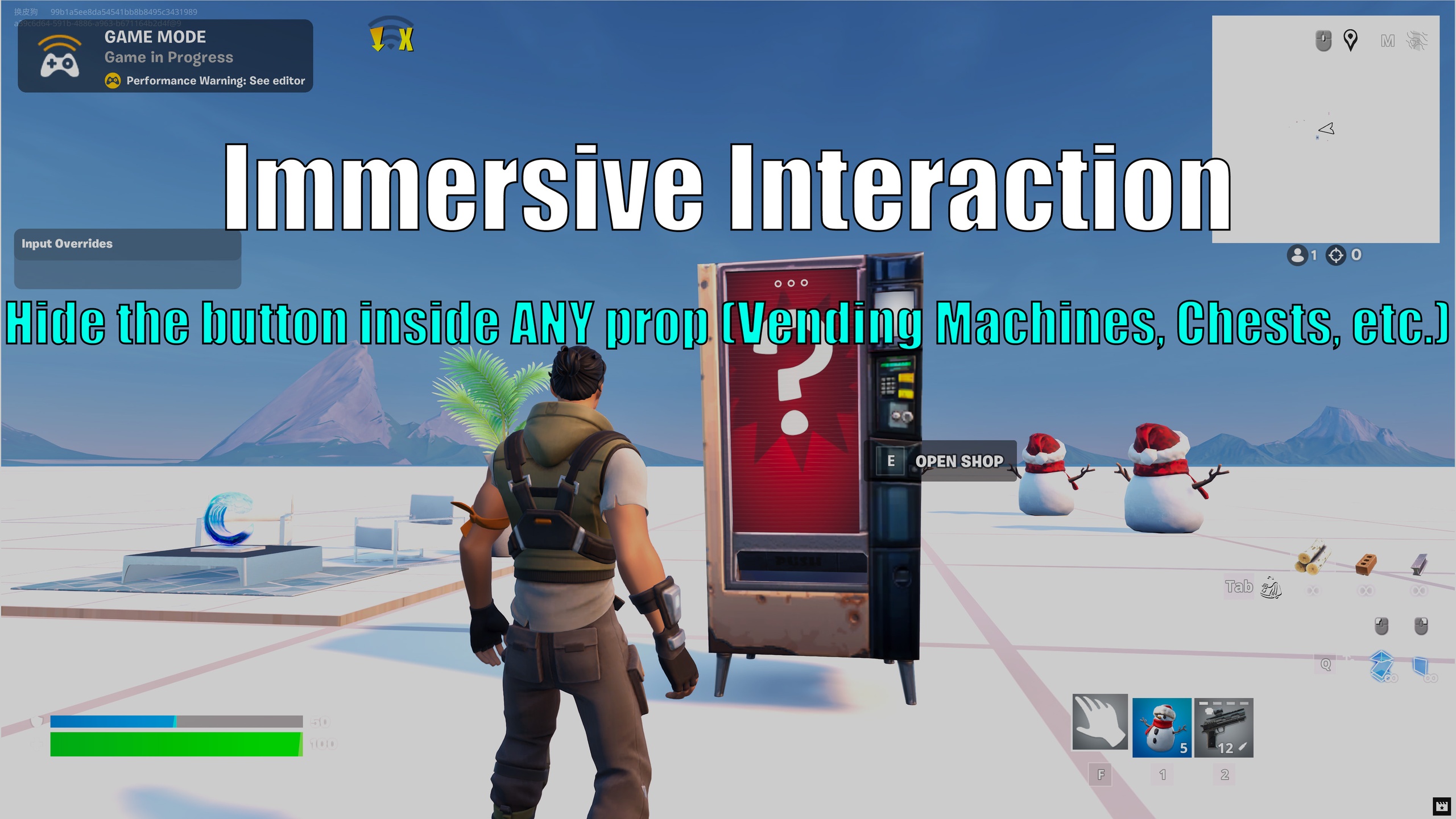
*Immersive Triggering**: Hide the "invisible button" inside any model (vending machine, treasure chest) to create a realistic "interactive shop".
## 🚀 What You Get
* Full Verse source code for the entire transaction system.
* Fully commented and organized architecture (Data/Logic separation).
* Step-by-step documentation (Readme PDF included in the project).
* Pre-configured for up to 3 products + 1 Bundle (Easy to expand).
## 🛠️ Quick Setup (3 Minutes)
1. Place a Button device and bind it to the `TransactionsDevice`.
2. Place 3 Item Granters and configure your items.
3. Bind them in the `CustomShopItems` panel on your device.
4. Modify the product names in `ProductsInfo`, and prices/icons in `MyOffers`.
5. Play! Walk to your model, press E, and the shop opens!
## ⚠️ Important Notes
*Product Expansion**: To add a 4th, 5th, or 6th product, you must duplicate the last product in `ProductsInfo`, `MyProducts`, and `MyOffers`. Then add it to `ActiveOffers` in `OnBegin` and add the `Index = 3` branch in `OnPurchasesChanged`.
*Testing**: If you encounter "Inventory Limit Reached" during testing, change the product price in `MyOffers` (e.g., from 100.0 to 101.0). This resets your test account's inventory.
*Support**: For technical support or custom requirements, contact me at [[email protected]].
Wishing your island great sales!