설명
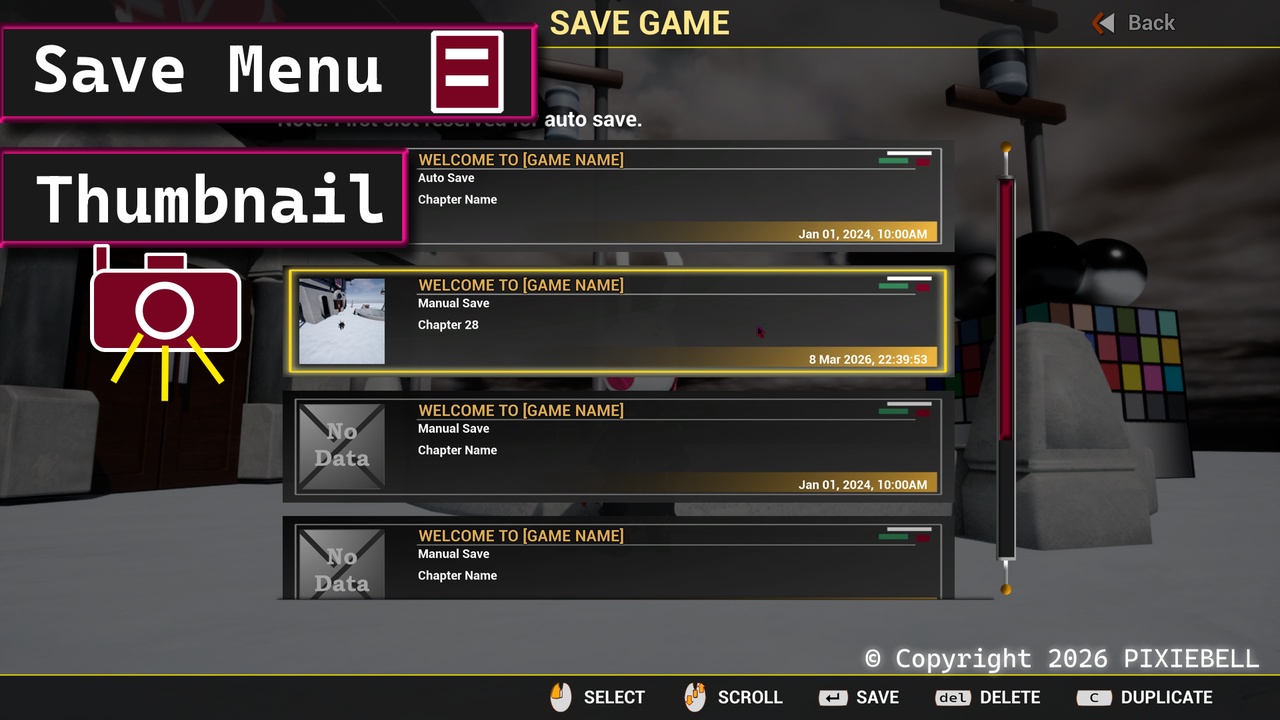
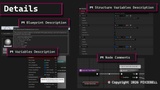
A plugin Save Menu user interface for managing save game files. Create, delete, copy save files as slots inside the save menu list. It also include thumbnail where a camera will take a screenshot of the surrounding during saving.
✍ Documentation: Pixiebell Games - Save Menu Documentation
📩 Contact(support/question) Email: [email protected]
📻 Video Demo: Youtube Link
🎮 Playable Sample Demo(335MB): Package Demo Link
🎀 Main Functionalities List:
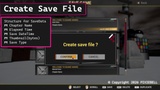
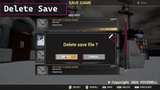
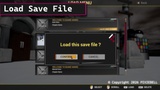
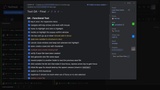
Manage save files: User can view a list of save files to overwrite, delete or create a new file.
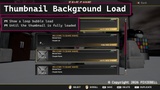
Thumbnail: Take a screenshot of the game(stored as bytes) during a save and view it through the slot list save.
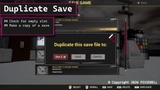
Duplicate save file: Create a copy of a save file to another slot.
Support autosave: Examples are provided on how to add an autosave to the slot list.
Focus Key: Support Keyboard arrow keys to navigate ui.
✍ Limitations / Notes
Thumbnail resolution over 512x512 will take longer to load and will increase file save size as well.
(The default resolution of 256x256 take 0.64s to load the image on average, and file save size around: 260KB )
Dependency: require Plugin Blueprint File Utilities (by Epic) to be enabled.
Note: The first slot is reserved for auto save (no manual save on 1st slot), but this can be configured from the Save Menu Page
Disclaimer: Require Plugin Blueprint File Utilities to be enabled. Check this page to see how to enable it for your project.