



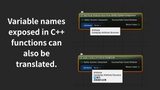
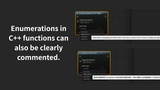
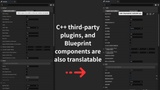
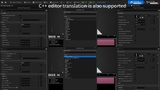
الوصف
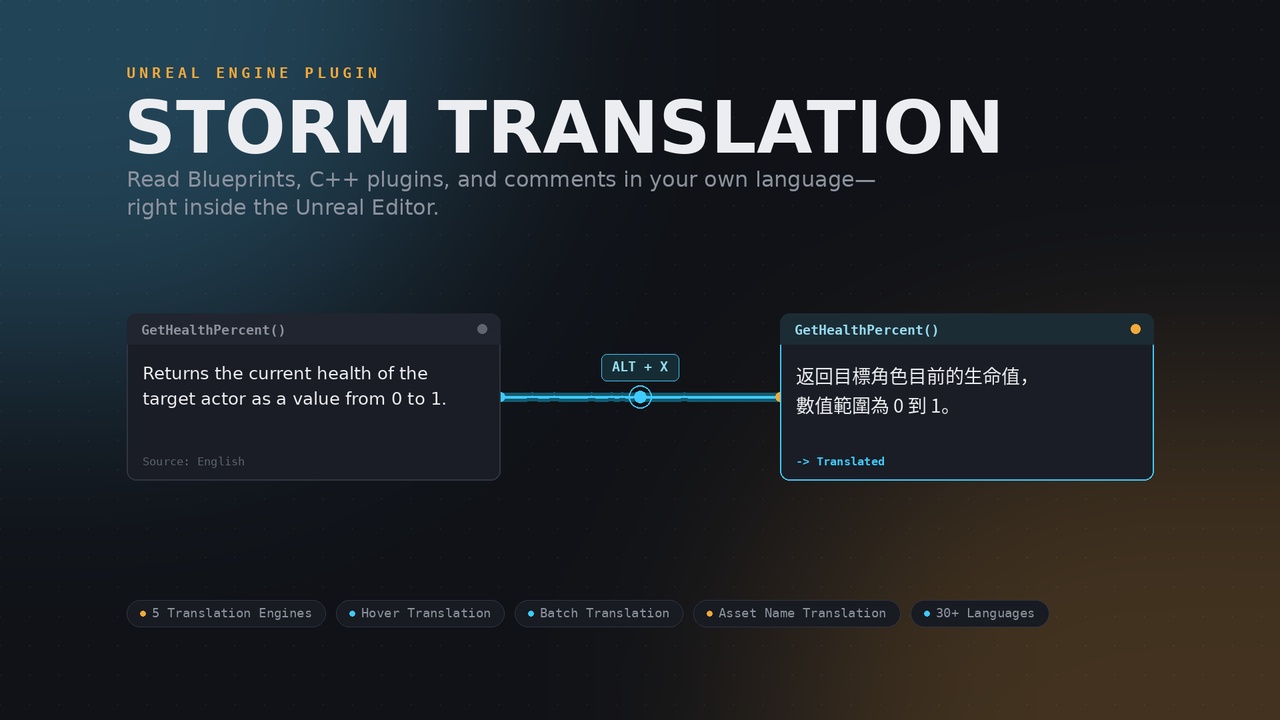
Translate Blueprint node comments, variable/function tooltips, and Content Browser asset names right inside the Unreal Editor — via one-click batch translation or an instant hover hotkey. Supports Google, DeepL, Azure, Baidu, and any OpenAI-compatible AI engine, with free options for testing.
Why this matters if English isn't your first language:
Unreal Engine's ecosystem — official documentation, third-party plugins, C++ property descriptions, Marketplace/Fab assets — is overwhelmingly written in English. If you're not a native English speaker, that's a real, daily friction point: misreading a variable's purpose, missing nuance in a function's description, or spending extra time just parsing what a comment actually means before you can even start solving the real problem.
If English isn't your first language, this is the translation tool that helps you read Blueprints,
understand projects, and get up to speed with C++ plugins faster:
Instead of alt-tabbing to a translator, copy-pasting text back and forth, and losing your place in the Blueprint graph
— you hover, press a key, and read the translation right where you're already looking. For teams working across languages,
or solo developers navigating an English-first plugin ecosystem, this turns "I think I understand this" into
"I know exactly what this does."
Storm Translation — Read Blueprints in Your Own Language:
Working with third-party Blueprint plugins, code documentation, or a team that doesn't share your native language?
Storm Translation lets you translate node comments, variable tooltips, and function descriptions directly inside the Unreal Editor
— without touching your project's actual game text or Blueprint data.
Two ways to translate:
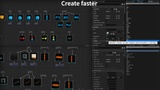
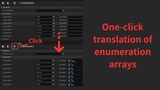
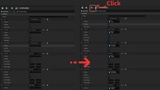
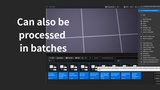
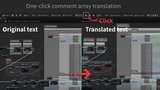
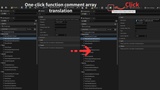
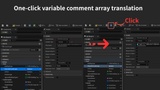
One-click batch translation — open any Blueprint (or Material, Behavior Tree, Niagara, PCG,
Sound Cue, MetaSound, Animation Blueprint, Control Rig) and translate its comments, variables, and functions with a single clickHover translation — hover over any text anywhere in the editor and press a hotkey to translate it instantly,
including third-party C++ plugin properties that can't normally be modified without recompiling
Five translation engines, your choice:
Google Cloud Translation, DeepL, Azure Translator, Baidu Translate,
or any OpenAI-compatible AI endpoint (OpenAI, self-hosted LLMs, or your own gateway)
—We provide two free-tier options for testing; if you need customized translation services,
you may choose to use any of the paid AI translation API keys available on the market.
In addition, the console reserves a dedicated field for developers to input prompt i
nstructions, enabling more precise translation of text libraries.—
Built for real development workflows:
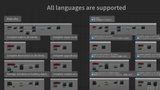
Translates ~30 languages, shown in their own native script for instant recognition
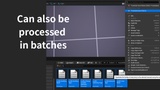
(To expand more languages, you can add language codes yourself.)Translates Content Browser asset names too — right-click, a global hotkey, or a toolbar button, covering any asset type
Local caching means you never pay to re-translate the same text twice
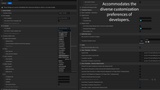
Fully customizable output format, notification sounds, and keyboard shortcuts
Required Engine Plugins
Storm Translation depends on the following official Unreal Engine plugins for specific translation features.
When you enable Storm Translation, the engine will normally enable these automatically —
but if any of them have been manually disabled in your project, the corresponding feature
and potentially the whole plugin) may fail to compile.
Plugin Required For
1.PCG (Procedural Content Generation Framework) - Translating PCG Graph node comments
2.Niagara - Translating Niagara Script node comments
3.Metasound - Translating MetaSound Source node comments
4.RigVM - Translating Control Rig comments
If your project doesn't use one or more of these systems and you've disabled the corresponding plugin,
please re-enable it (Edit → Plugins) before installing Storm Translation