


الوصف
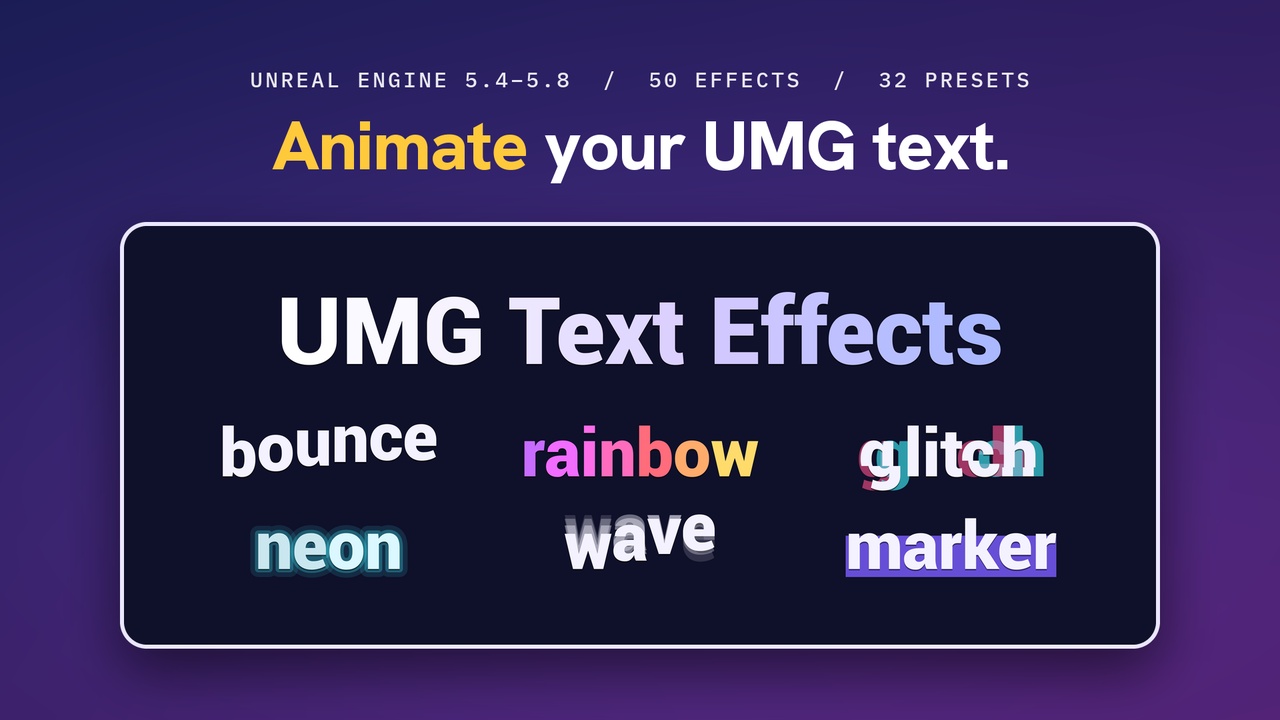
Animate the text you already have. UMG Text Effects adds per-letter animation and a typewriter to Unreal Engine's UMG text. You write short tags in the text:
Hello <wave>traveler</>, the <angry>dragon</> is <rainbow>awake</>!
Two ways to use it
Epic's Rich Text Block. Add the UTE Text Effects Decorator to the block's Decorator Classes. Your style rows and image tags keep working. No engine changes.
UTE Text Block. A Rich Text Block with the effects built in, and every Rich Text Block property kept. Drag it from the Palette.
A plain Text Block has to be swapped for one of these two.
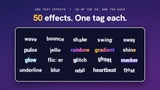
50 effects in five groups
Motion: wave, bounce, shake, slide, drop, scatter and more
Rotation: swing, spin, hinge and more
Scale and shape: pop, stamp, jello, flip and more
Color and opacity: fade, rainbow, gradient, shine, glow and more
Special rendering: wipe, roll, decoder, glitch, ghost, marker, underline, repel and more
Most effects work three ways: as a loop, as an appear animation, and as a disappear animation. Stack and nest them: <wave><rainbow>Treasure!</></>.
32 presets for moods and game moments: <angry>, <whisper>, <scared>, <magic>, <neon>, <robot>, <titledrop>, <damagenumber>, <pickup> and more. Add your own presets without code.
Typewriter
Reveal by letter or by word, in reading order, backward, random or center-out
Pauses, speed changes, wait-for-input and inline events written in the text
Skip reveals the rest at once. Hide Text plays each letter's disappear effect, then hides the text
Styles stay applied while typing, and a word never starts on one line and jumps to the next
Events for every letter, for finishing, for waiting and for inline tags, so you can play your own voice blips
Preview in the UMG Designer. Effects and the typewriter animate in the Designer without pressing Play.
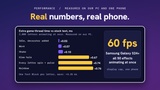
Cost. Moving letters are drawn as one element per text block. Finished or idle text is drawn by Epic's own code path, like a stock Rich Text Block. The animation path makes no per-frame memory allocations. Measured on our PC (Ryzen 9 7950X3D, RTX 4090, UE 5.7, 2,000 characters), the extra Slate time over stock text was +0.07 ms for wave and +0.76 ms for rainbow. On one phone, a Samsung Galaxy S24+, the demo app held 60 fps (the display's vsync cap) with all 50 effects animating. Your numbers depend on your hardware, so the plugin ships UTE.Bench to measure on your own.
Demo included. Open UTE_DemoMap and press Play: every effect, every preset, and a dialogue box with the typewriter. WBP_UTE_Demo shows the same pages in the Designer, and you can copy any card's markup into your own widgets.
Good to know before you buy (full list in the docs)
Custom effect classes are not in 1.0. Combine the 50 effects and save combinations as presets.
There are no built-in typing sounds. The typewriter fires events so you can play your own.
Wipe, Roll and Glitch cost one draw call per clipped letter, so use them for titles and dialogue, not thousands of letters at once.
Windows, plus Android (compiled on UE 5.4 to 5.8). Mac, Linux and iOS are not enabled in 1.0.
Unreal Engine 5.4 to 5.8. Full C++ source and documentation: https://ausomea.github.io/cvc-umgtexteffects-docs/
Support: [email protected]