Описание
A simple editor tool for Blueprint graphs that lets you save your most-used nodes to a favorites list and spawn them instantly with a hotkey.
How it works:
Open any Blueprint graph.
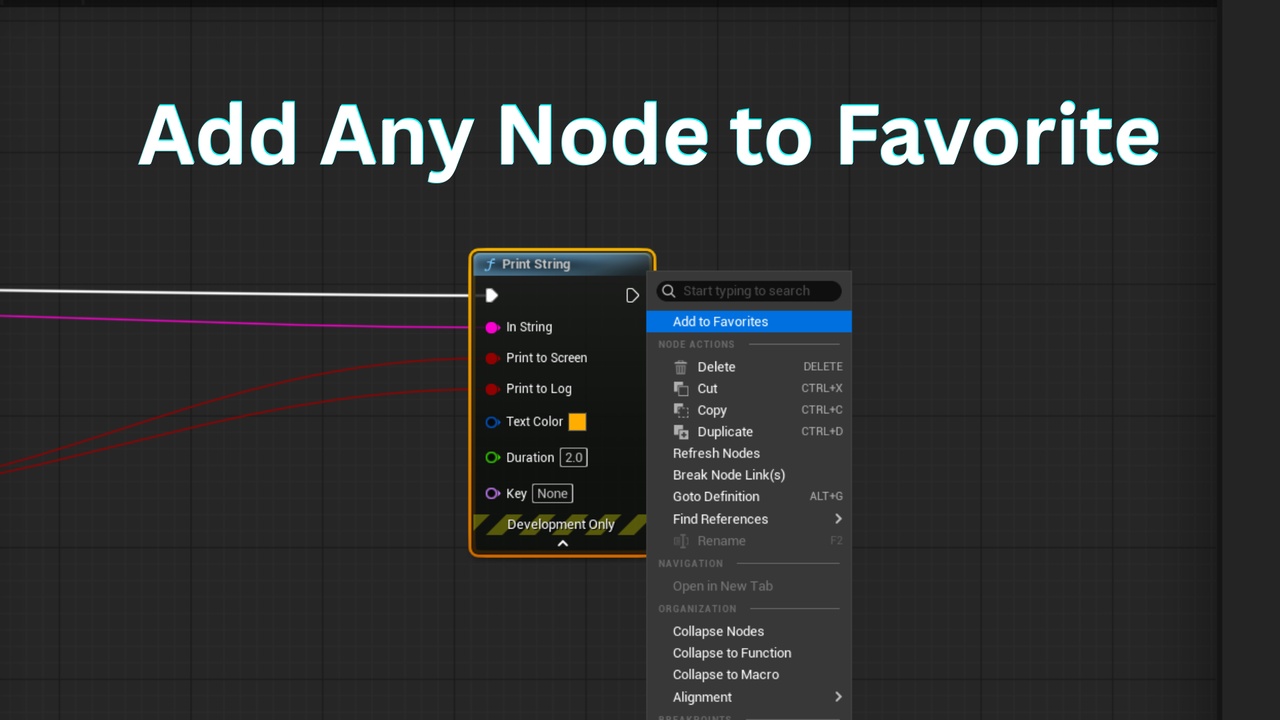
Right-click a node and choose Add to Favorites (or add it from Project Settings).
Press your hotkey (default: Q) while hovering over the graph.
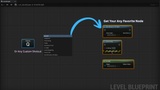
A menu pops up showing your favorites — click one and it spawns right where your cursor is.
What you get:
A customizable favorites list of any Blueprint node (Branch, Sequence, Print String, Delay, custom functions, variables — anything).
A hotkey menu that appears on the graph — no digging through the node palette.
Search to quickly find and add nodes to your list.
Right-click any node in the graph to add or remove it from favorites.
Fully customizable hotkey (any key or key combo).