

Описание
Documentation | Video
Introduction:
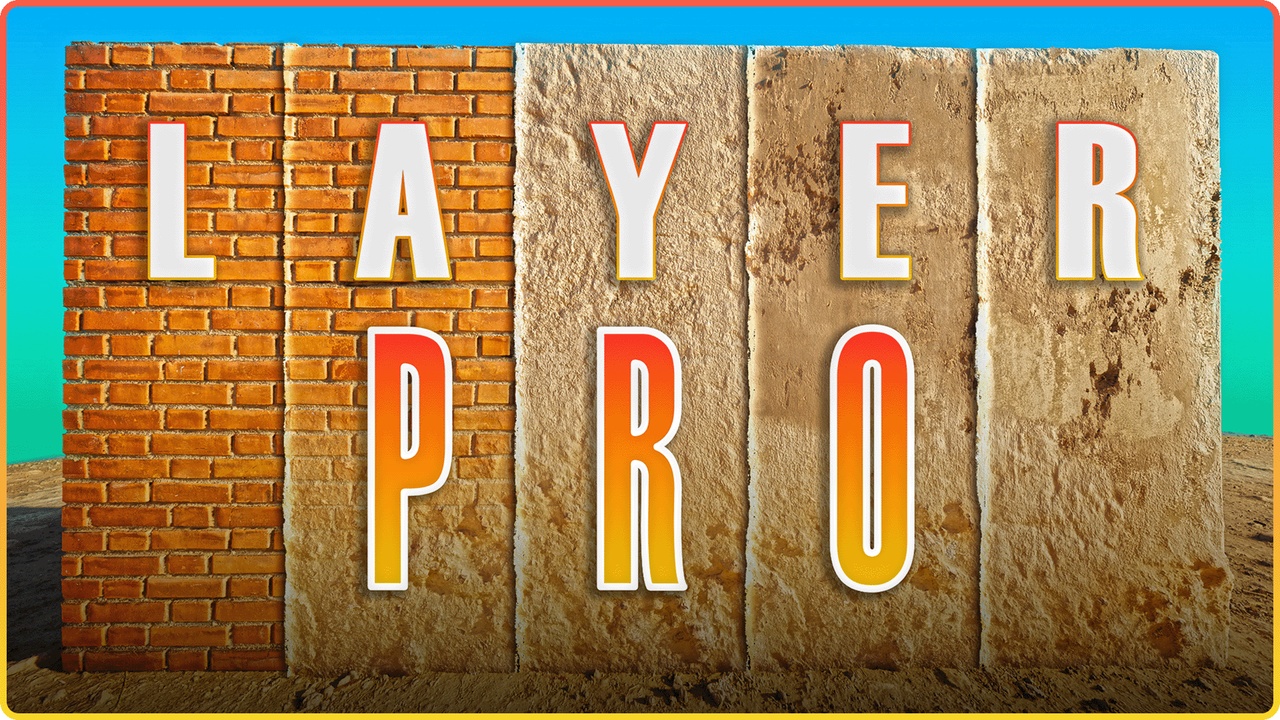
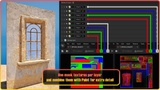
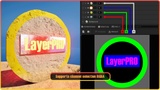
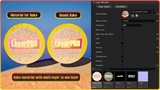
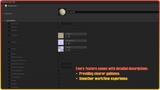
LayerPRO is an advanced material layer system for Unreal Engine (UE4 & UE5), built around a single master material. It gives artists full control over multi-layer surfaces with fast iteration, consistent results, and a clean workflow. And with LayerPRO-Bake, can bake textures from the final LayerPRO result in one click.
Key Features:
UV Channel Controls between 4 Channels (Layer / Mask / Paint).
Triplanar Enables triplanar mapping (world-aligned projection).
Local Triplanar Uses local for triplanar projection instead of world space.
ARM/ARD Auto Switch + Metallic/Displacement Toggle.
Tint Adjusts the base color appearance.
Displacement Adjusts the strength & contrast displacement map.
Normal Adjusts the strength of the normal map.
Roughness Adjusts overall gloss vs matte response.
AO Adjusts the strength & contrast of the AO mask.
Tiling Scale the UV tiling | Triplanar.
Offset Offset UV & Triplanar XYZ Offset.
Rotation Rotation UV & Triplanar XYZ rotation.
Custom Mask Channel-based masks for AO - Roughness - Displacement - Metallic.
Emission Glow effects.
Opacity Translucent.
Opacity Mask Cutouts.
Wind Foliage & Coth.
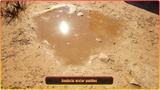
Puddle Water Puddles.
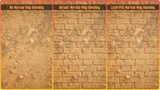
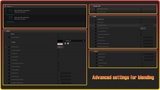
Blend Mode Height Blend & Normal Map Blending.
Paint Mode Vertex Color & Texture Color & Texture.
Texture Mask RGBA channel selection & Combined with paint for extra detail.
Bake System Bakes a texture from the final LayerPRO result.
Requirements:
UE 5.3 – 5.4
For Displacement/Tessellation Nanite must be enabled.
Add the following to DefaultEngine.ini:
r.Nanite.AllowTessellation=1 r.Nanite.Tessellation=1 r.RayTracing.Nanite.Mode=1
Plugins required for Vertex Paint with Nanite:
• ModelingToolsEditorMode
• StaticMeshEditorModeling
UE 5.5 – 5.7
No plugins required.
Must enable Virtual Texture Support in Project Settings for Texture Paint.
Troubleshooting:
On Mac and some AMD GPUs, Nanite Displacement/Tessellation may show issues (engine limitation).
Nanite Displacement/Tessellation Not supported with Path Tracing.
Conclusion:
Whether you’re creating games, realistic environments, or cinematic scenes, LayerPRO gives you an all-in-one solution for faster workflows, smoother blending, and complete artistic freedom — all inside a single, easy-to-use material.