



Beschreibung
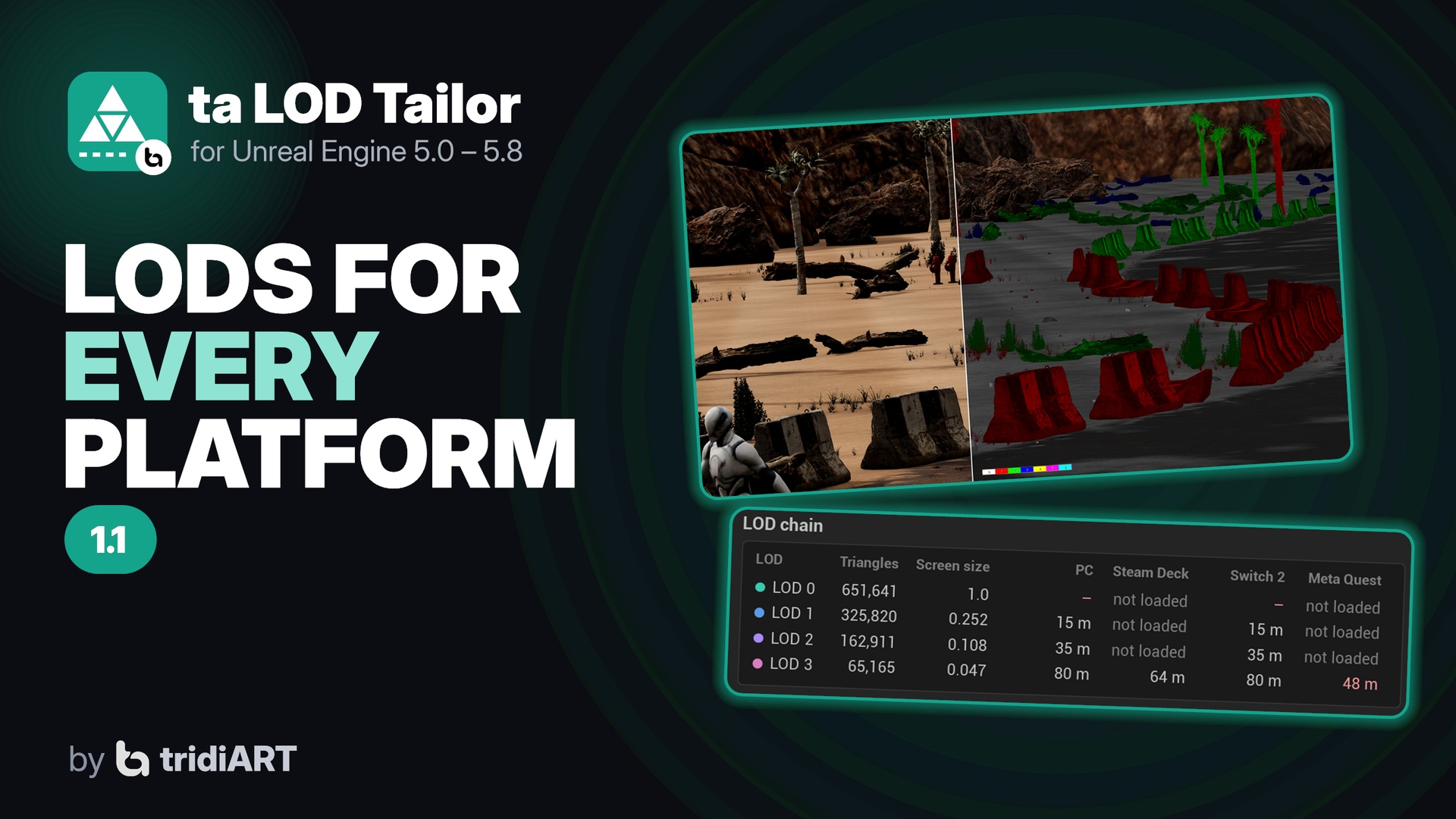
Fit your static and skeletal mesh LODs to every platform you ship on. ta LOD Tailor doesn't remodel your meshes: it decides, per platform, how many triangles each mesh may have, whether it should use Nanite or LODs, and where every LOD takes over. Then it builds those LODs for hundreds of meshes at once with Unreal's own reduction. You preview every change, every run is backed up, and the same checks run in your build pipeline.
Personal license $9.99 for buyers with up to $100,000 USD in gross revenue in the last 12 months, Professional license $29.99 above that. Both give the same rights (see the Fab EULA).
Why LOD Tailor
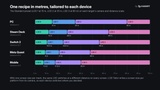
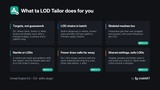
Built around your target platforms: PC, Steam Deck, Switch 2, Meta Quest and Mobile come preset with triangle budgets, cameras and Nanite on or off. LOD Tailor writes per-platform screen sizes and Min LOD, so one mesh fits every device.
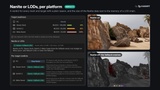
Nanite or LODs, decided per platform: a verdict with a plain reason for every mesh and target, and a hybrid path that keeps Nanite on PC and adds a LOD chain for devices without Nanite.
Safe on a real project: preview first, a backup before every run, restore one run at a time, hand-made LODs kept in batch runs, and a copy of them before every reimport.
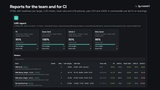
For the whole team and CI: a shared settings asset with folder rules, HTML/CSV/JSON reports, and a commandlet that fails the build on warnings or errors.
Nothing extra ships: LODs come from Unreal's own mesh reduction and the settings are regular mesh settings. Editor-only, UE 5.0–5.8 on Windows, Mac and Linux.
Three steps
1 Meshes: pick a target and see what it renders: the triangles of the first LOD it loads, the share of its budget, and where LOD 1 takes over, in metres. The table opens on the meshes that need work, worst first, so a few problems never hide among thousands of fine meshes.
2 Findings: every problem grouped by rule or by mesh, with the targets it affects: over budget, no LODs, Nanite meshes that only have a fallback mesh, Min LOD beyond the last LOD, screen sizes in the wrong order. Suggestions (LODs that barely reduce anything) stay separate.
3 Batch LODs: pick a recipe, preview the result for every mesh, apply, restore.
Features
Targets instead of guesswork: PC, Steam Deck, Switch 2, Meta Quest and Mobile come preset, each with a triangle budget, a threshold above which a mesh needs LODs, Nanite on or off, a distance scale, its own camera (field of view and aspect ratio, per eye for VR) and the per-platform key its settings go to. Add your own targets.
Distances in metres: set where each LOD takes over (for example LOD 1 at 15 m, LOD 2 at 35 m, LOD 3 at 80 m). LOD Tailor turns the distances into screen sizes for each mesh's size, so a pebble and a building switch at the same distance.
Per-platform screen sizes and Min LOD: every target with a platform key gets its own screen sizes from its camera and distance scale, so LODs switch at the intended distance in a VR headset too. Min LOD is fixed per target or the first LOD within the target's triangle budget.
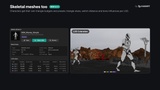
NEW in 1.1 – Skeletal meshes too: characters and creatures get their own triangle budgets per target and their own presets (Characters, Characters (mobile and VR)) with triangle share, switch distance and bone influences per LOD, built with Unreal's skeletal mesh reduction. Optionally the far LODs drop the bones no vertex is skinned to; sockets and physics bodies stay.
NEW in 1.1 – Nanite or LODs: for every mesh and target, a verdict (Keep Nanite, Nanite + fallback LODs, Switch to LODs, Keep LODs or Consider Nanite) with a plain reason, the size of the Nanite data next to the memory of a classic LOD chain, notes on translucent and masked materials and World Position Offset, and the multi-material fallback risk. Estimates from the mesh's own data, not measurements on the device.
Nanite meshes for platforms without Nanite: keep Nanite and add a LOD chain (Epic's hybrid workflow, the fallback mesh is LOD 0 there) or turn Nanite off. Ideal for asset packs that ship Nanite-only meshes.
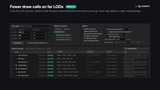
NEW in 1.1 – Fewer draw calls on far LODs: an option for static meshes, off by default. From the LOD you pick, sections with the same material become one and tiny sections are dropped. Optionally the far LODs draw with the main material only. The preview shows the draw calls per LOD before → after, and the run can be restored like any other.
NEW in 1.1 – LOD pictures: every LOD side by side from the same camera, with its triangles, in the mesh details and in the HTML report. Pictures are rendered in the editor; in CI the commandlet adds pictures of static meshes only.
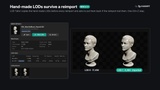
NEW in 1.1 – Hand-made LODs survive a reimport: LOD Tailor keeps a copy of a mesh's hand-made LODs before every reimport and asks to put them back if the reimport lost them (or puts them back right away, or does nothing). Putting them back is one Ctrl+Z step.
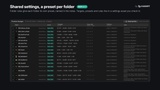
NEW in 1.1 – Shared settings and folder rules: targets, presets and folder rules live in a settings asset you check in, with JSON export and import. A folder (or a wildcard) gets its own preset in batch runs and, if you want, on import: a new mesh in that folder gets its LOD chain right away, with a backup. An import over an existing mesh leaves its LODs as they are.
Hand-made LODs are safe in batch runs too: meshes with imported LODs keep them and only get screen sizes and platform settings, unless you choose to replace them.
Preview, apply, restore: see every mesh's new LOD count, expected triangles, draw calls and Min LOD before anything changes. Apply writes a backup first; Restore puts it back, one run at a time. A second run only changes what differs.
Presets: Standard, Small props, Hero / large, Mobile aggressive and the Characters presets, or your own.
Reports for the team and CI: HTML (sortable, filterable, light and dark, with readiness per target, LOD chains, draw calls and LOD pictures), CSV and JSON. The TALODTailor commandlet fails a build on warnings or errors and can apply a preset.
Data Validation: the checks run in Validate Assets and on save.
Python and Blueprint API for pipelines.
How to use
Open Tools > ta LOD Tailor (in the tridiART section of the Tools menu) and click Scan project, or right-click folders or meshes in the Content Browser (Check Mesh LODs, Check LODs, Tailor LODs...). The Static Mesh Editor and Skeletal Mesh Editor toolbars have a LOD Tailor button. Targets, presets and folder rules are in Project Settings > Plugins > ta LOD Tailor, or in a shared settings asset.
Supported
Unreal Engine 5.0 to 5.8. Editor-only plugin (Windows, Mac, Linux editor). Static and skeletal meshes; reimport protection for skeletal meshes needs UE 5.3 or later, and skeletal Nanite needs UE 5.5 or later. LODs are built with Unreal's own mesh reduction, and the settings it writes are regular mesh settings, so nothing from the plugin ships with your game.
Documentation: https://tridiart.com/docs/lod-tailor/
Support: https://tridiart.com/contact/