
Description
Package your Unreal Engine game and upload it to Steam without leaving the editor.
Your password is never stored. Preview builds before uploading. Set builds live automatically.
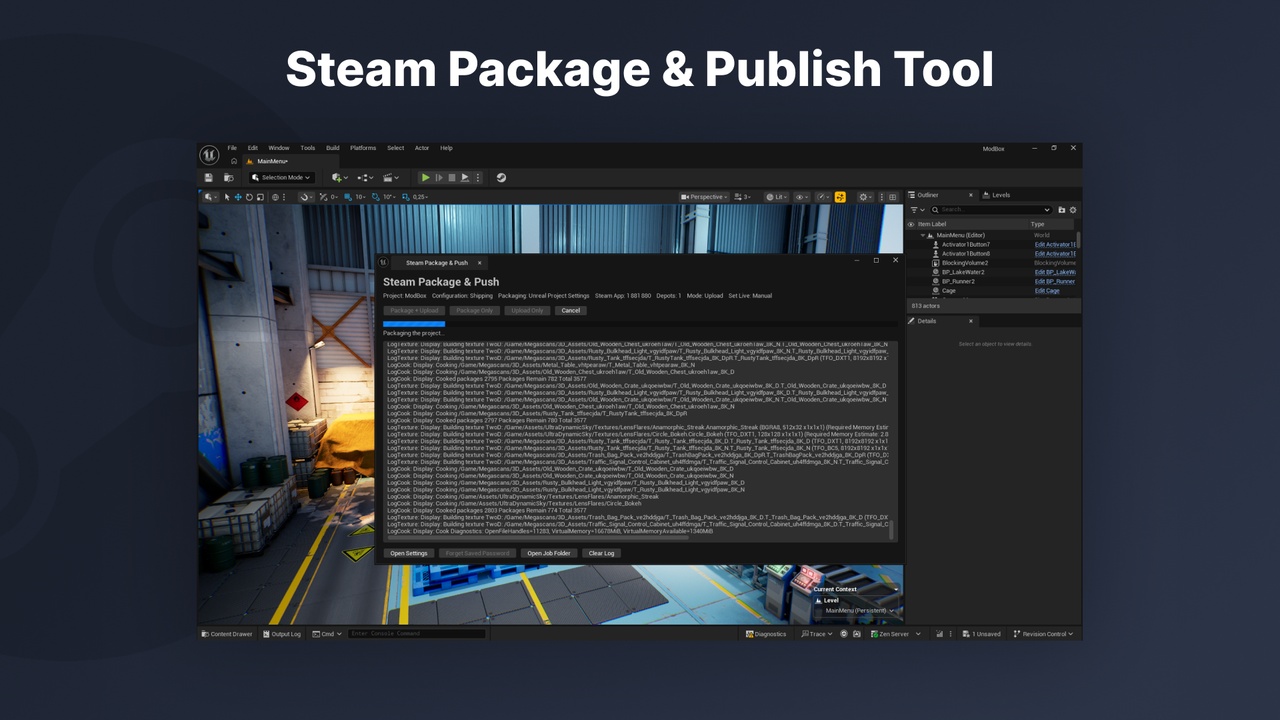
One toolbar button runs the whole pipeline: Unreal packaging (build, cook, stage), SteamPipe script generation and the upload through Valve’s SteamCMD. Progress is shown live in an editor notification, and the Steamworks builds page opens automatically when the upload is done.
Features
One-click package & upload from the level editor toolbar
Preview Mode: check your depots without uploading anything
Set Live Branch: automatically set the build live on a branch such as beta
Build Description shown in the Steamworks builds list
Automatic SteamCMD setup: downloaded from Valve on first use
Log in once: password + Steam Guard (email code or Steam Mobile app approval). SteamCMD remembers the session, so uploads never ask for your password
Session expired? Log in again and the upload resumes, without repackaging
Multiple depots, with an optional install script per depot
Optional Steam DRM wrapper
Live progress for compilation, cooking, PAK writing and upload, with a Cancel button
Settings check before the build starts: account, App ID, package folder, depots, install scripts, branch name
Clear error messages, with hints for wrong App/Depot IDs or missing publishing rights
Packaging options: build configuration, localizations, levels to cook, chunk size, prerequisites
No Steamworks SDK integration needed in your project
Your credentials stay safe
Your password is never saved: not in .ini files, not on a command line, not in logs
It is only sent to SteamCMD while logging in
Passwords saved in plain text by older versions are deleted automatically
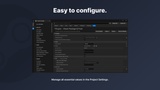
Account panel in Project Settings: login status, Log In, Test Connection, Log Out
Good to know
Builds are never set live unless you choose a branch. Valve does not allow setting the default branch live from SteamCMD, so publish it from Steamworks
Requirements: Windows, a Steamworks partner account with an App ID and depots, and a Steam account allowed to publish builds (a dedicated builder account is recommended)
Supported engine versions: Unreal Engine 5.7 – 5.8