









Descrição
Free for a limited time!
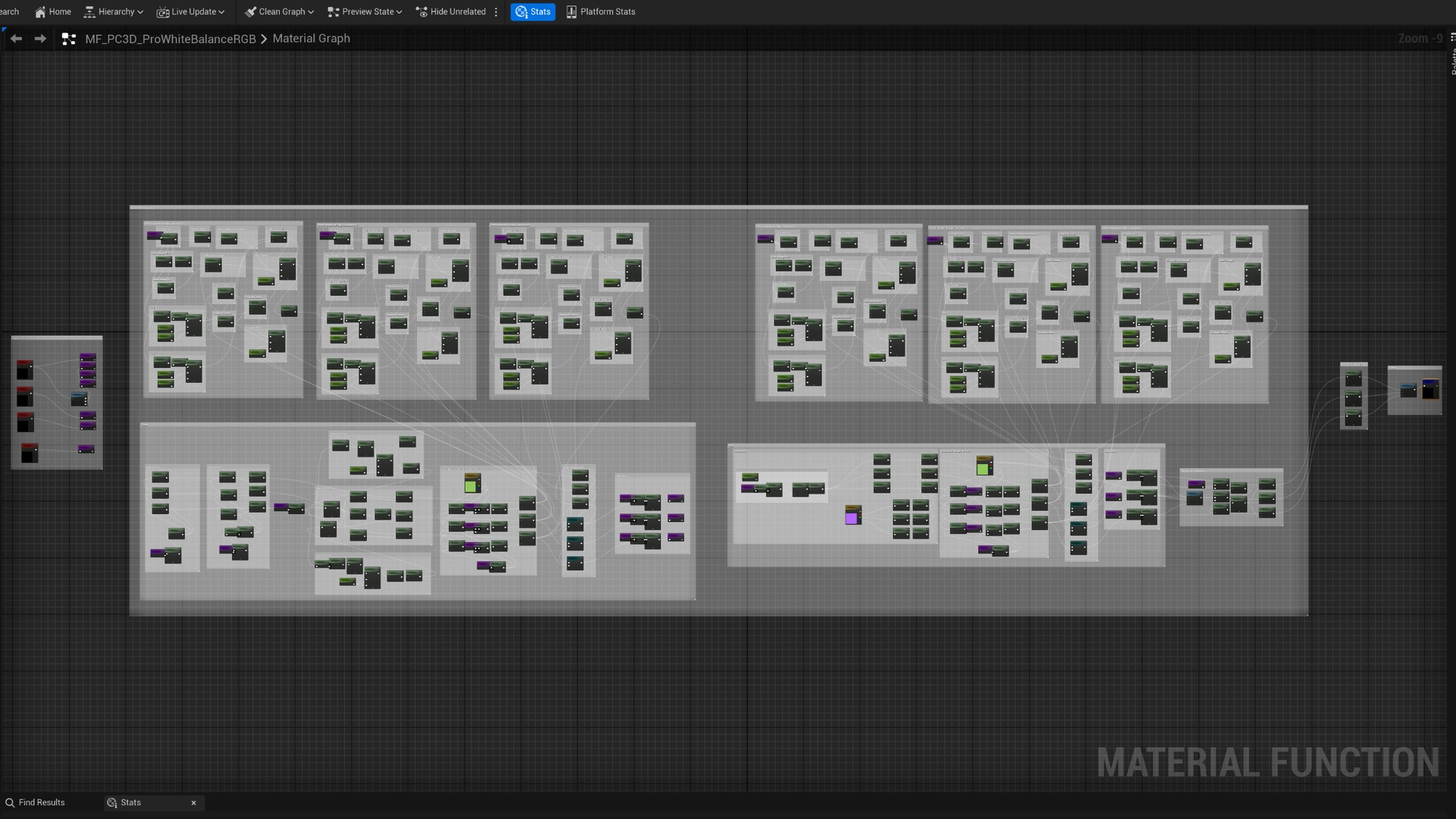
Pro White Balance RGB introduces a professional white balance material function for precise, efficient color grading. Unlike Unreal Engine’s white balance, which is limited to post-process volumes and cine camera actors for scene-wide effects, this function delivers white balance directly within materials for targeted adjustments on meshes, landscapes, or other assets—a capability not available in Unreal’s standard material functions. Not satisfied with the precision of basic color tweaks (like multiplying a base color by a Vector3), I made this function to ensure accurate temperature and tint adjustments while preserving depth and contrast, inspired by professional photo and video editing software.
Key Features:
Material White Balance: Enables professional white balance in a material function for targeted adjustments on meshes, landscapes, post-process volumes, or cine camera actors, a capability not available in Unreal’s standard material functions.
Visual Fidelity: Will retain luminance, depth and contrast between colors better compared to more simple ways of correcting colors in a material.
Pre-Configured Assets: Prepared post process material with a material instance.
User-Friendly Sliders: More intuitive sliders than the standard white balance in a post process volume or cine camera actor.
Professional Behavior: Similar behavior to white balance used in professional photo-and video editors.
Performance Efficiency: Utilizes mathematical nodes in RGB color space for efficient, low-performance impact.
Tilt Highs Offset: The scalar parameter “tilt highs offset applied down” will tilt the amount of offset added down at higher luminance values, leaving shadows more affected. 0 will disable the effect, 0.5 is my preference, 1 is more extreme where the offset on highs will be close to none.
Input-Scaled Offsets: Enabled by default, analyzes input color values and scales allowed temperature and tint offsets based on their proximity to 0 or 1, preventing artifacts near color extremes with preserved edge detail.
Luminance Compensation: The combined R+G+B input luminance is calculated and compared to the input+offset luminance and the difference will be compensated for. This ensures the overall brightness is controlled with better details retained.
Creative Flexibility: Disable Input-Scaled Offsets and set Tilt Highs Offset to 1 for split-toning-like effects, enabling creative grading across materials, post-process volumes, or cine camera actors.
Supported engine versions
5.6
5.5
5.4
5.3
Installation Instructions
Purchase and download Pro White Balance RGB from Fab.
In the Epic Games Launcher, go to Library > Vault, locate the pack, and click Add to Project.
Select your project or create a new one to import the asset.
Quick Start Guide
For use in a material:
Put the material function in a material.
Connect the inputs, base color and the scalar parameters, and the output.
Create a material instance to control the white balance.
For use in a post process volume(same process for cine camera actor):
Add or open a post process volume.
In details of the post process volume, set it to unbound.
In details of the post process volume, scroll down to rendering features, post process materials, array.
Click the + button, choose asset reference, drag and drop the provided material instance.
Open the material instance to white balance the scene.
For more creative colors:
Open the material instance.
Untick enhanced temp and tint, try the tilt at 1.
Temp and tint will now shift the colors with results looking more like split toning.
Content
1 material function
1 base material prepared for a post process
1 material instance
Changelog
Version 1.0 (15th of June 2025):
- Initial release