الوصف
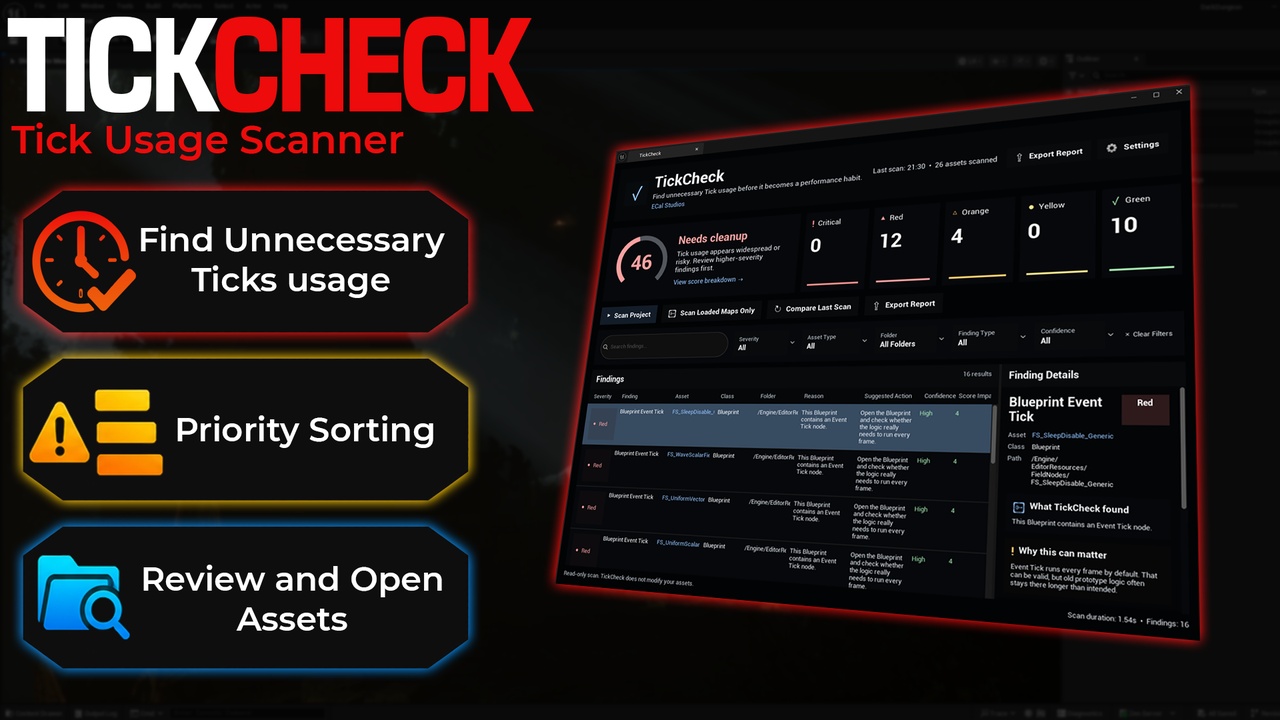
TickCheck is a lightweight Unreal Engine editor plugin that helps developers find Tick usage worth reviewing before it becomes performance debt.
Tick is not always bad. Many gameplay systems need it. But unnecessary Tick usage can quietly grow across Blueprints, actors, components, and test maps. TickCheck gives you a clear project-level dashboard so you can quickly see where Tick is used, how risky each finding may be, and what to review first.
Version 1.1.0 introduces a redesigned premium dashboard with a large Tick Health Score, circular score ring, severity summary cards, better filtering, improved finding details, and built-in settings inside the plugin window.
TickCheck is designed to be beginner-friendly, practical, and safe. It does not automatically change your assets. Instead, it gives clear explanations and suggested next steps so you can decide what should be cleaned up.
Version 1.1.0 Update SummaryVersion 1.1.0 is a major UI and usability update.
New in 1.1.0:
Premium dark dashboard redesign
Large Tick Health Score card
Circular score ring
Clickable severity summary cards
Improved scan action row
Search and filter controls
Cleaner findings table
Right-side finding details panel
Built-in settings page
Last scan summary
Scan duration display
Finding count display
Better beginner-friendly explanations
One-click Tick usage scan
Tick Health Score from 0 to 100
Large visual score dashboard
Circular score ring
Severity summary cards
Searchable findings list
Filter by severity
Filter by asset type
Filter by folder
Filter by finding type
Filter by confidence
Detects Blueprint Event Tick usage
Detects actors with Tick enabled
Detects components with Tick enabled
Detects zero Tick Interval usage
Detects hidden actors that still tick
Highlights Tick-heavy patterns
Shows reason and suggested action for each finding
Shows confidence for each finding
Shows score impact
Right-side details panel with beginner-friendly explanations
Open selected asset
Browse to selected asset folder
Export Markdown reports
Export CSV reports
Built-in plugin settings tab
Editor-only
Read-only scan workflow
No runtime impact
No external dependencies
TickCheck is useful for:
Reviewing Tick usage before release
Cleaning up prototype Blueprints
Preparing a project for optimization
Finding unnecessary Event Tick nodes
Auditing actors and components in loaded maps
Reviewing performance risk before packaging
Teaching beginners why Tick usage should be intentional
Creating cleanup reports for a team or client
Checking progress before and after optimization passes
Unreal Engine 5.5 / 5.6 / 5.7
Editor-only plugin (zero runtime impact)
No external dependencies (pure C++)