Descrizione
Changelog| Docs | Oveview
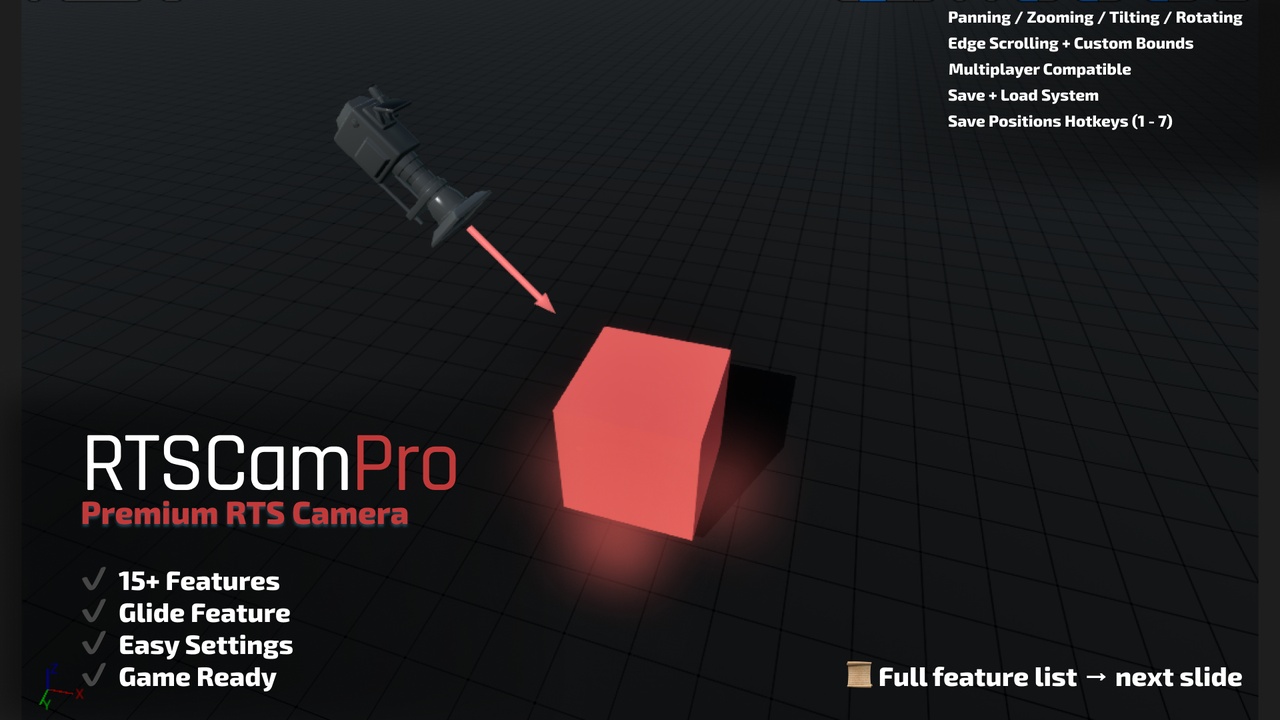
RTSCamPro is a premium, highly customizable RTS-style camera system designed specifically for Unreal Engine 5 developers building strategy, simulation, and top-down games. Whether you're making a city builder, tower defense, or modern RTS, this system delivers smooth, professional-grade camera controls — entirely in Blueprints.
With 15+ powerful features including panning, zooming, rotation, tilting, edge scrolling, glide smoothing, and hotkey-based camera saves, RTSCamPro is built for both singleplayer and multiplayer projects. The modular setup makes it easy to drop into any project, with extensive options exposed for designers and developers alike.
Plugin Requirements
Enhanced Input Plugin (UE5 built-in) is required, RTSCamPro automatically enables it through the plugin configuration.
If Enhanced Input is disabled in your project:
Open the Edit > Plugins menu
Search for Enhanced Input
Check Enabled
Restart the editor
Key Features
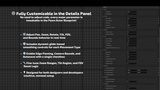
Full RTS Camera Controls: Pan, zoom, rotate, and tilt with precision.
Smooth Tick Functionality: Built-in damping interpolation for cinematic motion.
Edge Scrolling: Configurable edge detection with optional bounds.
Camera Save System: Instantly save and load up to 7 camera positions using hotkeys (1–7).
Multiplayer Compatible: Designed to work in both standalone and replicated games.
FOV Controls: Dynamically adjust camera FOV with scroll or input mappings.
Rotation Clamping: Limit tilt and yaw angles to prevent unwanted spinning.
Customizable Input System: Uses Unreal’s Enhanced Input for full rebind support.
Input-Driven Blueprint Functions: Modular URTSCameraMovementLibrary handles clean separation of movement logic.
Boundary Locking: Prevent the camera from exiting playable areas.
Optional AutoSave: Toggle whether camera saves persist across sessions.
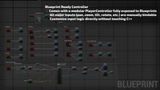
Fully Blueprint-Driven: All logic exposed in Blueprint with organized nodes and comments.
Game-Ready Design: Works with any top-down or isometric camera setup.
Easy Designer Settings: Configure speed, smoothing, zoom limits, and more without touching code.