説明
What is Command Pocket?
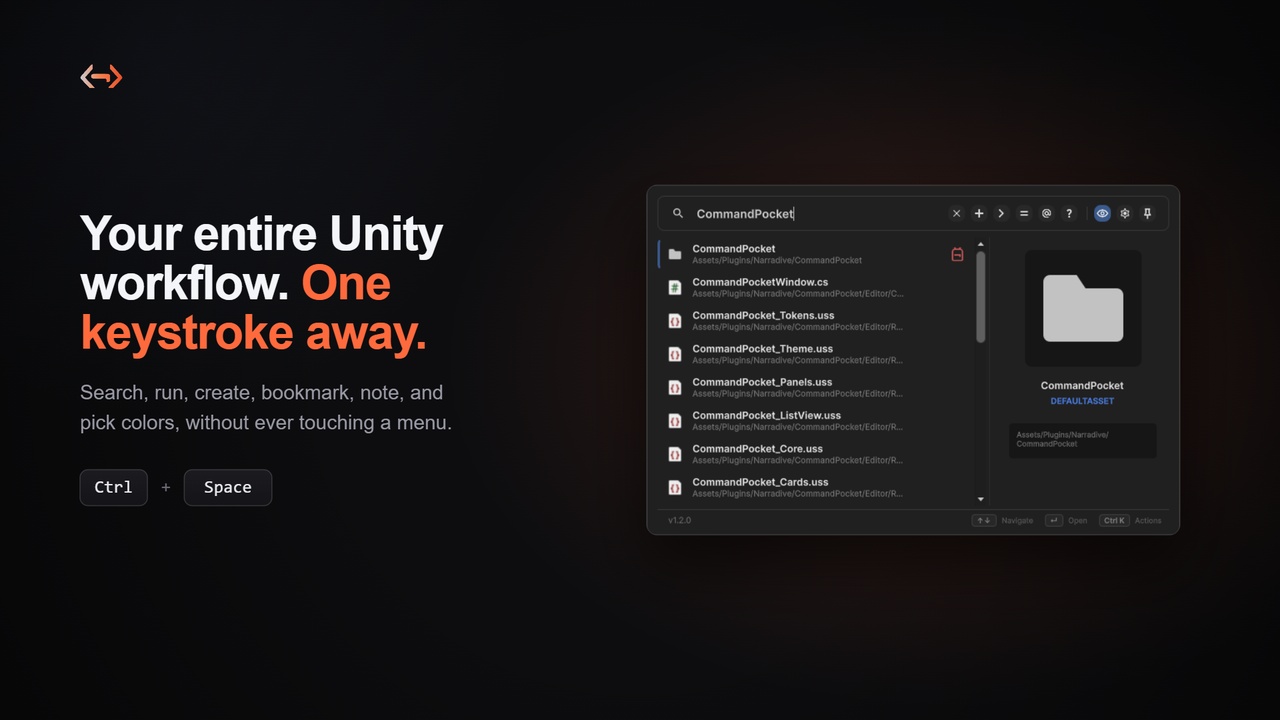
Command Pocket is a productivity tool for Unity developers. It gives you lightning fast, keyboard driven access to your Unity workflow through a single command palette, so you spend less time hunting through menus and more time building.
Documentation: Read the Docs
Studio: Narradive Studios
Support: [email protected] or Discord
Key Features
Quick Search (Ctrl+Space)
A borderless, screen centered launcher for instant search and prefix commands, dismissed with a keystroke.
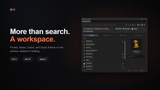
Workspace (Ctrl+Shift+Space)
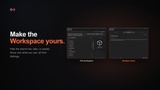
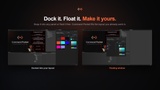
The full window with Pocket, Notes, Colors, and Quick Actions. Dock it into your Editor layout or float it as a frameless window, and customize which tabs and panels you see.
Search
Find and run any Unity command in milliseconds.
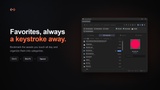
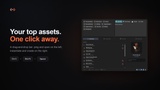
Bookmark and organize your frequently accessed assets by category.
Notes
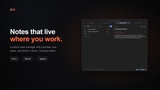
A built in task manager with priorities and due dates.
Colors
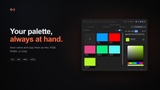
Pick, copy, and preview colors, with Hex, RGB, RGBA, and Unity copy formats
Quick Actions
One click access to, or instant cloning of, your most used assets.
Editor Commands (>)
Run any editor command, including those from third party tools.
Smart Creation (+)
Create assets and GameObjects without digging through menus.
Built in Calculator (=)
Solve math problems directly in the editor.
Clipboard History (@)
Track and reuse copied GUIDs, colors, and URLs.
Docs (?)
Search Unity docs or Google without leaving the editor.
Screenshot
Type ">screenshot" to capture runtime screenshots.
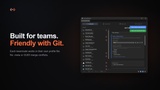
Team ready and Git friendly
Share your Pocket, Notes, Colors, and Quick Actions through per user profile files that avoid .meta and GUID merge conflicts.
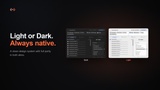
Light and Dark themes, a token based design system, and smooth micro animations.
Origin Story
Command Pocket was born during the development of "Will You Be My Disciple?", a game created by Narradive Studios, an indie game studio co founded by Mahir Karabulut, Taha Berkay Sarp, and Buse Yücel. While building the game, we needed a faster way to navigate Unity's complex menu systems and access assets quickly. What started as an internal productivity plugin evolved into a comprehensive tool with advanced features, optimization, and thorough documentation, ready for the Unity Asset Store and the wider developer community.
Quick Start
Press Ctrl+Space to open Quick Search for instant searching, or Ctrl+Shift+Space to open the Workspace with Pocket, Notes, Colors, and Quick Actions. Then just start typing.