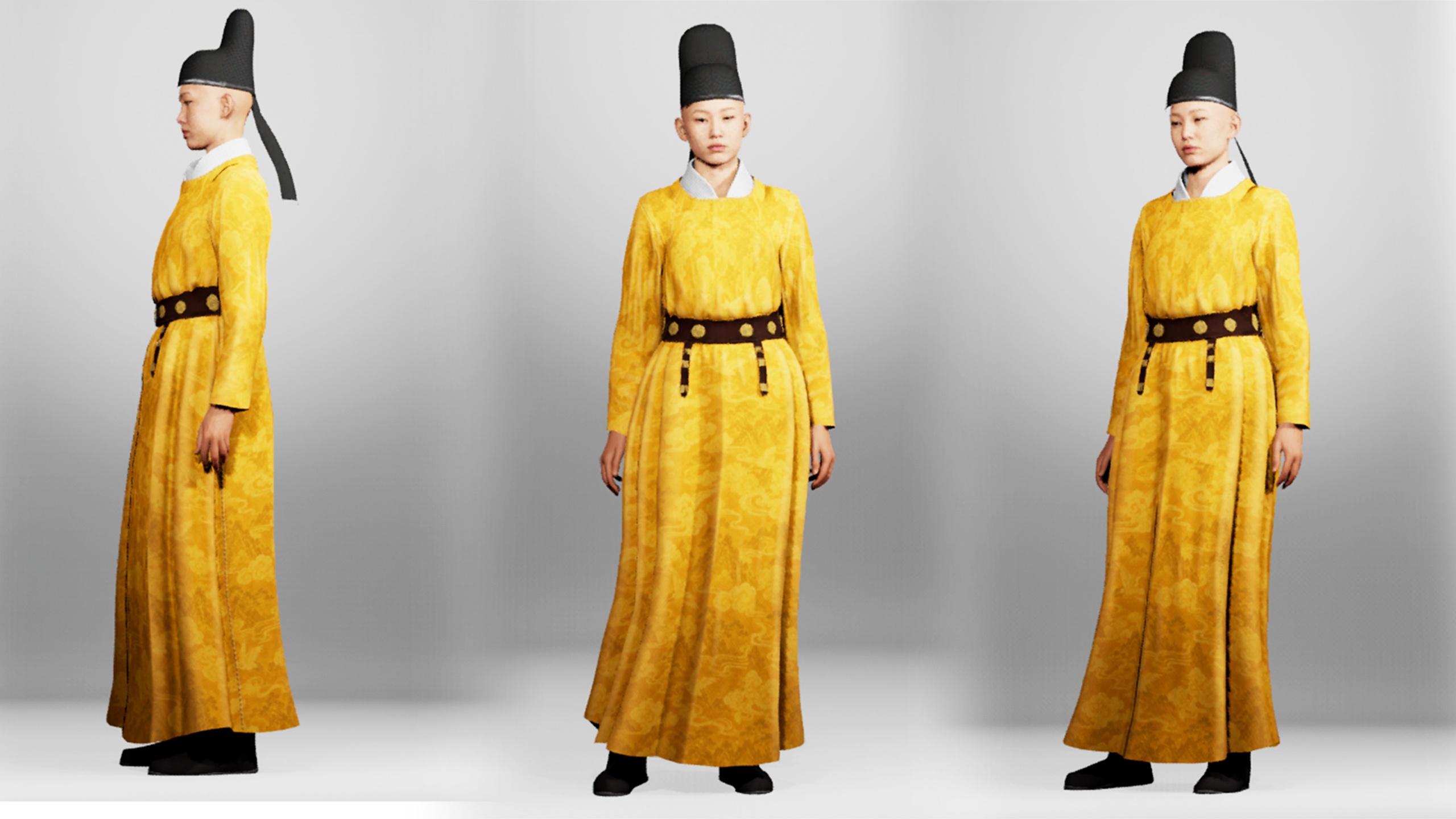
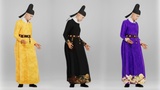
UNIQUE ITEM v5.8 and v5.7:
robe with pant
cap
Instructions for Metahuman Wardrobe
Create a folder in your Unreal project.
Drag the .mhpkg file into the folder.
Open Metahuman Creator.
Drag the WI_"clothname" asset into the Cloth Asset slot.
Enjoy your new outfit!
To apply the second texture set:
Open the imported outfit folder and go to the Textures folder.
Import the second fabric texture set and replace the existing maps.
Textures will automatically update inside Metahuman Creator.
Export your Metahuman and enjoy.