설명
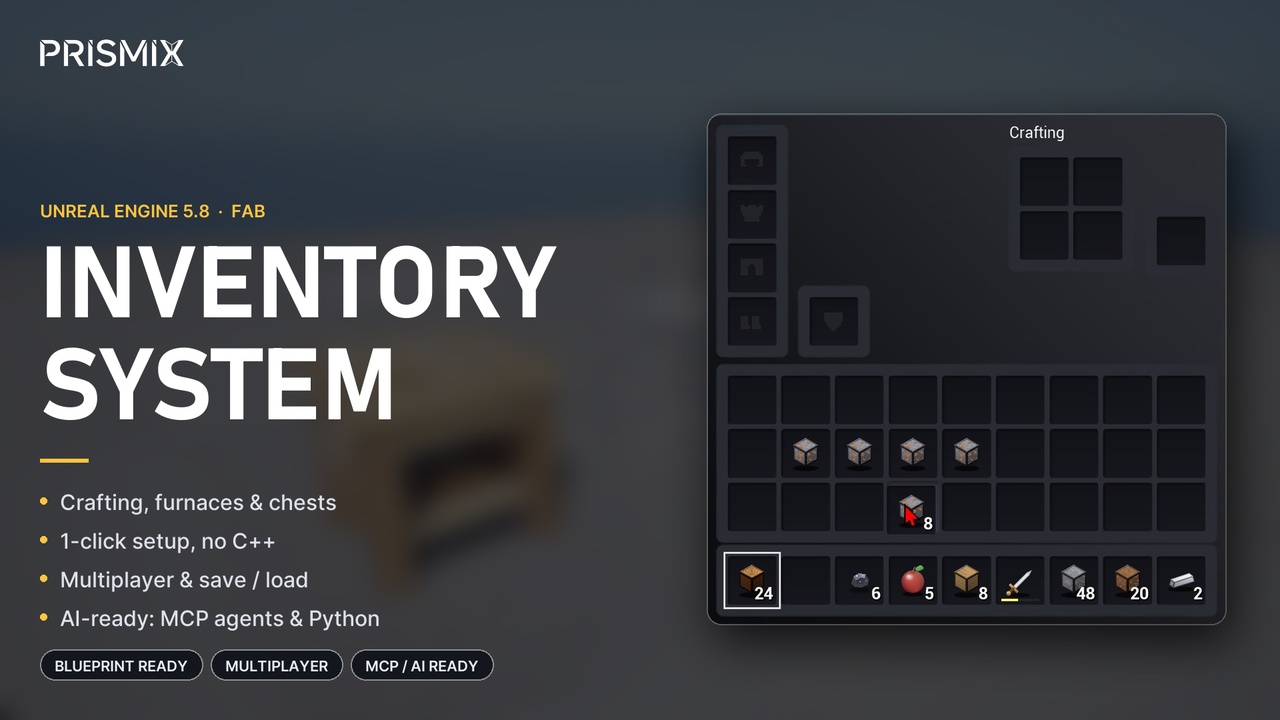
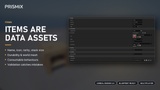
A complete, data-driven inventory system for Unreal Engine 5: hotbar, backpack, armor, crafting, chests, furnaces, world pickups, durability, save/load, multiplayer, a fully themeable UI and MCP integration - with ready-made 3D models.
Trailer Docs Tutorial
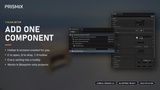
Set up in one step: add the Prismix Inventory Component to your character and press Play. The hotbar, the inventory screen with 2x2 crafting and the keys all work at once. Everything else is Data Assets, Blueprints and the Details panel - no C++ needed.
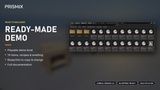
Included demo: Lvl_PXI_Playground is a fully playable first-person example with a starter kit, a crafting table, a furnace and loot-filled chests. Walk, craft, smelt, break, move items, save and load - and use it as a reference for your own project.
Features
Chests, furnaces and crafting tables from any mesh: add the Prismix Chest, Prismix Furnace or Prismix Crafting Table component to any actor and players open it with F. Ready-made Blueprints included.
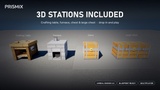
3D models included: a crafting table, a brick furnace with fire, and a chest and a large chest with iron bands and hinged lids.
No-graph animation: pick the lid component and it swings open while anyone has the chest open; pick a fire and it shows only while the furnace burns. Events are there for sounds and effects.
Reliable stacking: tops up partial stacks first, spills correctly across stack limits and never silently loses items.
Named inventory sections: Hotbar, Main, Armor, Offhand and more instead of magic slot numbers, each with optional Gameplay Tag filters.
Inventory operations: shift-click quick-move, split stacks, gather, transfer and more - all exposed as Blueprint nodes.
Two mouse interaction models: traditional drag-and-drop or click-to-carry cursor stacking. Drag across slots to share a stack out evenly.
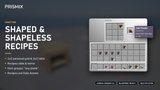
Crafting: shaped and shapeless recipes, 2x2 and 3x3 grids, ingredient groups such as #Planks (mixed woods in one recipe). Crafting is protected against item duplication.
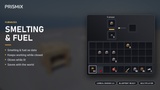
Furnaces: input, fuel and output slots, cook progress, glowing embers, data-driven smelting and fuel. Furnaces keep smelting while closed, persist through save/load and drop their contents when broken.
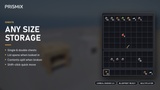
Chests: any size, double chests, save/load, contents dropped when broken.
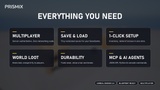
Durability: tools wear down and break, with durability bars and tooltips. Durability survives transfers, drops and save/load.
World pickups: dropped stacks spin, bob, merge and fly to players with room. A full inventory never silently eats loot.
Controls: default keys you can change or switch off in the Details panel, or use your own input (Enhanced Input) with simple Blueprint nodes. Full gamepad navigation.
Save/load: versioned byte blobs for your own SaveGame. Handles removed items, resized inventories and invalid data safely, and keeps loading after plugin updates.
Multiplayer: inventories, crafting, chests, furnaces, dropped items and save/load all replicate - server-authoritative and cheat-resistant (players can only touch their own inventory and the chests they have open). Chest lids and furnace fires show for every player, including players who join later. Tested on dedicated and listen servers, including simulated lag and packet loss, using Unreal's default replication.
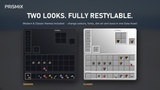
Themeable UI: separate screens for the player inventory, crafting tables, chests and furnaces. One Data Asset restyles every colour, font and size; Modern and Classic themes included.
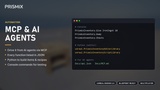
MCP and AI-friendly: an editor Python library creates items, recipes, smelting and fuel from plain parameters, inventories can be read as JSON, and every function is described in a machine-readable API reference - so an AI agent connected through an MCP server can build your content for you.
Built-in Quality Checks
A built-in self-test with 638 checks, including a 600-operation fuzz test that proves items are never created or destroyed by accident. Plus 24 gameplay tests that play the real UI with keyboard and mouse input, and multiplayer tests on dedicated and listen servers.
Documentation and Support
Full step-by-step guide for Blueprint users - where every setting is and which node to use: Documentation
Questions: fastest answers are under the video showcase/tutorial on Youtube. Also please post in the forum thread linked from this page, or email [email protected].
Technical notes: Unreal Engine 5.8, Windows (Win64). Works in Blueprint-only projects too. Not yet tested with Iris or the Replication Graph; split screen is not supported for chests and furnaces.