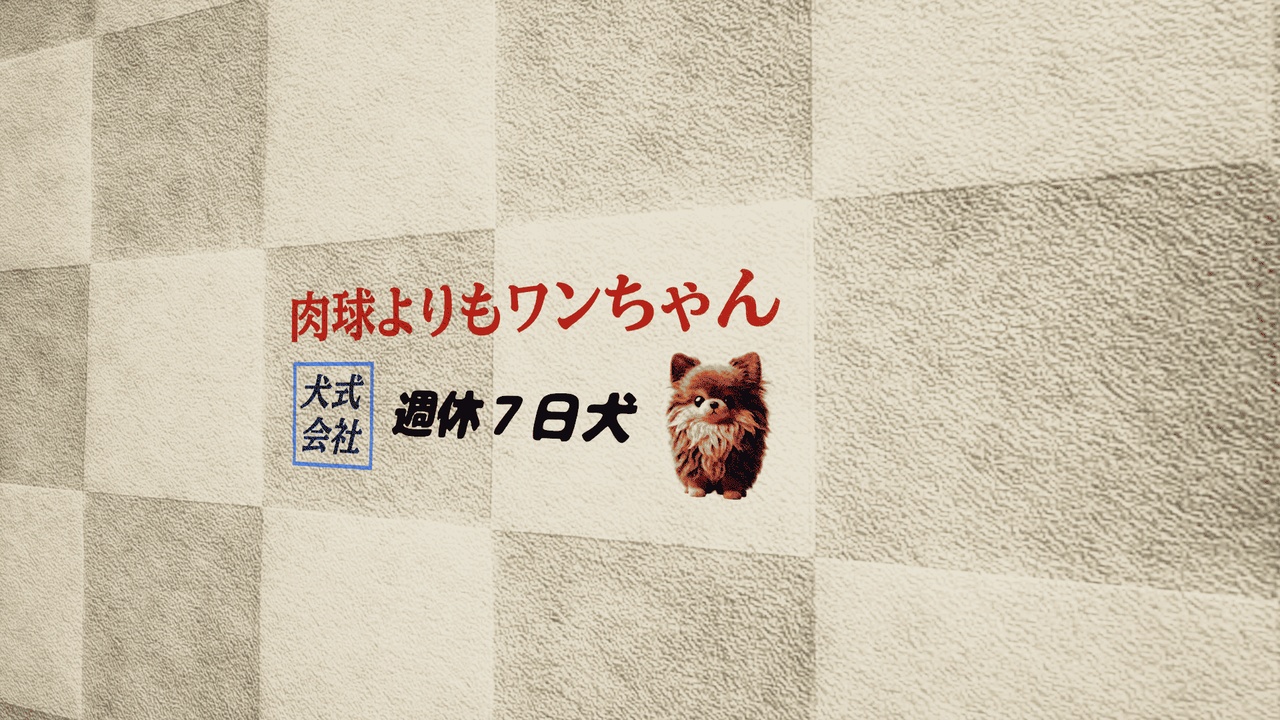



설명
※Settings memo
When importing the GLB file, please set the "Choose Pipeline Stack" to "Materials
Please set the Material Domain to 'Deferred Decal' and change the Blend Mode to 'Translucent'.
If decals are appearing on the character, select the Mesh in the character Blueprint, then search for 'Receives Decals' in the Details panel and uncheck it.
☆List of Contents☆
Texture×4 (512.1024.2048.3076)
GLB x1 「Material」
Sample FBX ×1