Descrizione
A complete, ready-to-play third-person multiplayer demo for the Network Predicted Projectiles plugin. Open it, press play, and start shooting.
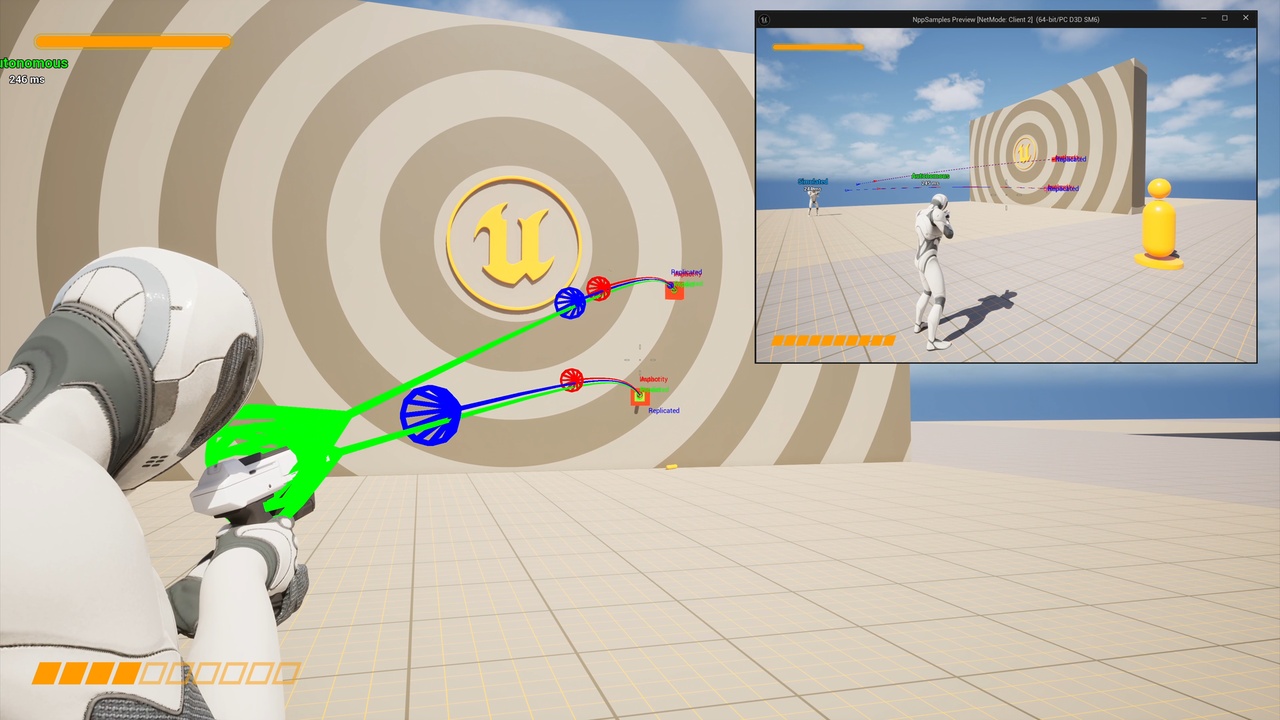
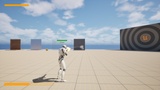
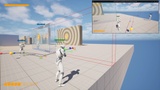
This free, ready-to-open sample project is a guided, hands-on tour of client-predicted, server-authoritative projectiles. Open the Overview map, press Play with 2 players on a listen server, add some simulated lag, and walk from station to station. Each help stand teaches one netcode idea and then hands you something to try, so you watch your shot fire instantly while the server quietly owns the real hit, and feel why prediction works.
Built entirely in Blueprints with no C++, it doubles as your starting point. Crack open any Blueprint to see exactly how a projectile is subclassed, how a weapon fires it, and how the drop-on Damage, FX, and Debug components are configured. Copy a weapon, retune a projectile, or build your own game directly on top of the demo. It is the fastest way to go from "I bought the projectile plugin" to "it is working in my game."
Requires the paid plugin
This is a sample project, not the projectile system itself, and it does nothing on its own. It has a hard dependency on the code plugin Network Predicted Projectiles, which must be installed and enabled.
Get the Network Predicted Projectiles plugin on Fab.
What's Inside
A guided Overview demo map with help stations, each teaching one part of the system and pointing you at something to try
Example projectiles: an impact round with surface-aware FX, a grenade, a rocket, plus debug-draw foam projectiles
Three example weapons (pistol, rifle, launcher); the character carries two, Shift to switch, left mouse to fire
A playable multiplayer character, game mode, player controller, and the supporting Blueprint framework, all pre-wired as the default pawn
Enhanced Input setup: Input Actions and Mapping Contexts for move, look, jump, shoot, swap weapon, and aim
UI examples: a player overlay with crosshair and counters, plus the plugin's floating damage numbers and net info widget
Teaching props: fairness pads, a replicated moving target, a red and blue wall that reveals replication offset, and a wobble target
Niagara effects and art for muzzle flashes, impacts, and explosions, wired through the plugin's drop-on components
Add latency with Network Emulation or the Net PktLag console command to feel the prediction work.
Use it as a working reference implementation to copy from, or as a starting point for your own multiplayer project. Either way, the heavy netcode is already handled by the paid plugin; this shows you how to drive it. It is network replicated and depends on Niagara and Enhanced Input, both auto-enabled.