
Descripción
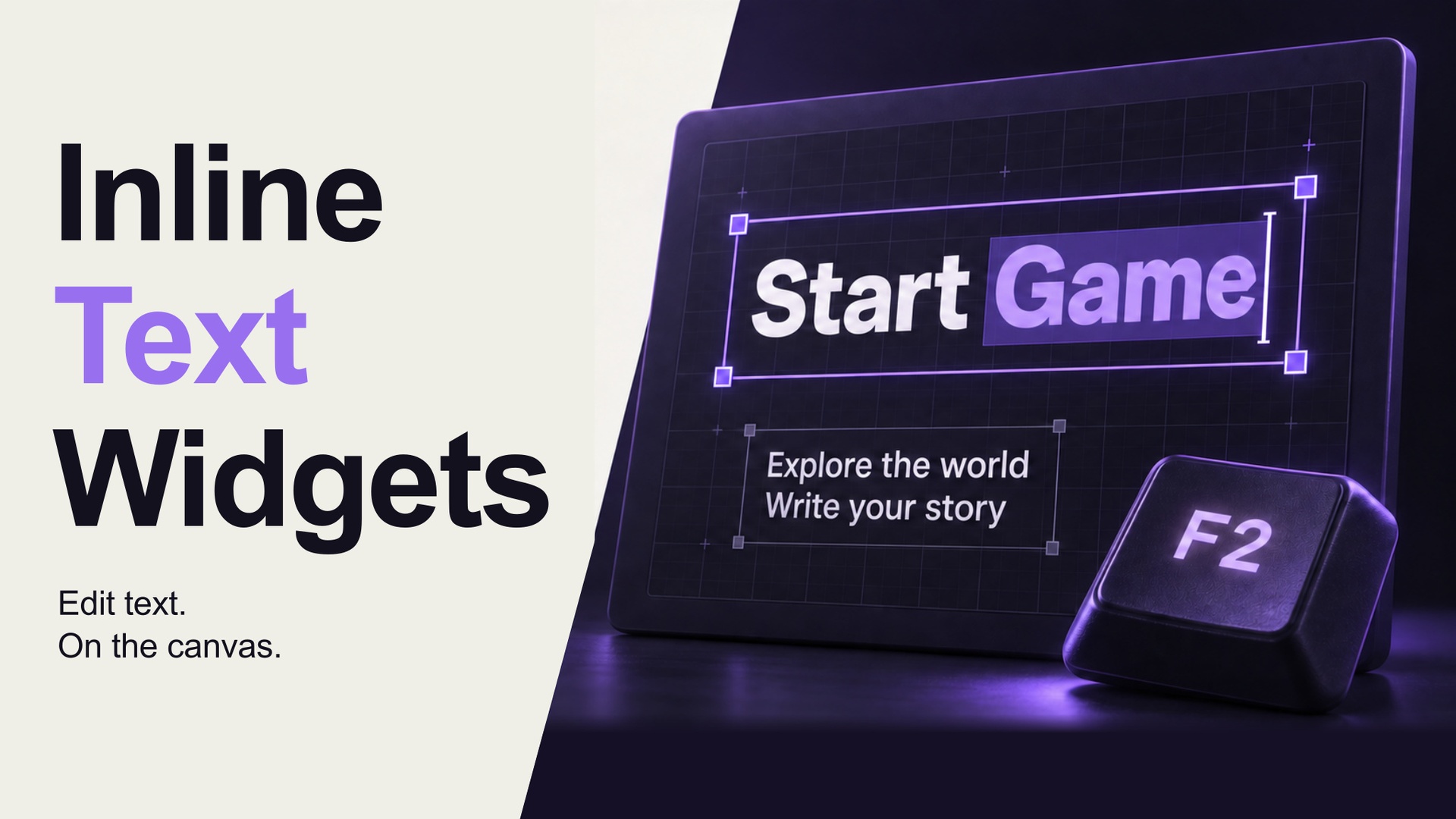
Edit UMG text right where you see it.
Adjust a menu label, rewrite a button, or work through a paragraph without leaving your layout. Inline Text Widgets adds five familiar UMG text widgets with direct text editing on the Widget Designer canvas.
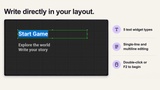
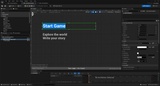
Double-click an Inline widget, or select it and press F2. Type your text, see it in context, and press Enter to apply.
Inline · Multiline · Justify
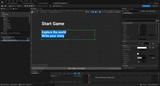
Edit on the canvas: work inside the selected widget while your layout stays visible.
Five familiar widgets: display text, editable text and text boxes, with single-line and multi-line options.
Multi-line editing: use Shift+Enter for a line break and Enter to apply.
Keep your text alignment: work with the widgets' native left, center and right justification settings.
Undo and redo: applied text changes use the editor's transaction system.
Native runtime behavior: the widgets inherit from the matching Unreal Engine text classes.
Included widgets
Inline Text Block — TextBlock
Inline Editable Text — EditableText
Inline Editable Text (Multi-Line) — MultiLineEditableText
Inline Text Box — EditableTextBox
Inline Text Box (Multi-Line) — MultiLineEditableTextBox
Find all five in the INLINE TEXT category of the UMG palette.
Start in three steps
Install and enable Inline Text Widgets, then open a Widget Blueprint.
Add a widget from INLINE TEXT and double-click it, or select it and press F2.
Edit the text. Enter or clicking away applies; Esc cancels the pending edit. Shift+Enter adds a new line in multi-line editing.
Before you buy
Built for Unreal Engine 5.7 and 5.8. Tested on Windows (Win64) and macOS (Apple Silicon).
This product adds new widget classes. Existing engine widgets are not automatically converted.
In-place editing is a Designer feature. Inline Text Block remains display-only during gameplay; editable variants retain their native input behavior.
Includes one Runtime module and one Editor module, with C++ source. Projects using Inline widget classes must retain the runtime plugin.
Text linked to a String Table is protected from literal editing. Use Unreal's String Table controls to change the binding.
RichTextBlock is not included in the five Inline widget classes.
Documentation and support
Read the User Guide for installation and editing controls. For questions or reproducible issues, contact Honesty Wild Inc. on Discord.
Works together
Inline Text Widgets is a standalone plugin. The companion tools in this series serve different workflows: UMG Text Quick Edit provides free popup editing for existing engine widgets, and Easy String Binding brings String Table binding onto the canvas. Neither companion plugin is required or included.