





説明
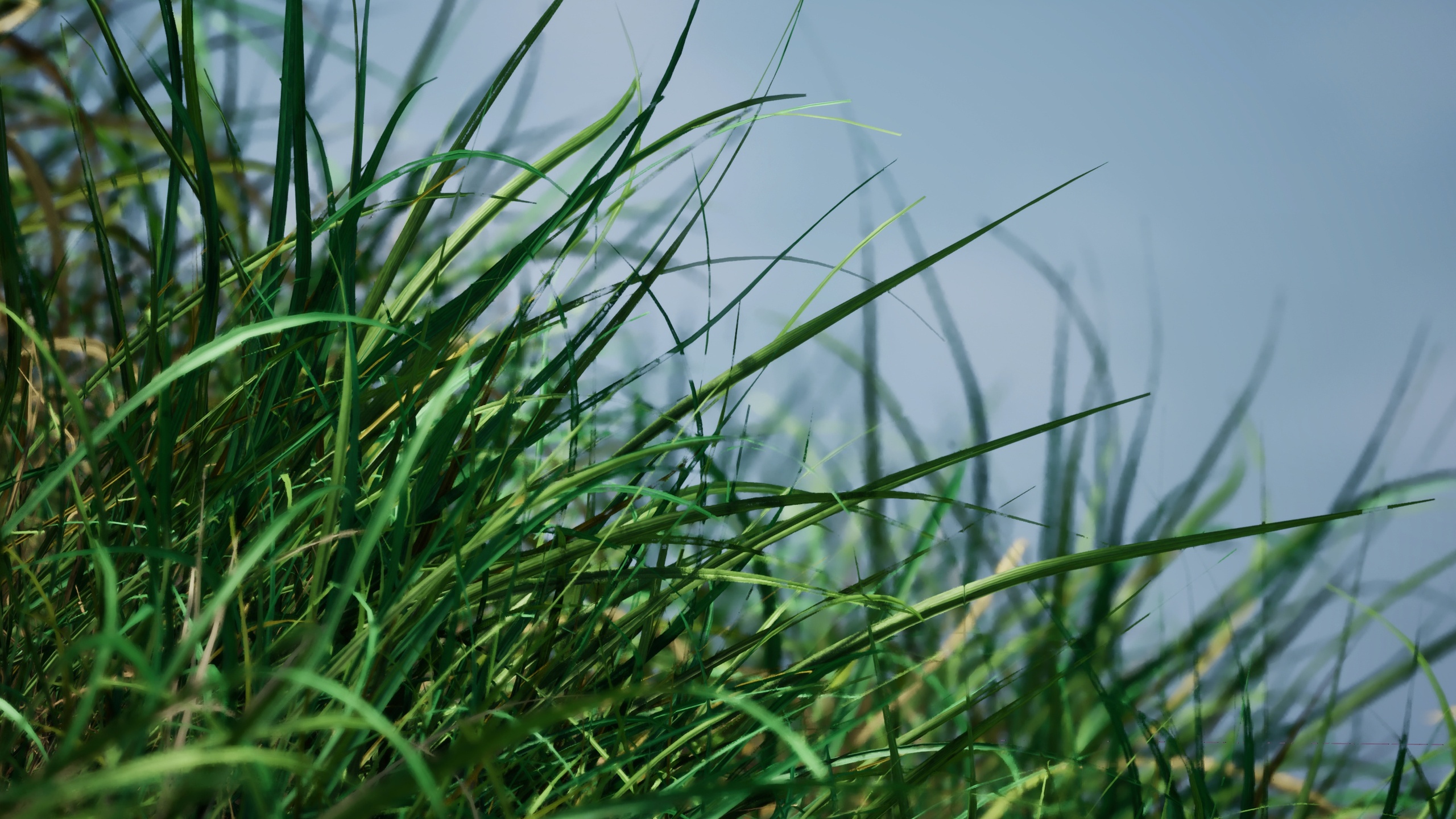
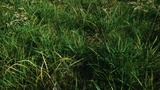
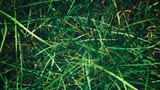
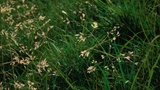
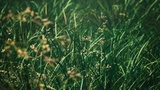
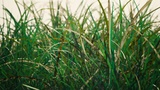
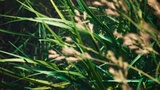
Kentucky Bluegrass is a high-quality Unreal Engine 5 asset pack featuring 112 full-geometry grass and flower meshes in healthy, struggling, and slender variants, ideal for crafting realistic landscapes, fields, or dense foliage. Optimized for Nanite and Lumen with opaque materials, it delivers superior visual fidelity and performance across close-up and expansive scenes. Using Pivot Painter 2, the meshes feature shader-level wind animations, outperforming traditional wind animation for efficiency. The shape, number of grass blades per mesh, and sizes are not meant to be modeled true to life; I designed them based on what I think works best for a game. This is a passion project of mine, more plants will come!
Launch trailer: https://www.youtube.com/watch?v=U1pjCdOrrSY
Key Features:
112 unique full geometry meshes.
Pivot Painter 2 wind.
Single master material for all the meshes with a simple setup.
Material instances for each mesh.
Meticulously colored for realistic variation.
Carefully chosen detail of geometry.
Supports Unreal Engine’s foliage painting tool for easy placement.
Material parameter collection is gathered from pivot painter 2 material functions to control speed, rotation and direction of wind on all meshes in this pack.
Material parameter collection for changing color temperature on all meshes.
Supported engine versions
5.6
5.5
5.4
5.3
Installation Instructions
Purchase and download Kentucky Bluegrass from Fab.
In the Epic Games Launcher, go to Library > Vault, locate the pack, and click Add to Project.
Select your project or create a new one to import the asset.
Quick Start Guide
Create or open a level with a landscape or static mesh to place foliage.
Drag and drop the foliage type instances of choice into the foliage tool and start painting.
Use the two material parameter collections to control the wind speed, rotation, direction and color temperature of all meshes in this pack.
Experiment with what meshes you like to use and in what ratios between short, tall, healthy, struggling and slender.
Content
112 meshes with vertex count between 2000 - 120 000
112 foliage type instances with pre configured size and unique density on all meshes to give you a good starting point
1 material
3 4k textures
224 position maps for pivot painter 2
609 material instances
1 material parameter collection for controlling the wind of all meshes in this pack
1 material collection to control the color temperature of all the meshes in this pack
9 pivot painter 2 material functions(they are engine default except for collection of material parameters)
Material setup
1 master material consisting of 1 base texture, 1 normal map, 1 imperfection texture, parameters for color tweaks and pivot painter 2 material functions. Features a two-sided foliage shading model for realistic light transmission. Custom nodes to white balance in color space HSV.
1 or 2 material instances per mesh for getting the position maps and for activating and tuning the wind levels. One is for the grass which uses level 1 and level 2 wind. One is for the flower which uses all 4 levels of wind.
3 material instances for the 3 grass material slots with double sided materials, all 6 sides have different colors.
4 material instances for the flower, the “leaves” are double sided materials and have different colors.
Most meshes have slightly differently tuned colors in the material instances and the wind settings in the pivot material instances are all the same between the different meshes.
Changelog
Version 1.4 (28’th of June 2025):- Configured ambient occlusion to make the material look more realistic in shadows.- Made the grass darker.
Version 1.3 (18'th of June 2025)- Color improvements to match other assets better, warmer and less saturation.
Version 1.2 (15’th of June 2025)
- Added support for UE 5.6.- Configured colors slightly, lessening the hue contrast between green/blue grass and old/dead grass.
Version 1.1 (19’th of May 2025)
- Added pre configured foliage type instances for all meshes to give you a better starting point in the foliage tool.
- Increased the scale of the meshes to 1,5 in the foliage type instances. Even though the initial size is true to life with grass being roughly 5-30cm high and the flower roughly 30-70cm the sizes didn’t make sense when compared to other assets.
- Added custom nodes in the material to control the color temperature in HSV color space instead of RGB. This setting is available in a material collection parameter named MCP_White_Balance. This is not perfect but IMO a better color space to work with as I wasn’t able to get the desired effect easily in color space RGB.
- Made the default white balance warmer.
- Removed the color corrector nodes in the material since it was not used and wasn't able to give me the result I was looking for.
- Added support for UE 5.4 and 5.3.
- Future planned updates: Remake all meshes with scale 1,5 and choose smarter with the meshes, at least halving the amount of meshes.
Version 1.0 (May 2025):
- Initial release
Contact information
Thank you for your support!