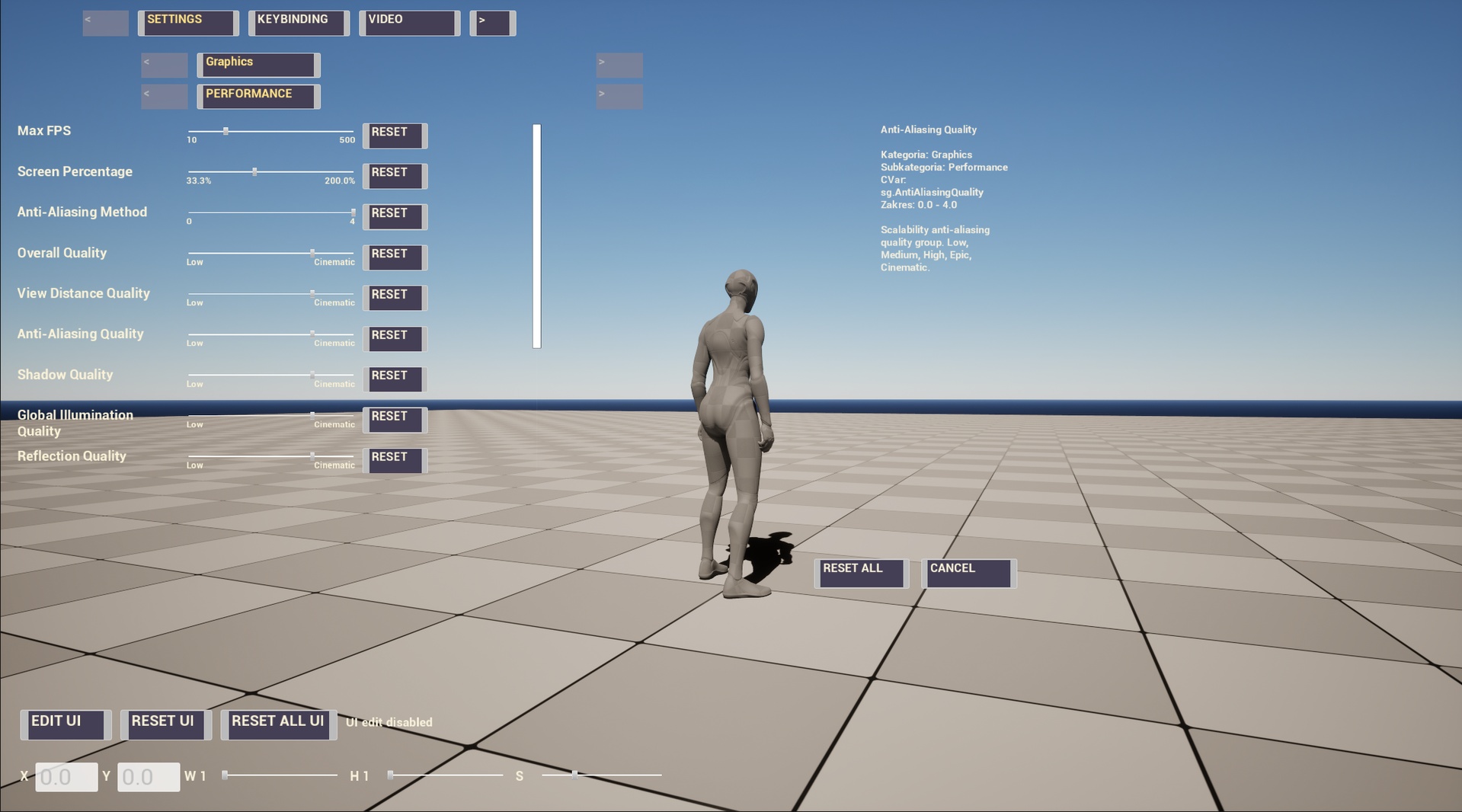
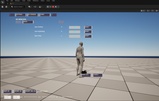
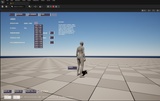
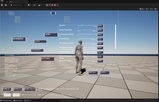
Tired of Inneficient and Very long setup Systems? Make it super simple and easy with MyasgaUI.
What is MyasgaUI?
-Three Steps Easy Setup Tool
1.Enable Plugin
2.Update Config Files in MyasgaUI Tab in Project Settings
3.Set UIHUD_BP
-Very Performant or Most performant Modular UI Framework on The FAB!
-Based on Viewmodel and Common UI - Plugin Autoenables them for You!
-Bored with Position of Your Widgets? Not a Problem!
-Autopopulate Your Widgets,Tabs,Options - Easily from Project Settings
-AutoSave System
Instructions:
1.Enable Plugin if Using Launcher Version of Editor ,Restart when prompted
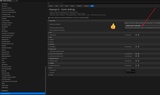
2.Go to MyasguaUI Tab in Project Settings
3.Update .INI Files in first row , restart widget will show in right corner ,Restart when prompted
4.Show Engine.Plugin Content from Content Drawer Settings
5.Set UIHUD_BP to Your Made GameMode
6.Turn on UI with "P" , "K" , "L" on the Keyboard
7. To Edit Go to Project Settings and Find MyasgaUI Tab, Add Everything You need and see how UI Populates