Description
Get your viewport space back.
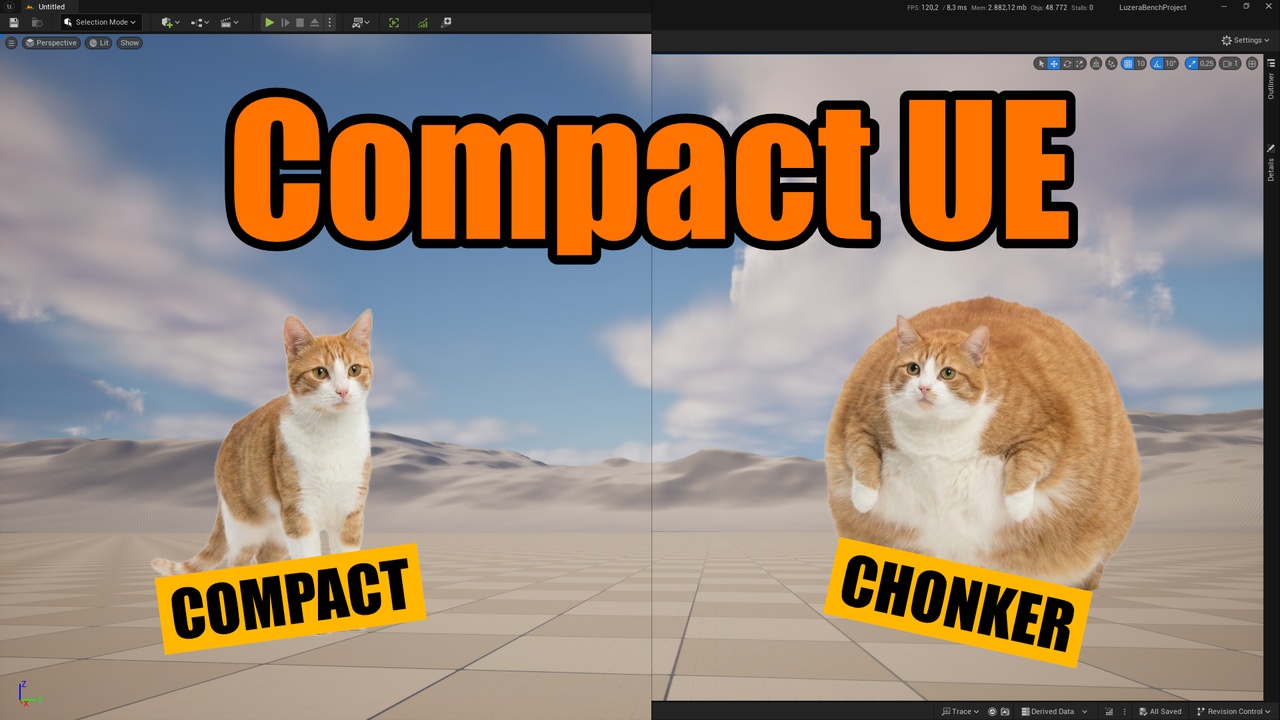
Unreal Engine’s default interface is powerful, but it’s CHONKY. If you’re working on a laptop or a single monitor, the stacked bars and default padding eat up the space you need to actually see your level. CompactUE merges, relocates, and collapses these elements so your viewport and content areas get significantly more space.
Every pixel matters. With CompactUE, you can stop squinting at a tiny viewport and work more comfortably in a cleaner, more modern environment.
[ Documentation ]
---
Key Functionalities
1. Compact Mode
The core of the plugin. It reorganizes the editor layout to recover vertical screen real estate:
Unified Title Bar: Merges the thick top menu bar and tabs into the title bar. The menu is revealed by hovering over a smaller version of the UE logo (revealed on hover, click, or right-click lock) and tabs scroll horizontally if they overflow. This allows you to have small window sizes without overflowing the tab bar.
Toolbar Optimization: Reduces toolbar height and hides button labels (icons only) to maximize horizontal space and minimize vertical height.
Status Bar Integration: Collapses the bottom status bar entirely and moves essential items (Output Log, Source Control, Content Drawer, etc.) into the top toolbar.
Viewport: Removes default viewport padding to keep your view clean.
Performance Info Bar: The performance info (FPS, Frame Time, Memory, Objects, Stalls, Project Badge) can be configured to show or hide individual items. Removing unwanted items can give you more space for your tabs, and avoids clutter.
Viewport Toolbar: In 5.6+ the new viewport toolbar (control mode, snap settings, view mode, show flags) is wrapped in a scroll box so buttons remain accessible at narrow window widths.
Broad Editor Support: Deep integration for the Level Editor, Asset Editors (Material, Animation, Niagara), and the Blueprint Editor (relocating "Parent Class" and "Asset Type" info rows).
2. Focus Mode
When you need more space to dive deep into the viewport or graph, press `Z` to enter Focus Mode.
Instantly collapses all side panels (Details, Outliner, World Settings, Content Browser, etc.) into sidebars.
Maximizes your viewport or graph editing area for a distraction-free experience.
Press again to restore everything exactly where it was.
Focus Mode is smart: it preserves your viewports and graphs while managing your workspace across all open windows.
Why you should use CompactUE?
Safe & Lightweight: No engine source files are modified. It works through Slate widget manipulation at runtime, meaning it’s a clean C++ plugin you can enable or disable instantly.
Fast Toggles: Toggle Compact Mode with `Alt + M` or use the toolbar button. Right-click the button to jump straight into the settings.
Fully Configurable: Every relocation and visibility setting can be toggled in the Editor Preferences to match your specific workflow.
Compatibility: Works seamlessly with Unreal Engine's multi-window and docking systems.