


描述
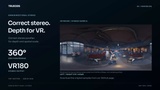
360° stereoscopic panoramas with correct parallax in every direction
Render immersive 360° and VR180 content in Unreal Engine through Movie Render Queue—with Lumen, seamless volumetric rendering and linear HDR output.
No engine modification or external stitching application required.
Core features
Correct stereo parallax with Lumen in every viewing direction.
8K stereo in minutes in our test scenes; performance varies with scene, settings and hardware.
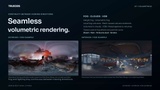
Seamless volumetric rendering across the full 360° panorama, indoors and outdoors.
Height fog, volumetric fog, mesh-based volume materials, Local Fog Volumes, Volumetric Clouds, and VDB / heterogeneous volumes.
Custom fog effects and particle cards for steam, rain, airborne dust, and smoke.
360° and VR180 output, with top/bottom or side-by-side stereo layouts.
HDR EXR masters, plus PNG, JPG or 16-bit TIFF images.
Editions
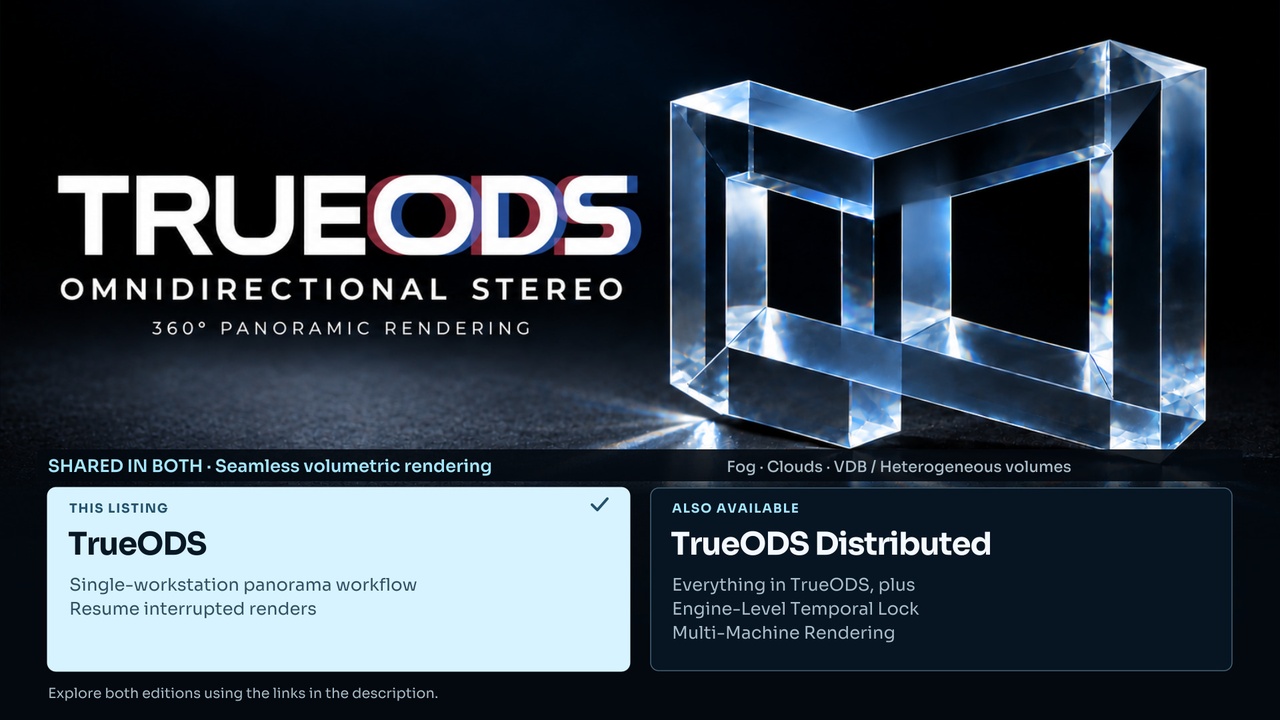
TrueODS
This listing. The complete single-workstation panorama workflow, with support for resuming interrupted renders.
TrueODS Distributed
Everything in TrueODS, plus Engine-Level Temporal Lock and Multi-Machine Rendering. Temporal Lock also works across separate render runs on one machine.
View TrueODS Distributed on Fab
Compatibility
Engine: Unreal Engine 5.7 / 5.8
Platform: Windows 64-bit
Workflow: Movie Render Queue · DX12 / SM6
8K stereo rendering performance
Output resolution is configurable. Our 8K 360° stereo tests used Unreal Engine 5.7 with default TSR anti-aliasing:
Research lab: RTX 5090 ~44 s · RTX 4090 ~56 s per frame.
Coffee shop: RTX 5090 ~48 s · RTX 4090 ~59 s per frame.
These benchmark figures were measured with plugin Version 67 (v12).
Render times include both eyes, stitching and saving the output. They exclude project startup and warm-up. Test settings: 150% supersampling, Paced memory mode, 8192 × 4096 per eye and 8192 × 8192 combined in Top/Bottom layout. Actual times vary with scene, settings and hardware.
Documentation and support
Documentation, test details & edition comparison
Support: [email protected]
Demo scenes, characters and third-party assets are not included.