説明
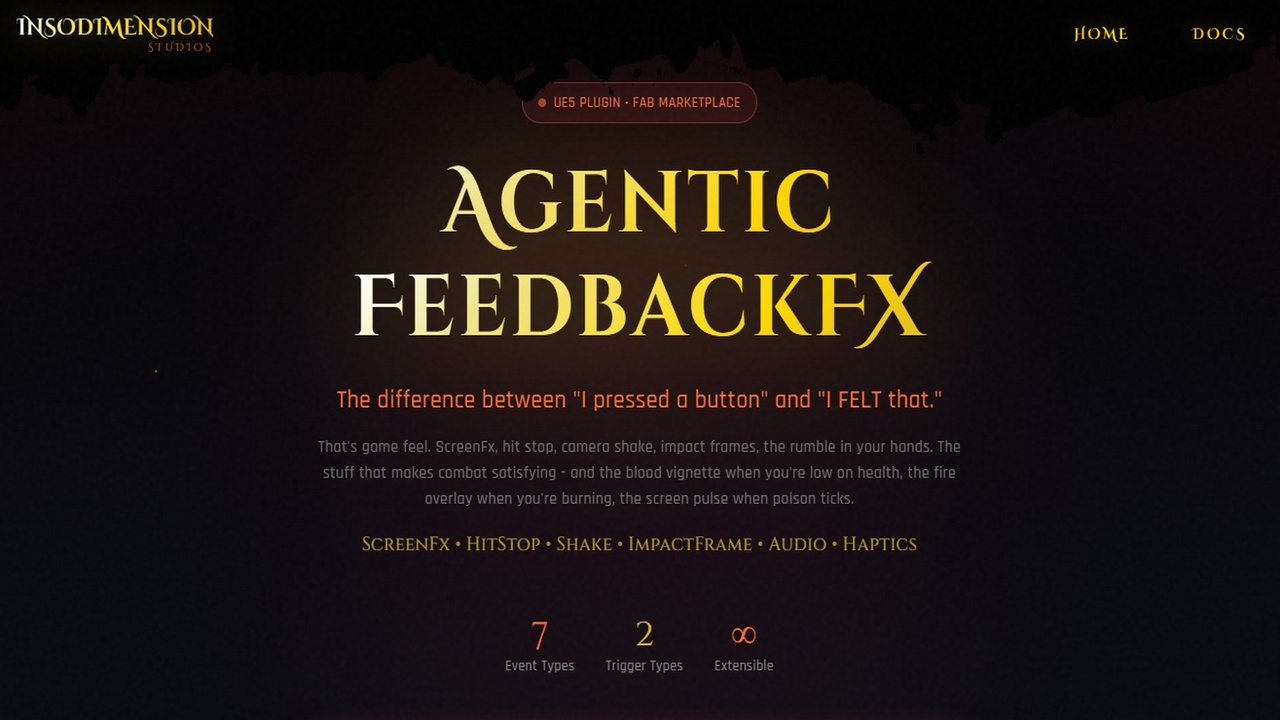
The difference between "I pressed a button" and "I FELT that."
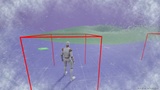
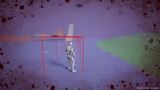
That's game feel. ScreenFx, hit stop, camera shake, impact frames, the rumble in your hands. The stuff that makes combat satisfying - and the blood vignette when you're low on health, the fire overlay when you're burning, the screen pulse when poison ticks.
Note: Includes 1 sample post-process material. This plugin is the system - pair it with your own materials or asset packs for the full effect (more below)
C++ Native | Multiplayer-Safe | Data Asset Config
Learn More: insodimension.com/products/feedbackfx
Join Discord: discord.gg/BaAW7s8fhQ
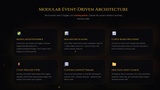
Modular Event-Driven Architecture
Create custom events. Create custom triggers. Everything lives in one Data Asset config - not scattered across your codebase.
- Custom Events - Subclass `UAgenticFeedbackFXEvent` for new screen effects
- Custom Triggers - Subclass `UAgenticFeedbackFXTrigger` for new automation
The 6 events and 2 triggers are starting points. Extend the system without touching existing code.
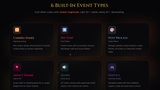
The 6 Built-In Event Types
- Camera Shake - Magnitude-scaled shakes with curve support and coordinate space options
- Hit Stop - Time dilation with 6 recovery curves, multiplayer ready
- Post Process (Temp) - Blood splatter, screen flash, damage vignette with auto-fade. Pass custom params to materials.
- Post Process (Persistent) - Low health vignette, status effects that stay until removed
- Impact Frame - Screen flash or Niagara VFX at impact location. Pass custom params to Niagara systems.
- Audio - 2D/3D sounds with magnitude-scaled volume and pitch variation
- Haptics - Controller rumble with large/small motor control and force feedback support
Automatic GAS Triggers
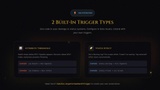
Two trigger types built-in:
- Attribute Threshold - Health drops below 25%? Vignette appears. Recovers above 30%? Fades. Hysteresis prevents flickering.
- Status Effect - Got a Burning tag? Fire screen effect. Rooted? Dust vignette. Tag removed? Effect clears automatically.
- Create via Blueprints - Easily bind to any events via blueprints
Zero code in your damage or status systems. Configure in Data Assets.
What You Get
- 6 event types ready to use (Shake, HitStop, PostProcess x2, ImpactFrame, Audio, Haptics)
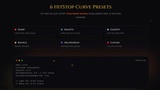
- 6 hit stop curve presets (Sharp, Smooth, EaseOut, Bounce, DelayedSnap, Custom)
- 6 post-process curve presets (SharpImpact, BloodSplatter, ScreenFlash, SmoothPulse, LingeringEffect, Custom)
- 2 trigger types (Attribute Threshold, Status Effect)
- Example config Data Asset
- 1 post-process material included (from Damage Screen Collection)
- Full documentation with Quick Start guide
Want More Post-Process Materials?
We include 1 dust sample material to get you started. For a full library of screen damage effects, blood splatters, and hit flashes, check out Damage Screen Collection on FAB - the pack this sample material comes from.
Additionally, this plugin should work with All ScreenFX post process materials from FAB. Feel free to use anything you want for your game.
Requirements
- Unreal Engine: 5.5+
- Gameplay Abilities: Required (for attribute triggers)
- Niagara: Required (for Impact Frame VFX)