
Описание
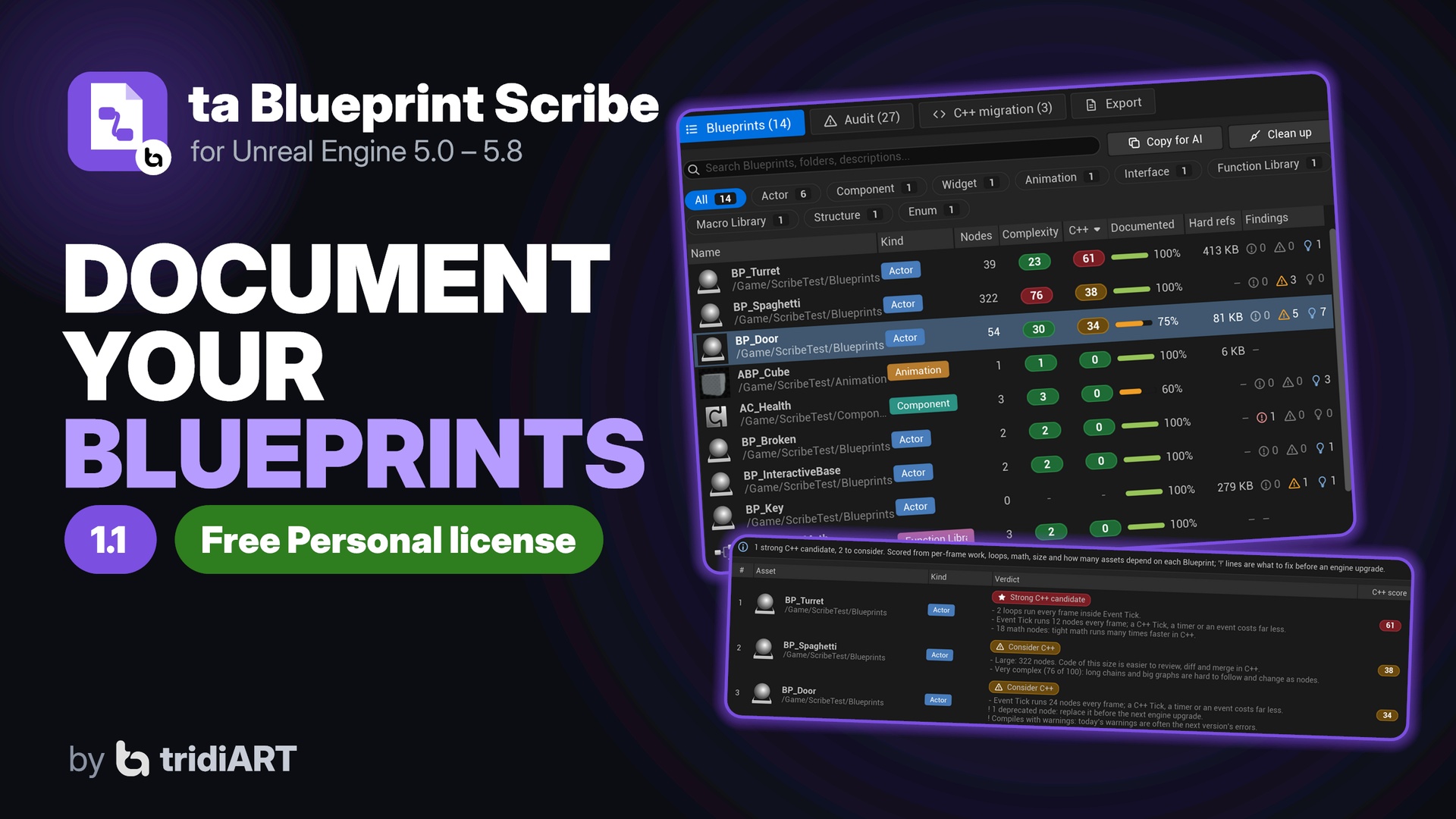
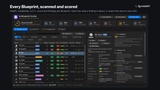
Documentation and audit for your Blueprints. Scan the project and get a searchable website with every Blueprint, its variables, functions, events, components and a picture of every graph, plus a list of what to fix: oversized graphs, Event Tick, heavy hard references, casts, unused variables, dead nodes, deprecated nodes and compile errors. Then clean up in one click, see which Blueprints are the most complex and which are worth moving to C++, and hand your Blueprint logic to an AI assistant as readable text.
Free with the Fab Personal license (up to $100,000 USD in gross revenue in the last 12 months, commercial use included); the Professional license ($29.99) is for buyers above that. No AI service and no account are built in; nothing leaves your machine unless you paste it somewhere yourself.
Documentation
One page per asset: Actor, Component, Object, Widget and Animation Blueprints, Blueprint Interfaces, Function and Macro Libraries, structures and enums.
Everything the Blueprint editor knows: parent classes, interfaces, components, variables (type, default, category, tooltip, Instance Editable, Expose on Spawn, Replicated ...), functions with inputs/outputs/locals, events and RPCs, event dispatchers, macros, widget hierarchies, anim graph skeletons, enum entries and struct fields.
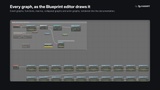
Graph images: every event graph, function, macro, collapsed graph, anim graph and state is rendered exactly as the Blueprint editor draws it. Click to zoom and pan.
Notes: comment boxes and node comments are collected per graph.
References: what each asset uses (hard and soft) and what uses it, including levels.
Documentation coverage: the share of Blueprints, functions, events, dispatchers and public variables with a description, per asset and for the project.
Output
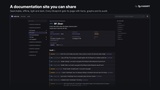
HTML site: sidebar, instant search (press /), light and dark theme, works offline from a folder or zip. Upload it anywhere as a static site.
Markdown: one .md file per asset plus index, audit and migration report, for GitHub wikis, Obsidian or your repository.
JSON: the whole report for CI, dashboards and your own tools.
AI-ready text:
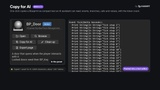
Compact text for AI assistants. Every graph is written as readable logic (events, the exec flow under them, node inputs inline), next to the members and the findings.
Written as one file per asset, plus a single file and a JSON Lines file with every Blueprint.
Copy for AI: the same text straight to the clipboard, for one Blueprint or for every Blueprint in the list.
Audit
13 rules:
compile errors and warnings;
large graphs and Blueprints, Event Tick load;
hard reference weight (MB), Cast to Blueprint, circular references;
unused variables, dead nodes, unused pure results, disabled nodes;
deprecated nodes (with the replacement), missing descriptions.
Every finding opens the Blueprint at its node. Limits and rules are set in Project Settings.
Runs in Data Validation (Validate Assets, validate on save, changelist validation) and as a CI commandlet (-run=TABlueprintScribe) with exit codes.
Complexity and C++ migration
Complexity score from 0 to 100 for every Blueprint (nodes, branches, loops, casts, graphs, members, largest graph), plus the project average. Sort by it to find the hardest Blueprints.
C++ migration report:
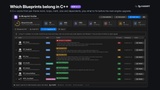
Every Blueprint gets a score from 0 (fine in Blueprint) to 100 (strong C++ candidate), with the reasons: Event Tick work, loops, math, size, complexity, how many assets use it and how many Blueprints inherit from it.
Function libraries map to static C++ functions.
Before an engine upgrade, the report lists deprecated nodes and compile errors or warnings per Blueprint.
Shown in the panel, on the website, in Markdown, JSON and the AI-ready text.
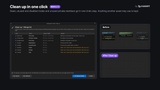
One-click cleanup
Clean up one Blueprint or every Blueprint in the list. It removes:
unused variables and functions;
dead nodes and what only runs after them;
disabled nodes;
disconnected pure nodes and reroutes.
Preview first: a checklist of everything that can go, with the reason, and of what looks unused but is kept.
Nothing another asset may use is touched: public members other assets use, Config and SaveGame variables, Call In Editor functions, overrides, events and Widget/Animation Blueprint bindings stay.
Disabled nodes inside a running flow are taken out and the flow is reconnected around them.
One Undo step: Ctrl+Z brings everything back. Blueprints are compiled but not saved.
How to use
Open Tools > tridiART > ta Blueprint Scribe and click Scan project. You can also right-click folders or Blueprints in the Content Browser, or press the Scribe button in any Blueprint editor toolbar.
Copy for AI and Clean up are next to the search box and on each Blueprint.
The C++ migration page ranks the candidates.
Export docs from the Export page.
Python and Editor Utility Widgets can drive everything.
Supported
Unreal Engine 5.0 to 5.8. Editor-only plugin (Windows, Mac, Linux editor); nothing is added to your shipped game.
Documentation: https://tridiart.com/docs/blueprint-scribe/
Support: [email protected]