Descripción
Latest version video:Version 1.7 Showcase
Current version: V1.71(Only UE5.6+ is supported from version 1.7 onwards.)
The latest version video only showcases a portion of the features. For more details, please refer to the documentation, which will provide more comprehensive explanations and examples.
Document link:Click Here
Description
Natural PCG Tools is a convenient tool based on UE5's built-in PCG and blueprints, allowing you to easily build various environments. With the update of the version, more PCG blueprints will be added or optimized in the future.
All assets are licensed under Creative Commons Attribution and are presented as images, movies. Assets and textures from megascans are not included in the asset pack.
Models and textures that appear in the Showcase are not included in the asset pack.
There are only a few models and textures in the document level of the asset package, all of which are made by me.
You can find similar textures on the following websites.
https://quixel.com/megascans
https://polyhaven.com/textures
https://noisecreater.com
If you have any questions, please contact me as soon as possible.
Currently available functions:
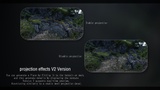
MeshProjection(Added Version 2)
SnowProjection(Added Version 2)
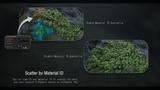
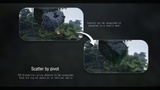
Scatter Objects on a Mesh
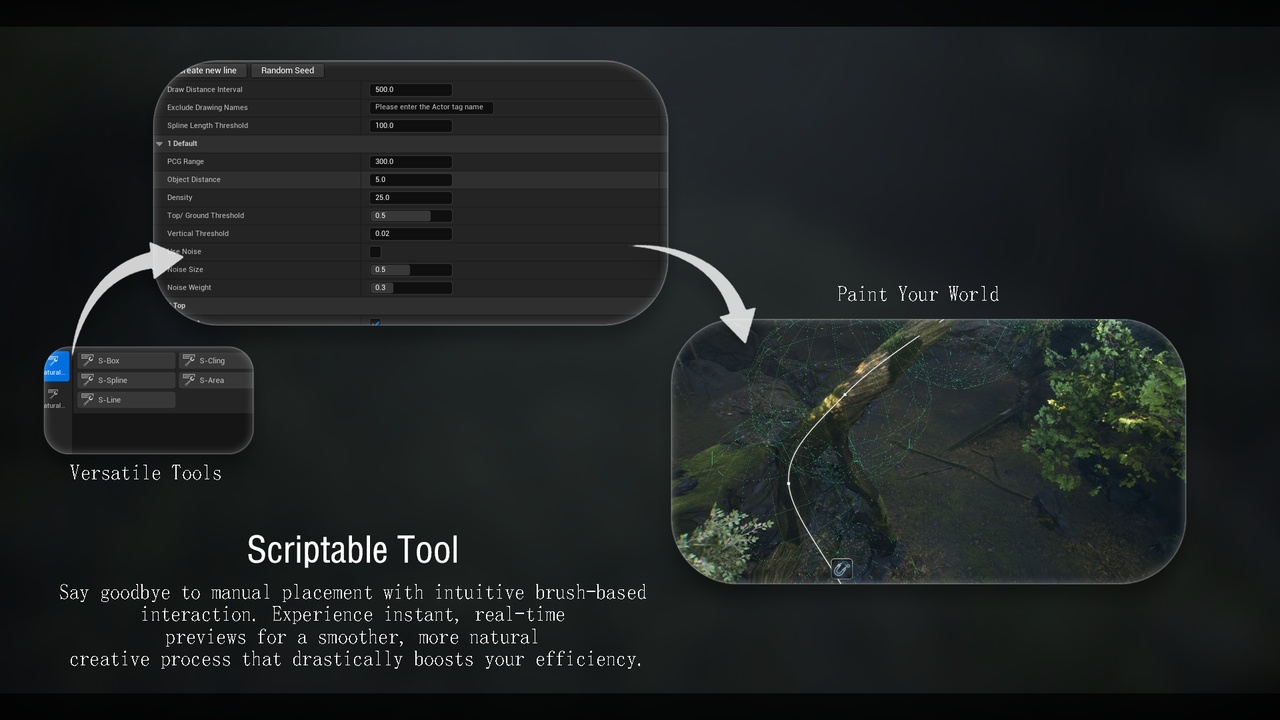
Simulate scattering objects on vines or cables(only scriptable tool mode)
ScatterObject(Added scriptable tool mode)
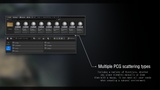
Scatter objects along a spline(Added scriptable tool mode)
Scatter objects within a spline(Added scriptable tool mode)
Scatter objects at any angle (Added scriptable tool mode)
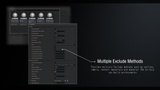
Multiple exclusion methods (spline, grid, landscape layer, etc.)
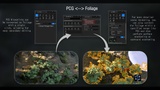
PCG ↔ Foliage Workflow(scriptable tool)
S-PCGPaint Canvas Tool(scriptable tool)
Before using the tool, make sure to go to Edit -> Plugins and enable:
Geometry Script
PCG
PCGExternalDataInterop
PCGGeometryScriptInterop
If you need to use the scriptable tool version, please enable the following plugins.
Scriptable Tools Editor Mode
Scriptable Tools Framework
How to use:
Enable the required plugins and restart the engine
Open the PCG documentation level and read the relevant blueprint information and examples
Find the required blueprint and drag it into the scene
Adjust parameters as needed (different for each blueprint)
Bake the mesh (if available)
If you have any questions about PCG, you can refer to:Here
Some blueprints may require the use of Nanite, for related knowledge, please read:Here
My bilibili homepage:Here