Descripción
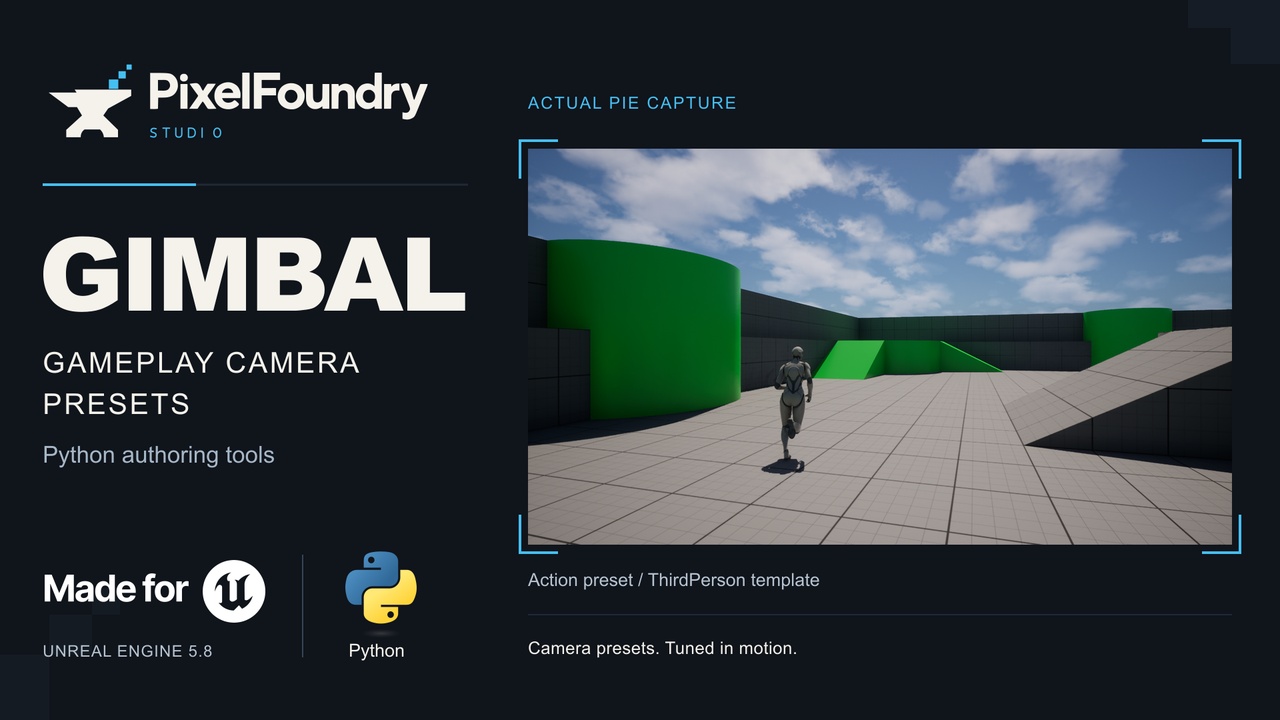
Tune your gameplay camera in motion.
Gimbal brings camera preset workflows and Python authoring tools to Unreal Engine 5.8's Gameplay Camera System. Compare third-person framing, adjust boom distance, shoulder offset, field of view and damping, and assemble reusable camera rigs from Unreal Engine's stock camera nodes.
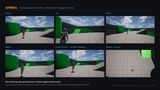
Explore different camera setups
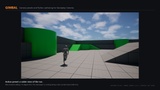
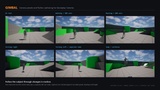
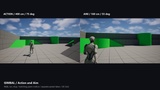
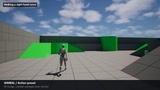
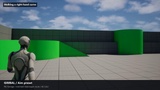
Third-person Action, Aim, Sprint, Combat and Crouch camera presets.
A fixed-angle TopDown Tactical camera setup.
Editable rig graphs and Python preset definitions for adapting the framing to your project.
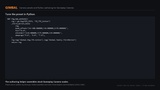
Build and inspect rigs with Python
The Python helper wraps Gimbal's C++ editor builder. Create rig and camera assets, assemble nodes, set properties and object references, add gameplay tags, build assets and inspect rig structure. Gimbal supplies the assembly and tuning tools; Unreal Engine supplies the underlying camera framework.
See the presets in actual PIE
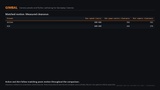
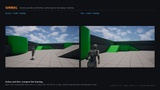
The gallery uses fresh Play In Editor captures from UE 5.8.2. Action and Aim comparisons use separate takes with matching mannequin movement. The motion strip shows rest, walking, running, turns and an airborne jump. Preset names describe camera setups: the template scene does not demonstrate aiming, combat, crouching or vehicle gameplay.
Requirements and compatibility
Unreal Engine 5.8 with the GameplayCameras plugin.
Python Editor Script Plugin and Editor Scripting Utilities for the Python authoring workflow.
C++ runtime and editor modules.
Reviewed in UE 5.8.2 Windows sandbox PIE; version 0.1.1 also completed Win64 compilation. Fresh clean-project generation and packaged runtime behavior still need verification. See technical details for build warnings. Other platforms are unverified.