Описание
LocHub brings AI translation into the Unreal Editor without taking the control away from you. Your project's strings go to the AI provider you choose, under your own key; built-in checks and a second AI catch the problems; you review the result in one place and pull it back as plain Unreal localization data.
YOU STAY IN CONTROL
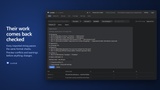
Broken formatting never reaches your game. Format arguments ({0}, {PlayerName}), plural forms for every target language and rich-text tags are validated in code twice — by LocHub, and again by Unreal's own validator right before anything is written. Broken text cannot be approved, not even by hand.
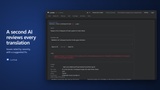
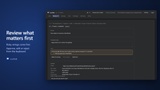
A second AI reviews every translation. An optional judge checks meaning, terminology and tone, rates each issue by severity and suggests a fix. Risky strings come first in the review queue.
Every string is translated in context. With the text, the AI gets where it comes from (the asset or C++ file), its developer notes and metadata, already-translated strings from the same screen or asset, your project brief and style guide, and your answers to its earlier questions.
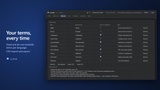
Your glossary is followed. Fixed terms and do-not-translate words go to the translator and the judge with every request; do-not-translate terms are also checked in code. Change a term, and every string that uses it is queued for re-translation in one click.
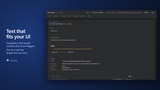
Translations that would overflow your UI are flagged, and the AI is told the length limit up front.
Human edits are never overwritten by the AI.
Changed source text marks its translations outdated; they are not shipped until updated.
You choose what ships: only approved strings, or everything that passed the checks.
Full history per string, a cost estimate before every job and a hard spending cap.
PLEASANT TO USE
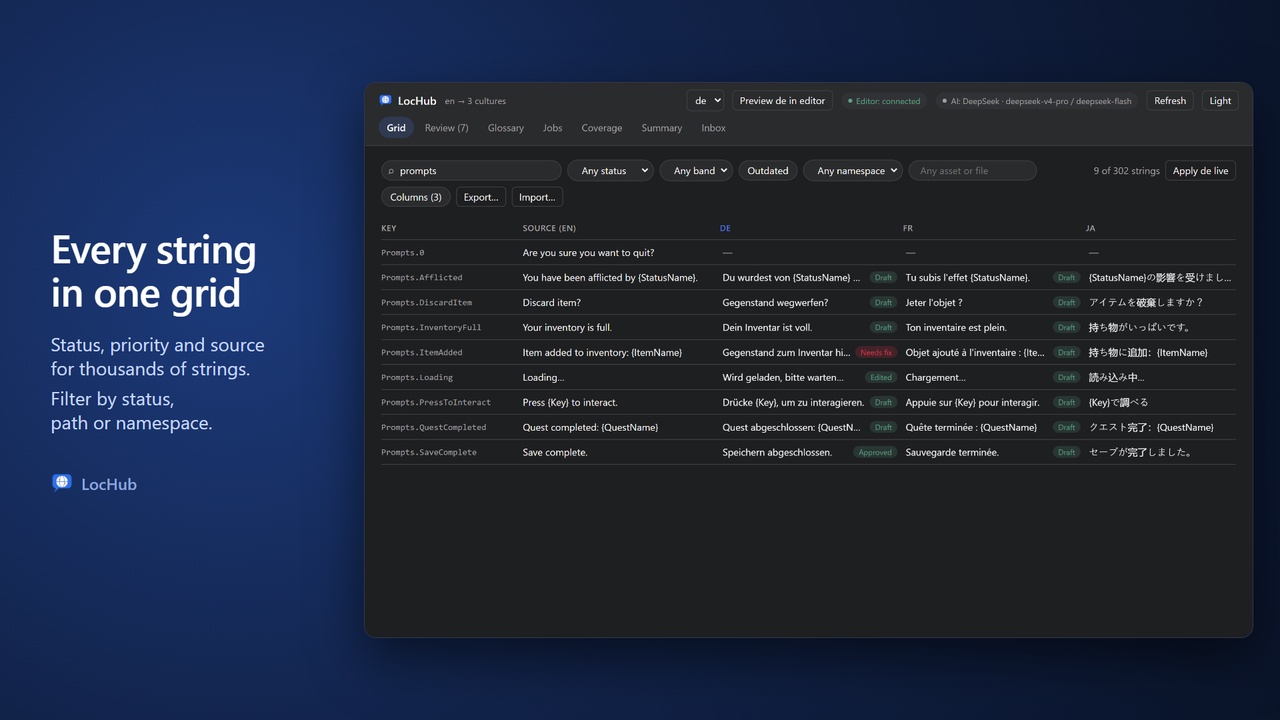
Works in an editor tab: a fast grid, filters, and a keyboard-driven review queue.
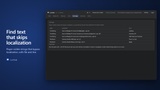
Jump from a string to its asset or C++ line; preview a language in the editor live.
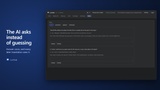
Glossary CSV import/export; the AI asks you questions instead of guessing.
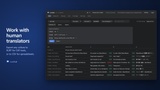
Work with human translators: export to XLIFF or CSV, import their work back through the same checks.
SIMPLE
One click sets up your localization target. No accounts, no servers.
Bring your own key: Anthropic, OpenAI, xAI, DeepSeek, Google Gemini or any OpenAI-compatible endpoint, including local models (Ollama, LM Studio) — or, for Anthropic, your own Claude subscription via Claude Code, no key needed.
Output is ordinary archives and .locres — stop using LocHub any time.
HOW IT WORKS
1. Set Up the localization target from Tools > LocHub.
2. Push your gathered strings (a dry run shows what changes first).
3. Translate a batch with your AI provider, after a cost estimate.
4. Review in the grid and the review queue.
5. Pull the translations back into your project.
REQUIREMENTS
• Unreal Engine 5.6, 5.7 or 5.8.
• Node.js 22.11 or newer (LocHub runs a small local service on 127.0.0.1).
• An API key for one of the supported AI providers. There is also the option to use Claude Code via a subscription.
Only what a translation needs (the strings, their notes and your glossary) leaves your machine, sent to your AI provider under your own key.