
Description
BetterOutliner is an editor-only Unreal Engine plugin that helps you organise, protect and navigate large World Outliner hierarchies.
Keep your folder layout under control, colour-code actors and entire subtrees, and filter the hierarchy to focus on what matters.
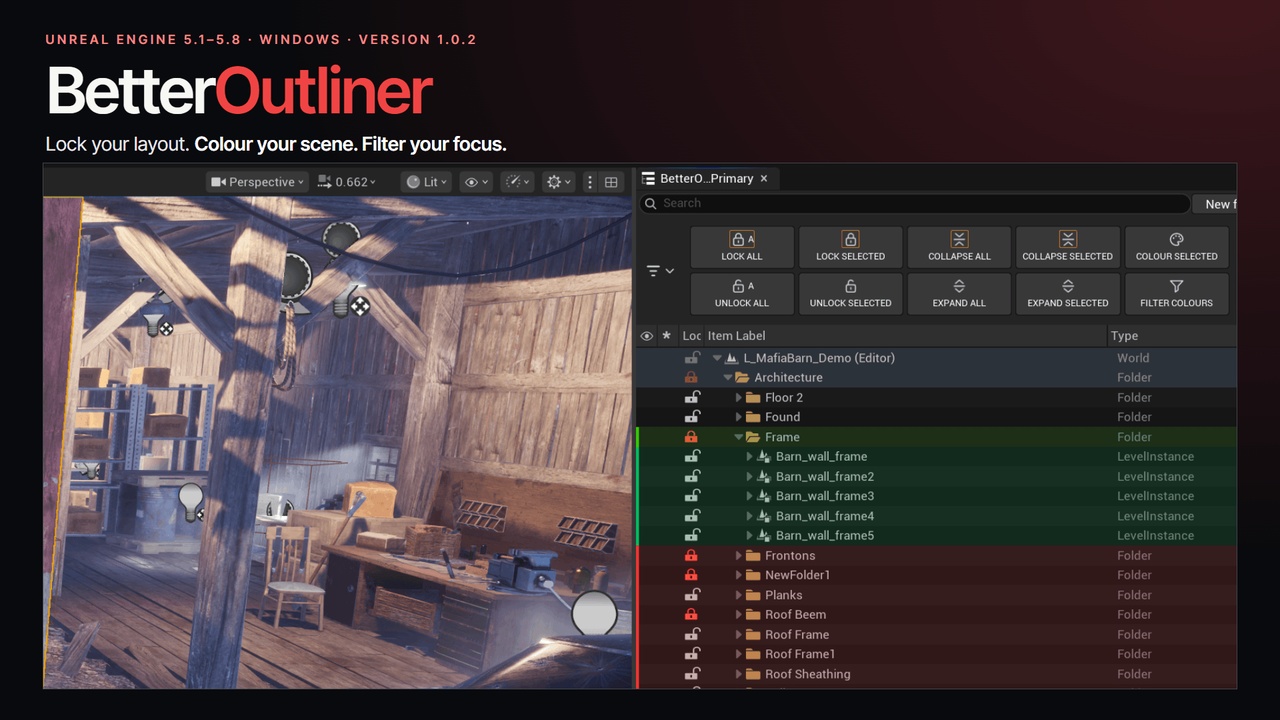
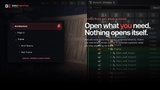
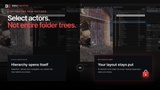
Lock a folder or actor subtree to preserve the expansion layout you chose. Automatic selection and hierarchy updates will not unfold protected branches behind your back. Manual expansion stays available, actors remain selected, and the Details panel stays synchronized.
KEY FEATURESProtected hierarchy layouts
• Lock folders, actor hierarchies and supported World Partition rows using clear red lock controls.
• Preserve protected layouts during viewport selection, refreshes, filtering, sorting, World Partition updates, Landscape activity and drag-hover.
• Manually expand or collapse protected branches whenever you need to.
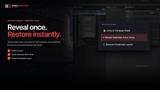
• Use Reveal Selected Actor Once to temporarily open the path to an actor, then Restore Protected Layout to return to your saved arrangement.
Quick-access toolbar
• Lock, unlock, collapse or expand all items or only your selection.
• Access Colour Selected and Filter Colours directly below the search bar.
• Compact, centred buttons adapt to narrower panels with an icon-only layout.
Colour-coded organisation
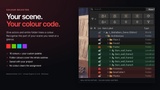
• Assign colours to individual actors or entire folder subtrees.
• Choose from 16 preset colours or add your own custom colours.
• Right-click a custom colour to edit or remove it.
• Use No colour to clear a colour assignment.
• Colour assignments and your custom palette are saved with the project.
Three-state colour filtering
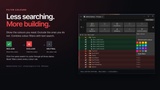
• Click a colour once to include it: show matching items.
• Click it again to exclude it: hide matching items.
• Click a third time to return it to neutral.
• Combine multiple colours. Included colours work together, while excluded colours are removed from the results.
• Combine colour filtering with text search for more precise results.
• Reset filters clears all colour rules without clearing your search text.
Native-style workflow
• Dedicated BetterOutliner tabs leave Epic’s stock World Outliner untouched.
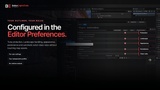
• Four independently dockable profiles with per-user remembered layouts.
• Automatic Landscape hierarchy protection and configurable actor-class rules.
• Layout and colour settings are stored separately from scene assets, without modifying your maps or actors.
• Editor-only architecture with no runtime module.
QUICK STARTOpen Window > Open BetterOutliner.
Arrange a folder or actor hierarchy, then click its lock-column icon. The lock turns red, protecting the layout from automatic expansion while manual arrows remain available.
To organise by colour, select actors or folders and click Colour Selected. A folder’s colour applies to its entire subtree.
Open Filter Colours and click a swatch to cycle through Include ✓ → Exclude × → Neutral.
COMPATIBILITY• Windows 64-bit
• Unreal Engine 5.1–5.8
• Editor-only plugin
The Mafia Barn environment shown in the promotional media is demonstration content and is not included with BetterOutliner.