Açıklama
UMasonry — Adaptive Masonry & Justified Layouts for UMG
Visit the product landing page for more info : https://www.novax.pro/umasonry
Bring modern, responsive layouts to Unreal Engine’s UMG.
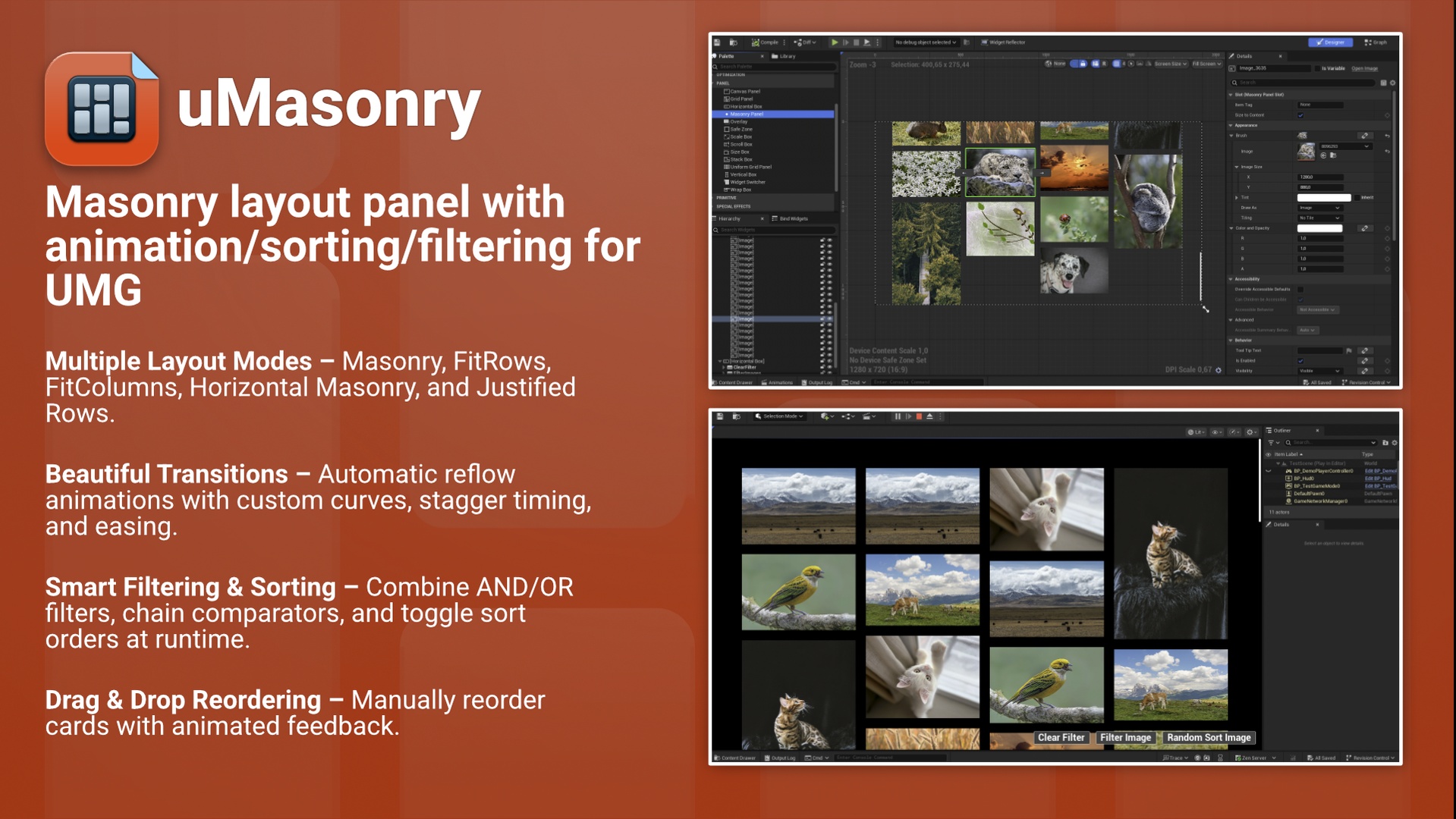
UMasonry delivers Pinterest-style, production-ready grids with smooth animations, filtering, and sorting — all fully accessible in Blueprints and extensible in C++.
Design adaptive dashboards, galleries, inventories, or feed layouts that gracefully handle uneven item sizes and dynamic content.
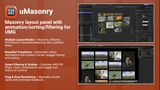
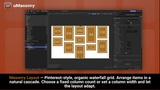
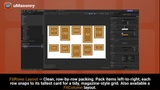
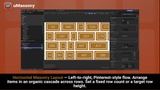
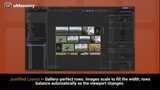
Choose from five layout modes: Masonry, FitRows, FitColumns, Horizontal Masonry, and Justified Rows.
Key Features
5 Layout Modes – Masonry, FitRows, FitColumns, Horizontal Masonry, and Justified Rows.
Beautiful Transitions – Automatic reflow animations with easing curves, staggered reveals, and per-item interpolation.
Smart Filtering & Sorting – Combine AND/OR filters, chain comparators, and switch sort order at runtime.
Drag & Drop Reordering – Manually reorder items with smooth animations and correct z-indexing.
Per-Item Overrides – Control size, aspect ratio, and tags directly on each panel slot.
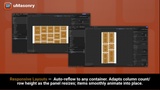
ScrollBox Friendly – Auto-reflows when off-screen widgets resize (e.g., wrapped text or async images).
Blueprint-First, C++-Powered – Fully accessible in Blueprints, extensible for developers.
Shipping-Ready – Lightweight, fast, and safe for packaged builds.
💡 Perfect For
Dynamic dashboards, inventories, or content feeds
Photo galleries and portfolio UIs
Achievement or profile boards
Any layout where element sizes vary
Technical Details
Unreal Engine: 5.3, 5.4, 5.6
Platforms: Windows, macOS (Apple Silicon & Intel), Linux
Modules: UMG, Slate, SlateCore
Why UMasonry
Instantly transforms UMG into a flexible, adaptive layout system
Eliminates visual jumps and layout shifts
Simple setup, powerful runtime control
Production-tested and performance-optimized
Quick Start
Add a Masonry Panel to your Widget Blueprint.
Drop in your child widgets (images, cards, tiles, etc.).
Choose a layout mode and tweak spacing, animation, and fit options.
Hit Play — your UI automatically flows and animates into place.
Includes examples in the Plugin Content directory (only in 5.6+ versions of the plugin)