Описание
If you want additional paintings packs, feel free to visit another our assets
Also, we have another style for paintings, including horror, cute, etc.
Random Pack Vol.1 - Sea and Ocean
Random Pack Vol.2 - Nature and Animals
Random Pack Vol.3 - Human Portraits
Random Pack Vol.4 - Sea and Ocean
Random Pack Vol.5 - Kids Paintings
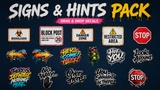
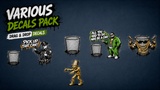
Also we have a couple set of different decals:
Different Defals Bundle (80 assets)
--
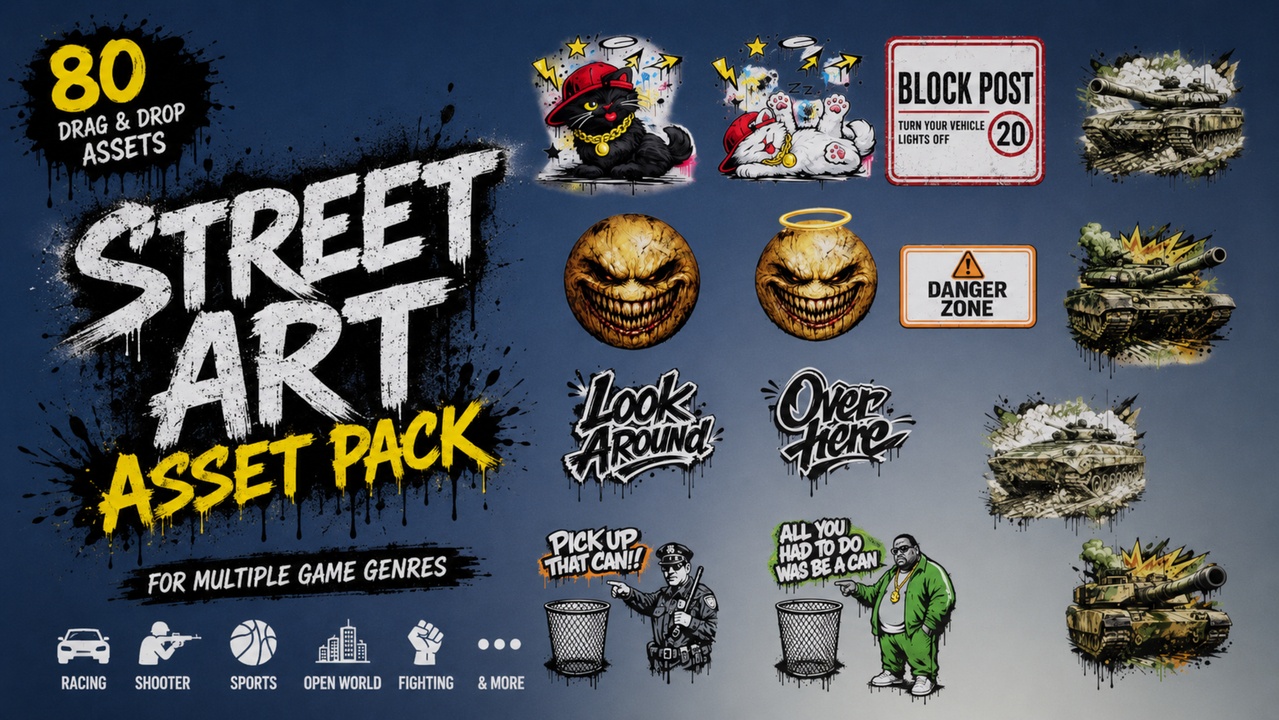
This bundle contains 80 unique drag-and-drop decals designed for multiple game genres and environments.
Perfect for filling indoor and outdoor scenes, walls, checkpoints, military areas, horror environments, urban locations, and stylized worlds.
Purchasing this bundle allows you to save up to 40% compared to purchasing each pack separately.
If you are looking only for a specific decal style or genre, every pack included in this bundle is also available separately.
Texture Resolution:
1024x1024
The textures are optimized to provide a good balance between visual quality and performance, allowing decals to be scaled for larger environments without heavily impacting performance on lower-end PCs.
Material Instance Support:
All decals support Material Instances customization.
You can:
Change color variations
Adjust dirt/grunge intensity
Create customized decal variants for your project
How to create a Material Instance:
Right click on the decal material
Select "Create Material Instance"
Open the created Material Instance
Enable the parameters you want to customize
Save and drag-and-drop it into your scene
Demo map included.