Beschreibung
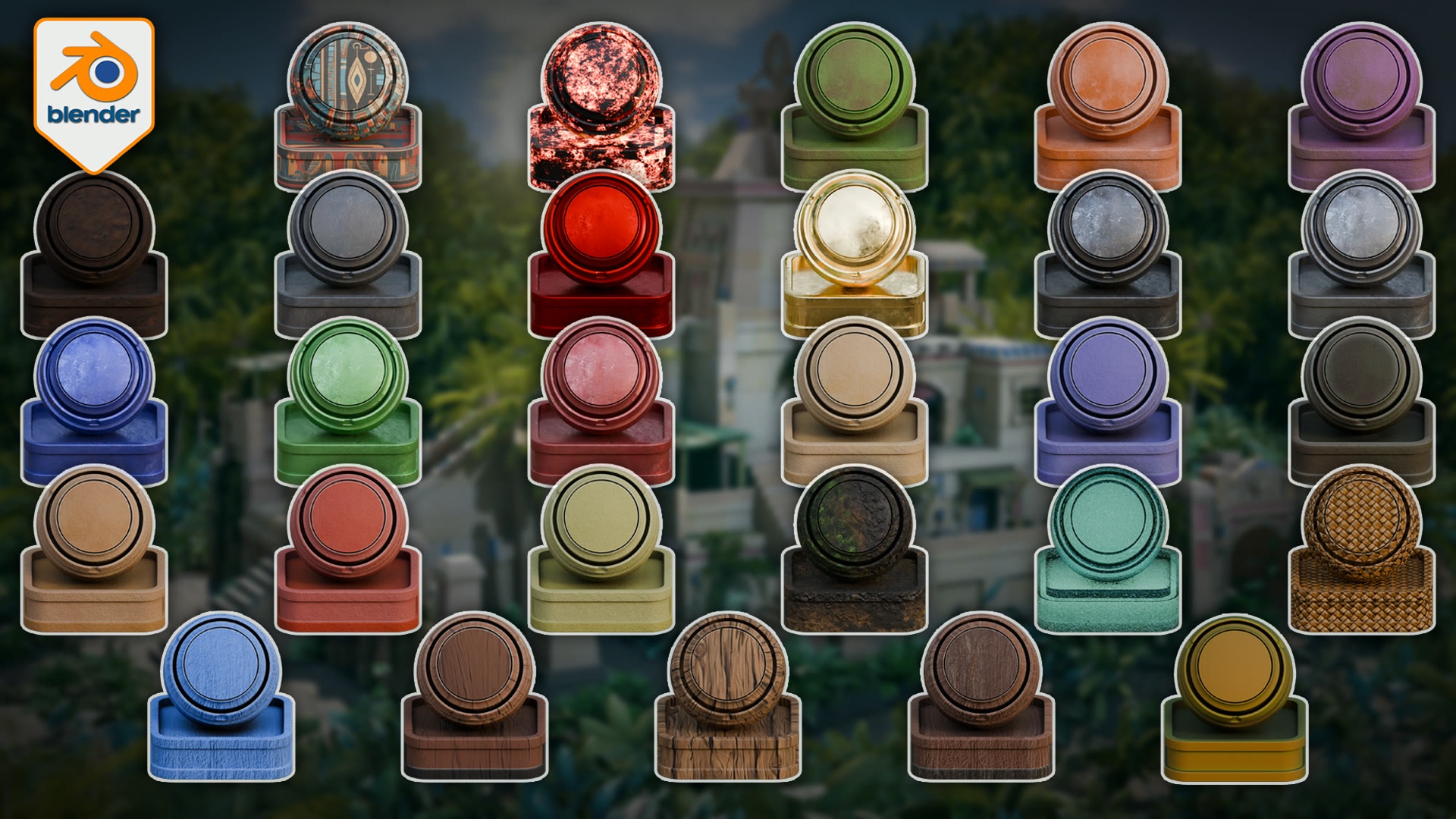
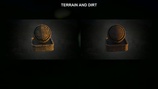
Build a connected surface language for an Aztec-inspired Blender environment without creating every material family from scratch. This pack brings 28 stylized materials together for Blender Cycles, covering the stone, clay, metal, wood, terrain, cloth, water and supporting surfaces that help architecture, props and landscape elements feel as though they belong in the same world.
The pack is supplied as one complete Blender material library with 28 same-named preview/application objects. Open the file to inspect each setup, then copy and paste the objects or use Blender's Append workflow to bring the materials into your own project.
Included Materials
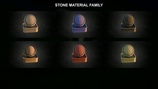
Stone, Stone Blue, Stone Dark, Stone Mid, Stone Red and Stone Yellow
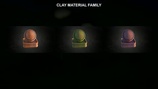
Clay, Clay Green and Clay Purple
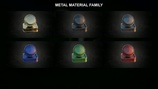
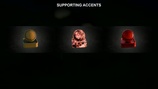
Metal, Metal Blue, Metal Green, Metal Red, Gold and Iron Dark
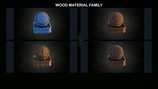
Wood Blue, Wood Dark, Wood Light and Wood Prop
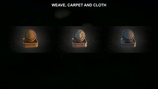
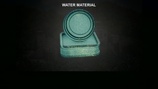
Bamboo, Carpet, Charcoal, Dirt, Fabric Cloth Red, Gemstone Red, Terrain, Water and Weave
Key Features
One cohesive 28-material library. The colour and surface families are designed to support a connected stylized environment direction rather than read as unrelated swatches.
Verified Cycles workflow. All 28 materials completed controlled Cycles render proofs in Blender 5.0.1 and 5.1.2.
Packed material resources. The Blender evidence contains 45 packed material texture images: 42 at 2048 × 2048 and 3 at 1024 × 1024. Loose texture files are also supplied for relinking and custom use.
Inspectable reference setup. Each material has a same-named preview/application object in the supplied Blender file, giving you a clear starting point before moving the material to your own geometry.
Useful shader variety. The library contains 26 hybrid and 2 procedural materials. Node inspection also found bevel-driven edge-wear structures in 14 materials, displacement in Water and Weave, a wired emission path in Charcoal, and a multi-layer Terrain setup.
Instructions included. HTML and PDF guidance explain the contents, the Cycles compatibility boundary, and the copy/paste or Append workflow.
How to Use
Open the supplied 3DT Aztec Shader Pack.blend file in a verified Blender version.
Inspect the 28 named reference objects and choose the material you need.
Copy and paste the relevant object/material, or use File > Append, to bring it into your project.
Apply it to suitable geometry and adjust your UVs, scale, mesh density or vertex-colour data where the material requires it.
The included reference objects show the intended starting appearance. Results can change on different geometry, which is normal for material systems that depend on UVs, object scale, topology, displacement density or vertex-colour information.
Compatibility
Software: Blender
Renderer: Cycles only
Render-proven versions: Blender 5.0.1 and 5.1.2
Blender 4.5: not supported
Blender 5.2: not currently claimed
EEVEE: not included in compatibility support
Asset Browser: materials are not preconfigured as Asset Browser assets
Delivery: one Blender file, loose texture files, HTML/PDF instructions, material reference artwork and supporting readme files
Best For
Stylized temple, ruin and jungle-temple environment surfacing
Architecture and prop material exploration
Building a coordinated stone, clay, metal and wood palette
Terrain, cloth, water and supporting accent surfaces
Artists who prefer an inspectable Blender file and a direct copy/paste or Append workflow
Before You Buy
This is a Blender material library, not a model pack, complete environment, course, addon, game-engine package or historically accurate reconstruction. The preview environment shown in the promotional artwork is not included.
The hybrid materials require suitable UVs. Terrain reads vertex-colour data. Bevel-related and displacement results vary with object scale, topology, mesh density and settings. The pack does not promise identical results on every buyer mesh, measured performance, future-version support, or automatic Asset Browser integration.
If you want a focused Cycles material library with a clear environment theme, visible reference objects and honest workflow boundaries, this pack gives you a practical starting point for building the surface language of your own scene.
Happy modelling everyone!
Neil - 3D Tudor
Continue with the related course: Blender 4: The Modular and Kitbash Environment Guide (separate product, not included)
https://3dtudor.gumroad.com/l/blender_modular_kitbash_environment_guide