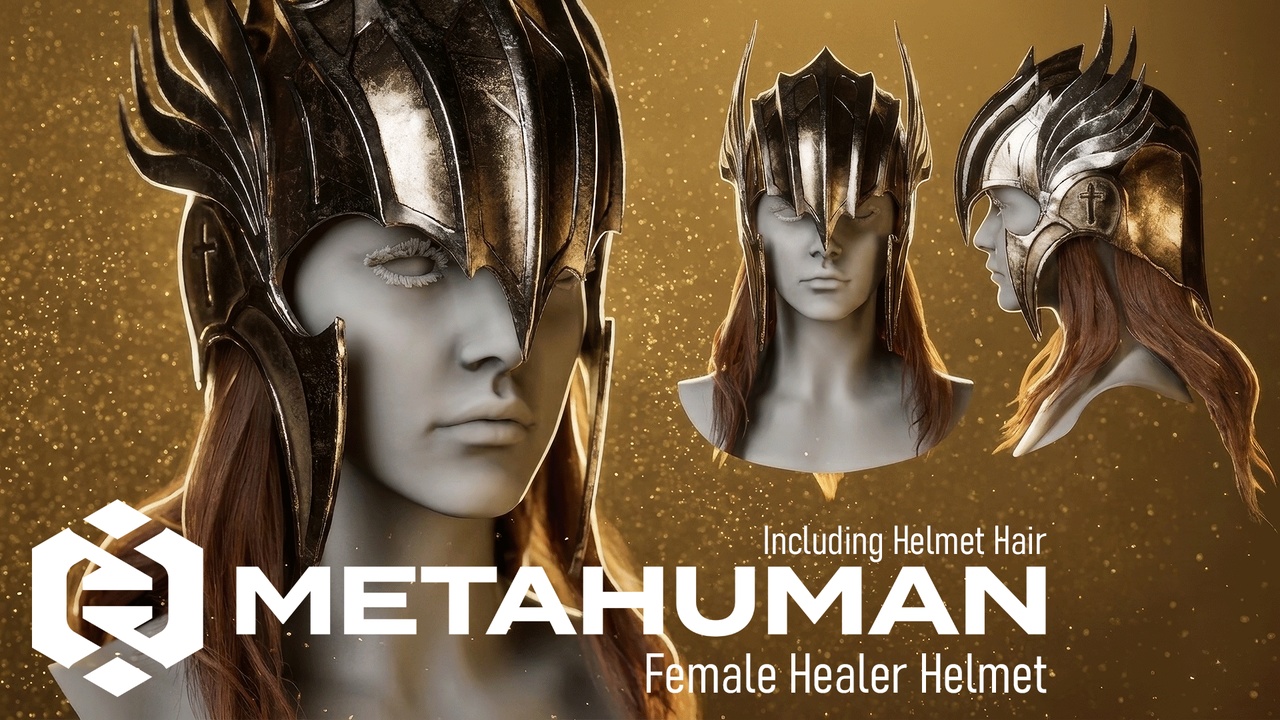

Descripción
📥 Contact & Support 💬 Discord | ✉ Email | ▶ Youtube | ▲ ArtStation
✦ Compatible with Unreal Engine 5.8 or higher
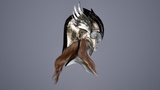
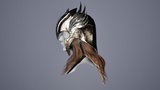
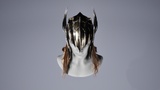
Welcome to a collection of high-end, production-ready digital apparel, designed exclusively for the MetaHuman ecosystem in Unreal Engine 5.
We believe that true quality lies in the balance between visual aesthetics and physical simulation. Every asset in this collection is developed using our signature Core Pipeline, ensuring that your characters not only look exceptional but move with true-to-life realism.
Key Features
Dynamic Chaos Simulation: Our assets feature deep-tuned Cloth Simulation setups, delivering realistic draping, natural folds, and fluid movement for all fabric types.
Adaptive Resizable System: Built with a flexible architectural foundation, our outfits are designed to support a wide range of MetaHuman body types, allowing you to easily adjust and tailor the fit to your specific character design.
MetaHuman Creator Integration: Designed for a seamless workflow, our outfits offer direct customization within MetaHuman Creator, giving you full control over colors and textures right in the design phase.
Advanced Material Customization: Take full creative control with our mask-based material system. Easily change colors or apply custom patterns to specific areas of the clothing. You can also blend in dirt or weathering effects directly within the material to achieve the perfect look for your project.
Performance-First Design: Utilizing high-quality Virtual Textures and our proprietary 2-Line Data Pipeline, we ensure top-tier performance for both high-end cinematics and real-time gameplay.
Plug-in needed:
Alembic Groom Importer
Groom
Hair Card Generator (option to generator hair card)
Metahuman Core Tech
MetaHuman Creator
Chaos Cloth
Chaos Cloth Asset
Chaos Cloth Asset Editor Core
Chaos Cloth Asset Dataflow Nodes
Modeling Tools Editor Mode
Quick Start Guide
Import: Create folder with any name. Drag and drop the .mhpkg file into yourUnrealEngineproject/YourFolder.
Using: Open your MH character Blueprint, under Body parent create child Chaos Cloth Asset and inset CA_[NameOutfit] in Cloth Asset folder.
- In child Hair slot insert Gr_[GroomHair] and GB_[GroomHair] to Binding Asset slot. Make sure using your MH head in Target slot in GB_[GroomHair], make sure keep orginal slot.Resizable: Drag and drop WI_[NameOutfit] asset to your Metahuman Creator (drop to Clothing section) > Double click on WI_[NameOutfit] in clothing section to equip on MH character > Edit or sizing your character and clothing will effect following> Assembly your character and clothing > Fix skinning weight on clothing and use.
All my MHC package will have same struction folder so you should import them to same parent folder to avoid duplicate common assets.
If you love the quality of this package, feel free to visit my store and check out my upcoming Premium hair assets! Your 5-star reviews truly motivate me to release even more high-quality freebies for the community.
Explore my Premium Assets : My FAB store
Technical Support & Tutorials : Discord