Descrizione
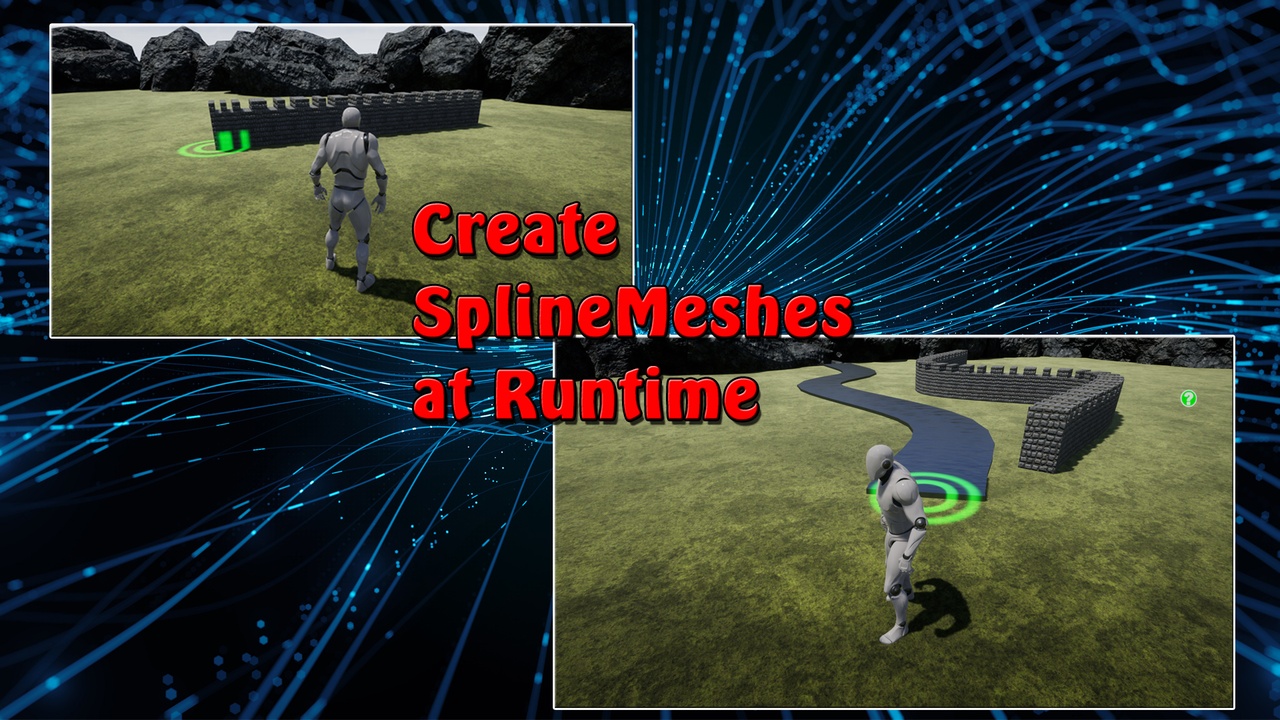
This tool allows you to create spline meshes while the game is running.
Excellent for placing walls, paths or fences in an RTS game.
-------------------------------------------
Some Features:
two different calculations for the Spline-Mesh Lenght
Easy replacement of Meshes
Spline meshes can be fixed to the surface! The Line Trace Channel "visibility" is used, but can be replaced by an custom Collision Channel.
The "Closed Loop" function of the spline can be switched on and off at any time.
Placed spline points can be changed afterwards. (Edit Mode)
Spline Meshes can be deleted
If there are any problems with or if you have any general questions, please feel free to write me!
Official Discord Server is now Online !
-------------------------------------------
PLEASE NOTE:
This is a very basic tool. Intended to be extended, changed and improved by you for your project!
Ideal for beginners who want to learn how to use splines in the running game.
The position of the next spline point is always determined by the mouse.
Everything else can be determined by calling the corresponding events.
Installation instructions:
- Open the Runtime Spline Builder Project
- Start the "TestArea" level and follow the instructions to get a feel for what the tool can do.
- Familiarize yourself with all important blueprints and widgets (the code is extensively commented)
- Migrate the "Exovision" folder (found in Content Explorer) to your own project
- add the "SplineBuilderComponent" to your own character.
To be found under: Exovision -> RuntimeSplineBuilder -> Blueprints
- Open the "ExampleCharacter"! There you will find all events that are available for the "SplineBuilderComponent".
-Follow the instructions that you find there.
-for RTS Games take a look at the RTS Example Widget
Important:
In order for material and collision to work in the packed game, two things must be done:
1. open the material you want to use for your SplineMeshes. In the "Details" window, under "Usage",
look for the option "Used with Spline Meshes". Set it to True!
2. Open the StaticMesh you want to use for your SplineMesh.
In the "Details" window find the option "Allow CPUAccess". Set it to True as well!
This must be done for each material and static mesh used for a SplineMesh!
This Tool is NOT for Editor purposes! Only to create spline meshes during the running game.