

Beschreibung
Game Prototyping Toolkit (GPTK)
Latest Version: v1.0.0
Overview
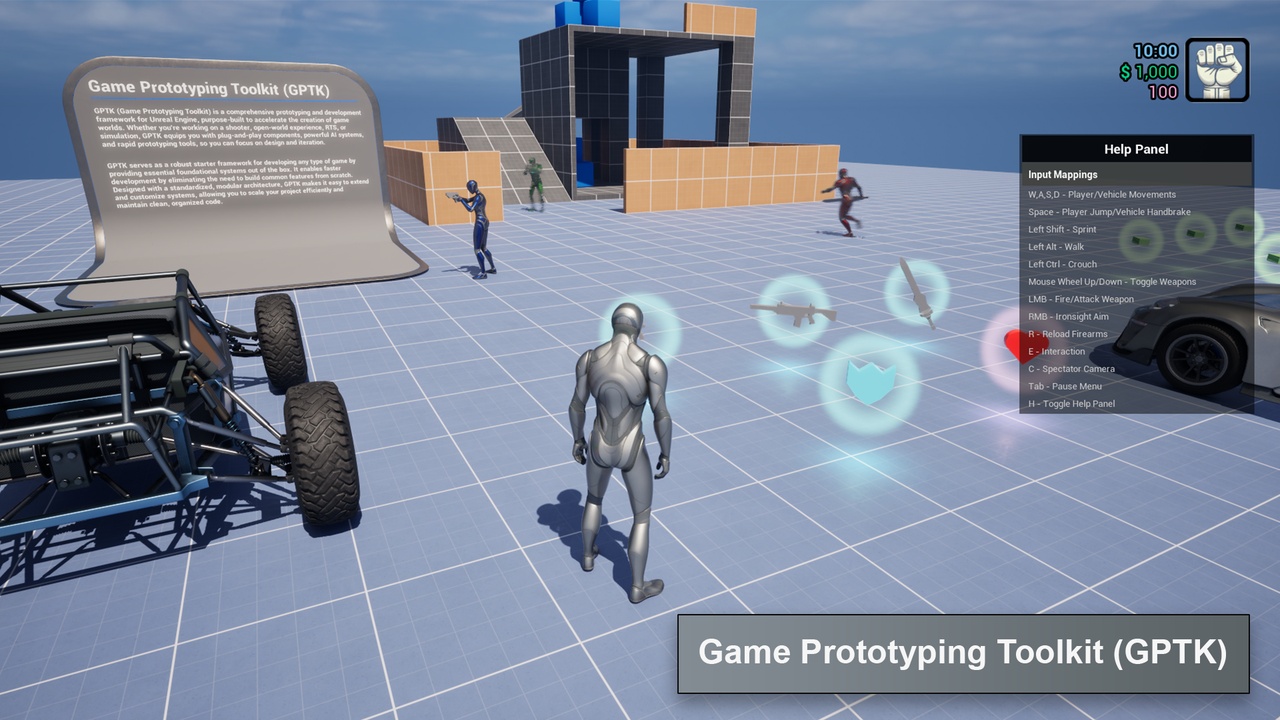
GPTK (Game Prototyping Toolkit) is a comprehensive prototyping and development framework for Unreal Engine, purpose-built to accelerate the creation of game worlds. Whether you're working on a shooter, open-world experience, RTS, or simulation, GPTK equips you with plug-and-play components, powerful AI systems, and rapid prototyping tools, so you can focus on design and iteration.
Features
Common Game Features: Consist of general features of any game such as NPCs, weapons, vehicles, interactions, auto materials etc.
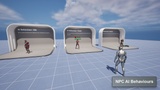
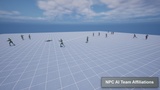
NPC AIs: Includes set of generic NPC AI behaviours such as idle, roam and attack.
Locomotion: Data-driven locomotion system that supports any skeleton.
Inventory: Player can interact with objects spawned in the world and can collect.
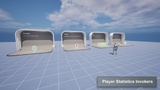
Actor Profile: Defines generic meta-data related actors such as health, damage, team, debug utilities etc.
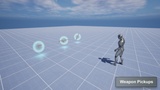
Weapons: Vast range of weapon capabilities including firearm and melee weapons.
Vehicle: Contains basic vehicle interaction and driving mechanisms.
Modular User Interface: Contains UI component library and utilities to prototype user interfaces & menus quickly.
Dynamic Time of Day: Handle the time of day in level, either specific static time or dynamic.
NPC Spawners: Optimized dynamic/static NPC spawn mechanism.
Camera Manager: Dedicated player camera manager to implement dynamic smooth camera transitions and effects.
Spectator Mode: Helpful when debugging the level or specific gameplay feature.
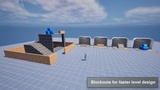
Blockouts: Set of modular actors that can be used to quickly prototype the level.
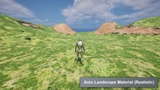
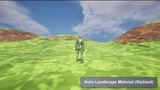
Auto Landscape Material: Customizable landscape material that automatically blend multiple landscape layers.
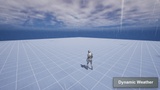
Dynamic Weather: Smooth weather transitions such as Rainy/Sunny.
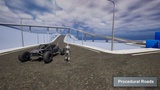
Procedural Roads: Quickly prototype road networks.
Advanced In-Built Debugging Capabilities: Visualize AI states and decisions in real time for easy debugging.
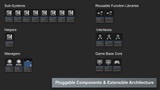
Component-Based Pluggable Architecture: Modular design for easy extension and customization.
Data-Driven Architecture: Configure AI behavior via data tables without modifying code.
Resources
View the official product page for detailed information, update notes, and additional resources.
Product Page: [View Product Page]
Follow the official documentation for installation, configuration, integration, customization, and troubleshooting.
Documentation: [View Docs]
Download the latest playable build to evaluate the system before integrating it into your project.
Playable Demo: [Download]
Watch the official trailers for an overview of the system’s primary features and workflows.
Preview Trailer (v1.0.0): Not Available
Explore feature demonstrations, implementation examples, development updates, and experimental use cases.
Dev Previews: Not Available
Follow the tutorial series for integration guidance, feature explanations, customization examples, and source code walkthroughs.
Tutorials: Not Available
Access all available product tutorials and structured learning materials from the official learning page.
Product Tutorials: Not Available
Learn how to build and understand the complete system through a dedicated step-by-step course.
Udemy Course: Not Available
Important Notes
Refer to the provided documentation and tutorial resources for integration, configuration, and customization guidance.
Some features may require additional project configuration.
The playable demo is provided to demonstrate the system’s features and overall capabilities.
Engine compatibility and available features may vary between product versions.
Contact and Community
Official Website: https://www.elsewaregames.com
Fab Marketplace: https://www.fab.com/sellers/elseware%20Games
Discord: https://discord.gg/6bPp6YjbSX
ITCH.io: https://elsewaregames.itch.io/
Instagram: https://www.instagram.com/elsewaregames
Technical Support
For technical questions, bug reports, feature requests, or compatibility inquiries, contact:
Email: [email protected]