Descrizione
Overview
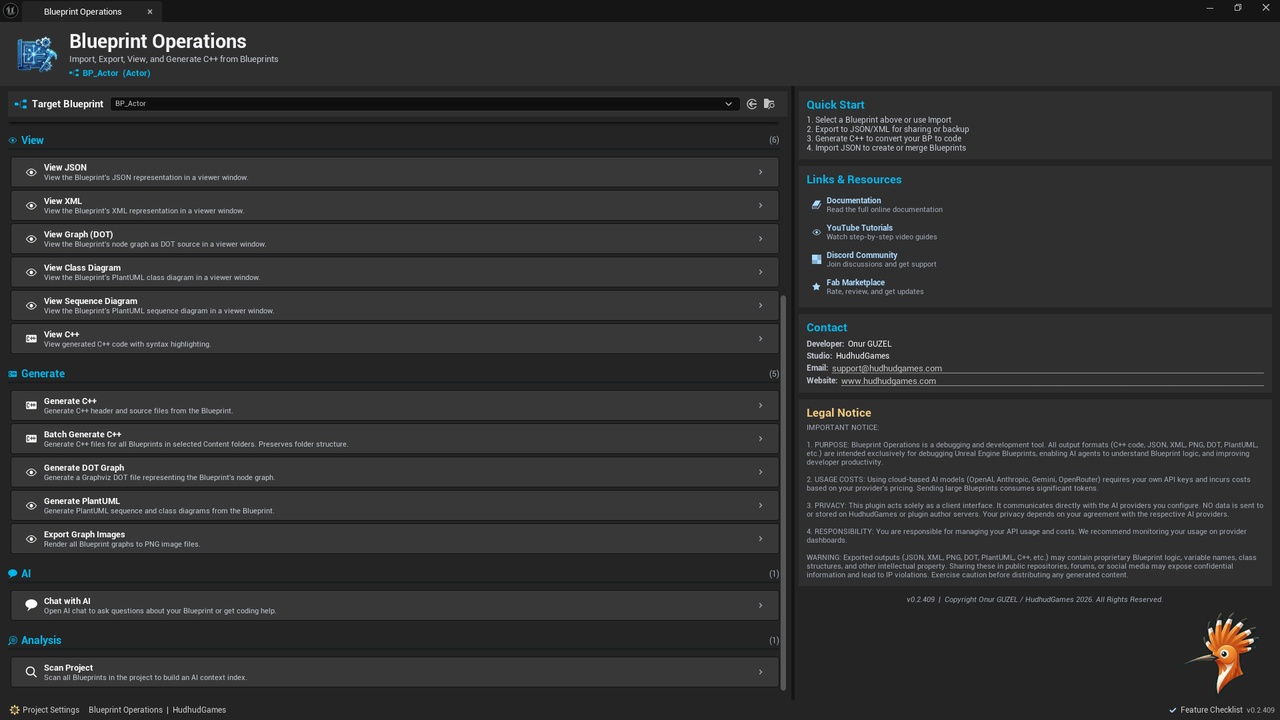
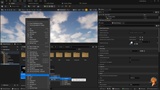
Blueprint Operations is an advanced developer tool for Unreal Engine designed to bridge the gap between visual scripting and structured workflows. It allows developers to export Blueprint graphs into structured JSON, inspect Blueprint data through a dedicated visual interface, and generate C++ skeleton code to assist migration and documentation processes.
The plugin focuses on improving visibility, analysis, and workflow efficiency for Blueprint-heavy projects without requiring any external dependencies.
Blueprint Operations works fully as a standalone editor tool. However, when used together with AI Chat and AI Browser plugins from the HudHud ecosystem, developers can additionally leverage AI-assisted analysis workflows directly inside Unreal Engine.
Core Functionality
Blueprint Export System
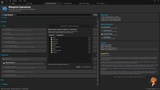
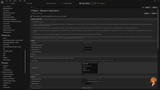
Export Blueprint graphs, variables, functions, and metadata into clean, structured JSON files.
This enables documentation, auditing, collaboration, and external processing of Blueprint logic.
Visual Blueprint Inspector
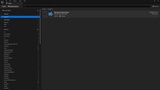
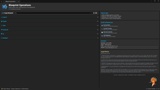
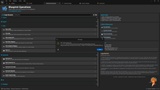
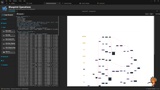
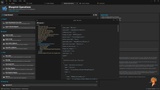
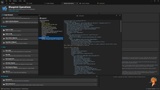
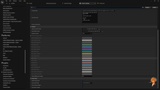
A dedicated editor window allows developers to explore exported Blueprint data using a multi-panel interface with readable formatting and structured visualization.
C++ Skeleton Generation
Generate placeholder C++ class structures based on Blueprint layouts.
This provides a practical starting point for Blueprint-to-C++ migration workflows without modifying original assets.
Batch Processing
Process entire folders or large Blueprint collections automatically, making the tool suitable for production-scale projects.
AI Integration (HudHud Ecosystem)
Blueprint Operations itself does not require AI services to function.
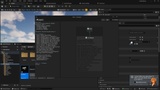
When installed alongside AI Chat and AI Browser, the plugin becomes part of the HudHud Plugin Ecosystem, enabling AI-assisted workflows such as:
Sending Blueprint JSON directly into AI conversations
AI-based Blueprint inspection and explanation
Iterative analysis and developer-assisted code review workflows
These integrations are optional enhancements. Blueprint Operations remains fully functional as a standalone Blueprint export and inspection tool.
Designed for Developers
Blueprint Operations is ideal for:
Unreal Engine developers migrating Blueprints to C++
Technical artists managing complex Blueprint systems
Teams documenting large Blueprint architectures
Developers using AI tools to understand or review Blueprint logic
Studios seeking structured Blueprint analysis workflows
Key Principles
Editor-only developer utility
No runtime dependencies
Does not modify original assets
Works independently or as part of a larger tool ecosystem
Designed for scalable production workflows
All generated files are written to a dedicated output directory and never alter existing Blueprint assets.
Advanced Workflow & Documentation Capabilities
Large Blueprint projects can quickly become difficult to navigate, document, and communicate.
Complex visual graphs, nested function calls, macros, and interconnected systems often make Blueprint architectures hard to analyze, review, or share especially in production-scale projects.
Blueprint Operations addresses this challenge by allowing you to scan entire Blueprint structures and convert them into structured, portable formats.
Full Project Scanning
The plugin can process entire folders or Blueprint collections and export structured representations of Blueprint data. From this exported structure, developers can generate:
Structured JSON representations
XML-compatible outputs
C++ skeleton class definitions
Architecture-ready data models
This makes it significantly easier to understand large Blueprint systems outside the visual editor.
Diagram Generation & Visualization
Using exported Blueprint data, developers can generate structured outputs compatible with:
Graphviz
PlantUML
Class diagrams
Sequence diagrams
Structural graph representations
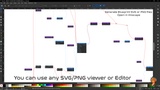
This enables Blueprint logic to be transformed into readable architecture diagrams, helping teams visualize dependencies, execution flow, and structural relationships.
For teams documenting systems, conducting technical reviews, or collaborating remotely, this is a major productivity boost.
Share Complex Blueprints Easily
Large Blueprints are notoriously difficult to share in forums, documentation, or technical discussions.
Blueprint Operations allows:
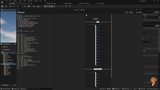
Capturing full Blueprint graph visuals
Exporting large Blueprint graphs into shareable formats
Generating structured outputs suitable for Unreal Engine forums and community discussions
Instead of sharing screenshots of partial graphs, developers can now share structured representations, diagrams, or full visual captures making collaboration significantly clearer.
Built for Real-World Blueprint Complexity
As Blueprint systems grow, maintaining clarity becomes increasingly challenging.
Understanding execution paths, documenting architecture, or migrating to C++ can become time-consuming and error-prone.
Blueprint Operations is designed specifically for developers working with large-scale Blueprint architectures who need:
Structural insight
Documentation-ready outputs
Migration assistance
Collaboration-friendly formats
Whether you're building tools, gameplay systems, or enterprise-scale Unreal projects, Blueprint Operations helps transform visual complexity into structured clarity.
HudHud Plugin Ecosystem
Blueprint Operations is part of the HudHud ecosystem a modular collection of Unreal Engine developer tools designed to work independently while providing deeper workflows when combined.
Each plugin can be used on its own, but together they enable more powerful editor automation and AI-assisted development experiences.
Please feel free to contact for feature request, bug reports and more! We will be happy to help you.
Youtube : https://youtube.com/@HudHudGames
Discord: https://discord.gg/pFqXppDsnf
Support Email : [email protected]
Developer Email : [email protected]