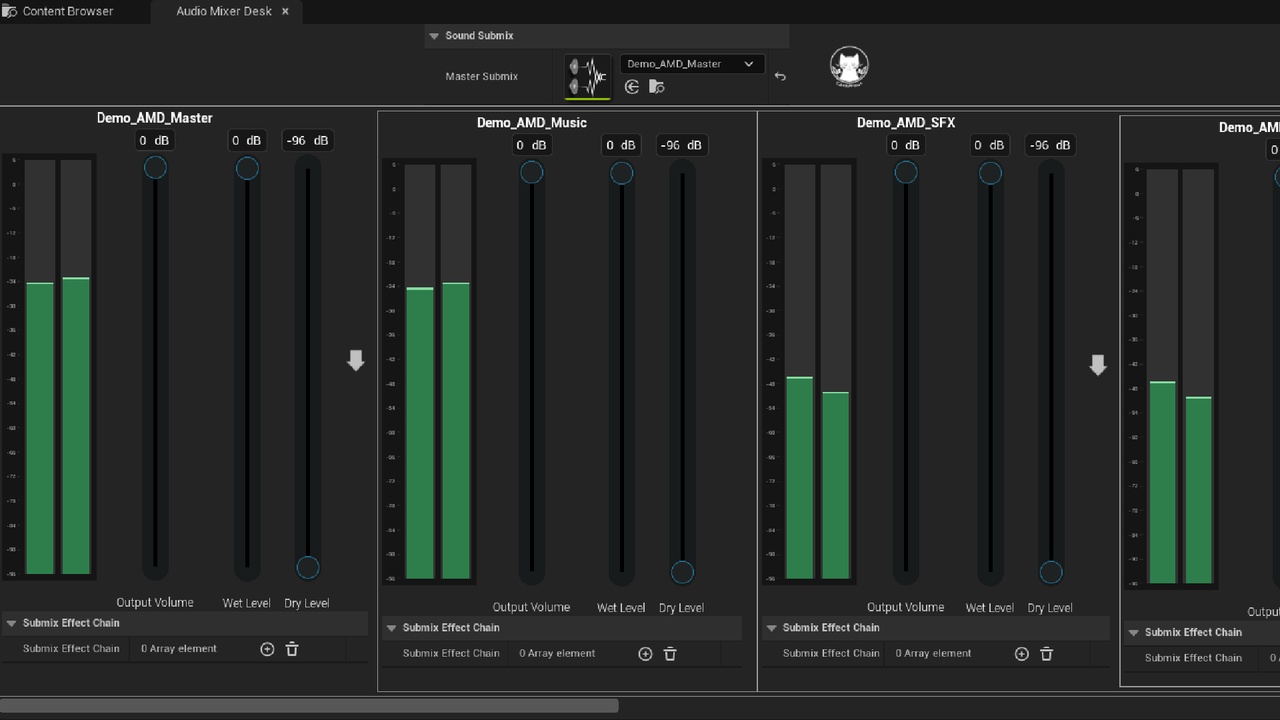
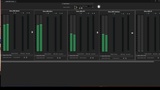
The Audio Mixing Desk is a powerful yet user-friendly tool designed to streamline your audio mixing process. It allows you to effortlessly visualize the volume levels of all your submixes and make precise adjustments to each one individually. Perfect for game developers looking to refine their sound design with ease and efficiency.
How to Use:
Add the Audio Mixing Desk to your project.
Locate the "AudioMixingDesk" folder in your Content Browser.
Right-click on "AudioMixingDesk" and select "Run Editor Utility Widget".
Choose a submix to mix under the "Master Submix" section.
Start mixing and bring your game's audio to life!
Promotional Video