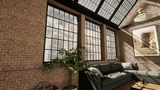
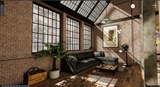
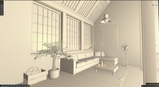
Açıklama
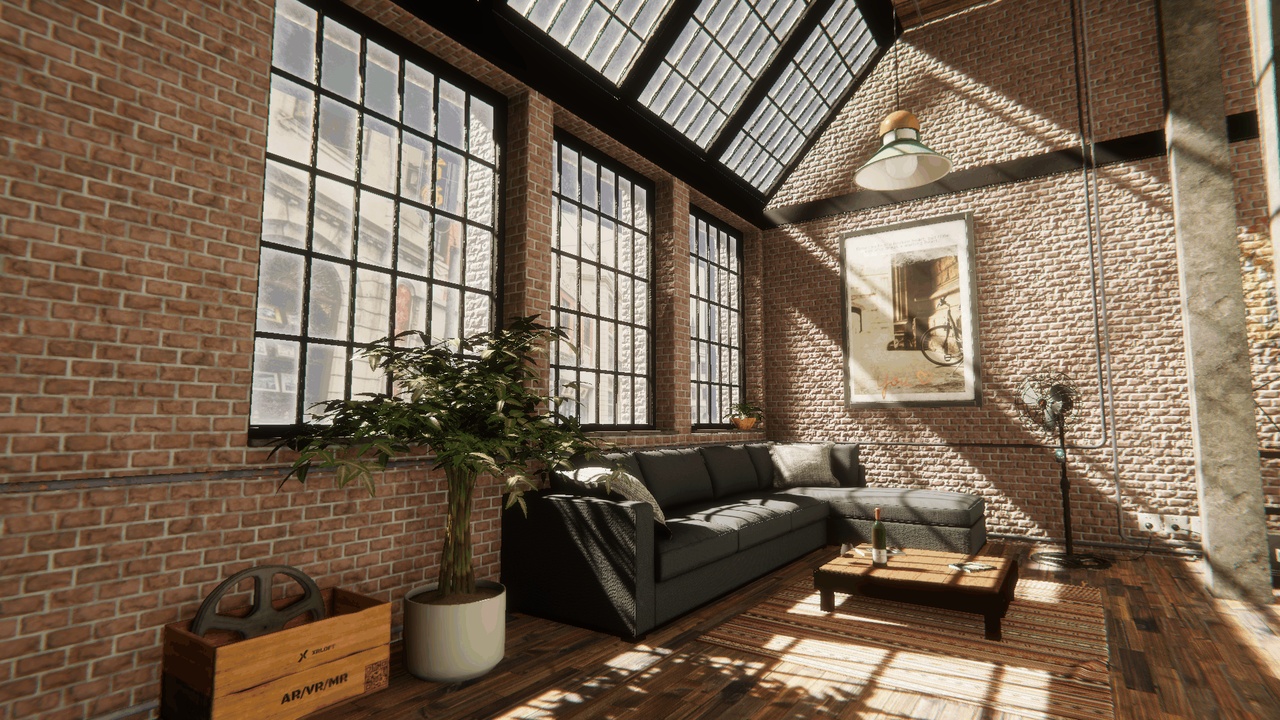
This is a Unity HDRP interior environment package featuring a loft-style pub and studio scene. It includes a complete demo scene, models, materials, textures, prefabs, and baked lighting data. It is suitable for game prototypes, real-time visualization, VR walkthroughs, interior previews, and architectural visualization.
Recommended EnvironmentUnity: 6000.4.10f1 or a compatible Unity 6 version
Render pipeline: HDRP
Current HDRP version: 17.4.0
Open the project in Unity.
Wait for Unity to import assets and restore package dependencies.
Open Assets/Loft/Scene/MainScene.unity.
Press Play to inspect the scene with the included simple camera controller.
Main asset folder: Assets/Loft
Main scene: Assets/Loft/Scene/MainScene.unity
Main prefab: Assets/Loft/Prefab/Loft.prefab
Models: Assets/Loft/Models
Materials: Assets/Loft/Materials
Textures: Assets/Loft/Textures
HDRP settings: Assets/Loft/Settings
The scene includes a simple preview camera controller:
Right mouse button: rotate view
W / A / S / D: move forward, left, backward, and right
Q / E: move down and up
Left Shift: move faster
Mouse wheel: adjust movement speed
Esc: quit play mode or stop the editor preview
To use the asset in another Unity project, copy the full Assets/Loft folder and make sure the target project uses HDRP. Importing into URP or the Built-in Render Pipeline may require material conversion and lighting rebake.
Known LimitationsThis package does not include complete gameplay logic.
This package does not include characters, quests, inventory, UI systems, networking, or save systems.
Non-HDRP projects require additional material and render pipeline setup.
Opening the project in a different major Unity version may trigger automatic project upgrades.