Description
🕹️ Try the WebGL Demo! | 📕 Documentation
🚀 Runs Smoothly on Any Device
Enjoy stutter-free scrolling thanks to optimized performance that works great even on lower-powered devices
🧩 Simple Setup
Integrates perfectly with your existing TextMesh Pro components, so you can get started quickly and easily
🌟 Effortless Scrolling
Add dynamic text scrolling effects to your Unity projects with just a few clicks
✏️ Customization Options
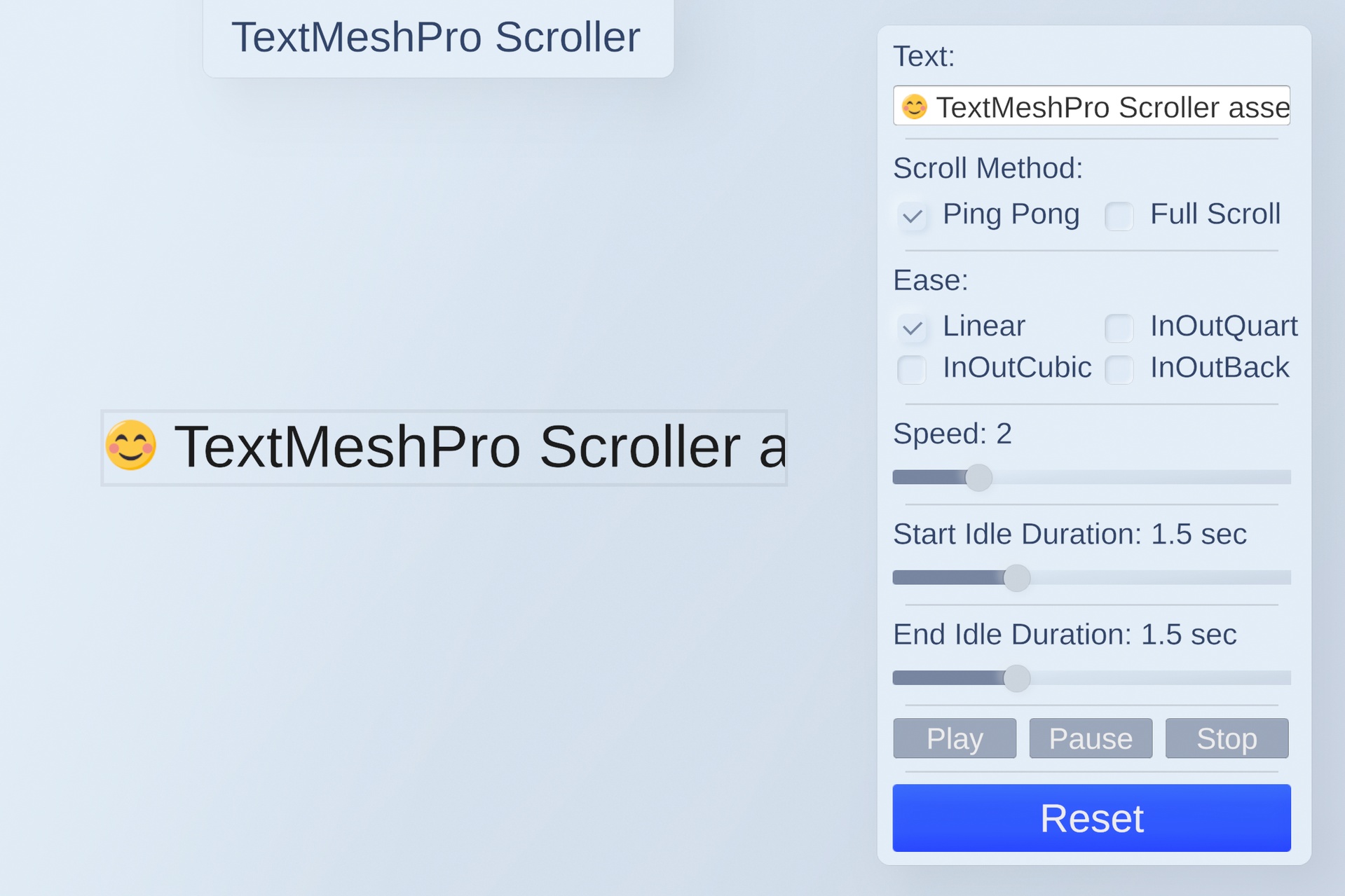
Choose from various scrolling methods (Ping Pong, Full Scroll) and fine-tune animation details like speed, delay, and easing
🏞 Works in 2D and 3D
No matter - a perspective camera or orthographic, it will work equally well
🛠 Customization Options
Choose from various scrolling methods (Ping Pong, Full Scroll) and fine-tune animation details like speed, delay, and easing.
💫 Customizable Ease Function
Define your own custom ease function for unique scrolling behavior
💻 Control Scrolling Behavior
Play, pause, stop, and configure scrolling details directly through the component
⬅️ RTL support
Scroll text in any language, including right-to-left (RTL) languages
📠 Long-Term Support
Be sure that you'll get support for new unity versions and features
📖 Full C# source code and example scene included
Easy to understand and customize